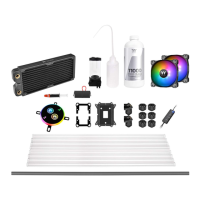
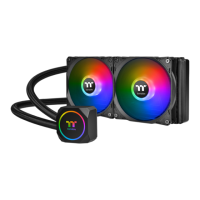
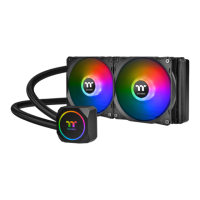
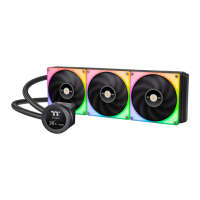
C240 DDC SOFT TUBE LIQUID COOLING KIT
Motherboard SYNC installation Guide
CAUTIONCAUTION
1. Light Mode:
Switch over between 7 LED modes.
3. Light Speed:
Switch over between 4 light modes.
When light mode is in RGB Spectrum:
Click to memorize and lock the color you want, click again to unlock the 256
colors auto rotation.
Red → Yellow → Green → Teal → Blue → White → Purple
When light mode is in Ripple :
Switch over 7 LED colors .
When light mode is in Wave and Flow :
LED color can not be adjusted.
Red → Yellow → Green → Teal → Blue → White → Purple → Rainbow
2. Color Mode:
When light mode is in Full Lighted, Pulse and Blink :
Switch over 8 LED colors .
Wave → Full light → RGB Spectrum → Off → Flow → Ripple → Pulse → Blink
Slow → Normal → Fast → Extreme
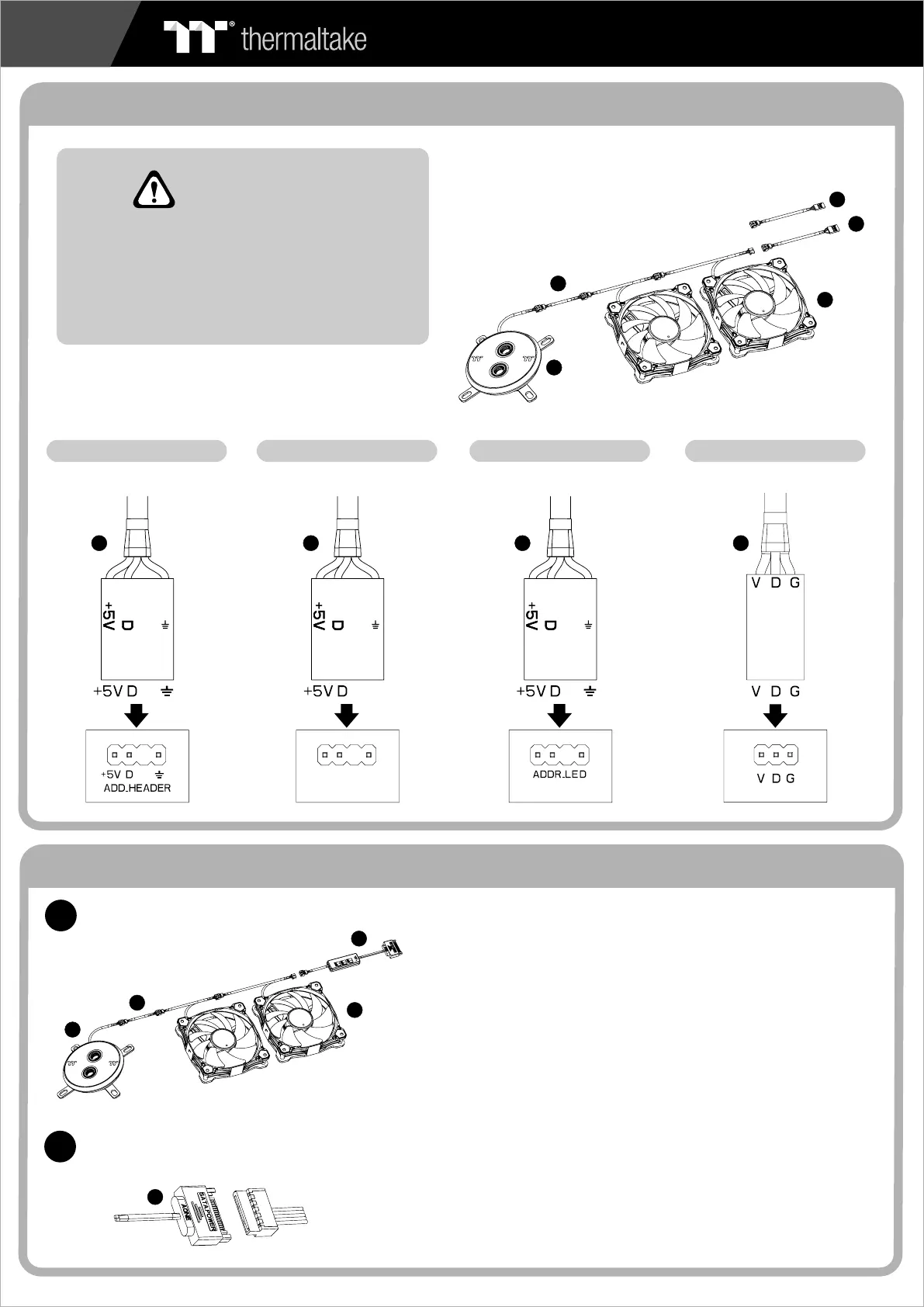
Connect the Motherboard Signal Bridge Cable to fan led cable
Please power off the PC and check
the Positive and Negative ends on
the connector before connecting
the cable to motherboard. Connecting
the wrong end can damage the LEDs.
Aura Addressable Strip Header(s) Addressable RGB LED Header(s)
AORUS RGB Fusion with Digital LEDs
ASUS ASROCK
GIGABYTE
JRGB-strip Header(S)
MSIMSI
1
2
Connect the ARGB controller to the Fans.
Connect the ARGB controller to the SATA connector.
ARGB Controller Installation Guide
4
29
29 29 29 30
32
32
20
20
11
11
01
01
30



 To Previous Page