藍色線條為尺寸標示,請勿印刷上去!
產品料號
CA-1G7-00M1WN-00 View 27 說明書 16/06/29 A
產品名稱
印刷項目
發稿日期
版本
騎馬釘24
105 g
X X X X X
雙銅
單色 無無
其他特 殊處理 效果表面處 理
2
厚度(g/m )
裝訂方 式 材質頁數 印刷色 彩
規格樣 式
整本
CHECK DESIGN
其他特 殊處理 效果表面處 理
2
厚度(g/m )
材質印刷色 彩
封面樣 式(當 封面與 內頁樣式不同時尚須填 寫)
刀模線
125 mm
176 mm
Peipei
(16/06/29)
Mike.Lin
(16/06/29)
Contents
1 2
Cable Tie
Buzzer
8
4
Figure
Parts Name
Q'ty
Used for
Stand-off M3
1
4
3
Screw M3 x 5 mm
Screw M3 x 30L mm
Screw M3 x 5 mm
16
8
6
6
Screw # 6-32 x 6 mm
Screw Ø3 x 5mm
Screw Ø3 x 8mm
Settle Cable
Motherboard Alarm
Motherboard
Motherboard/ODD/FDD/2.5”HDD
3.5"HDD(HDD Tray)
Power Supply
HDD Cage
Front Panel
HDD Fan
Chapter 1. Product Introduction
Chapter 2. Installation Guide
2.1
2.2
2.3
2.4
2.5
2.6
2.7
1.1
1.2
1.3
02
02
03
05
06
07
08
10
11
12
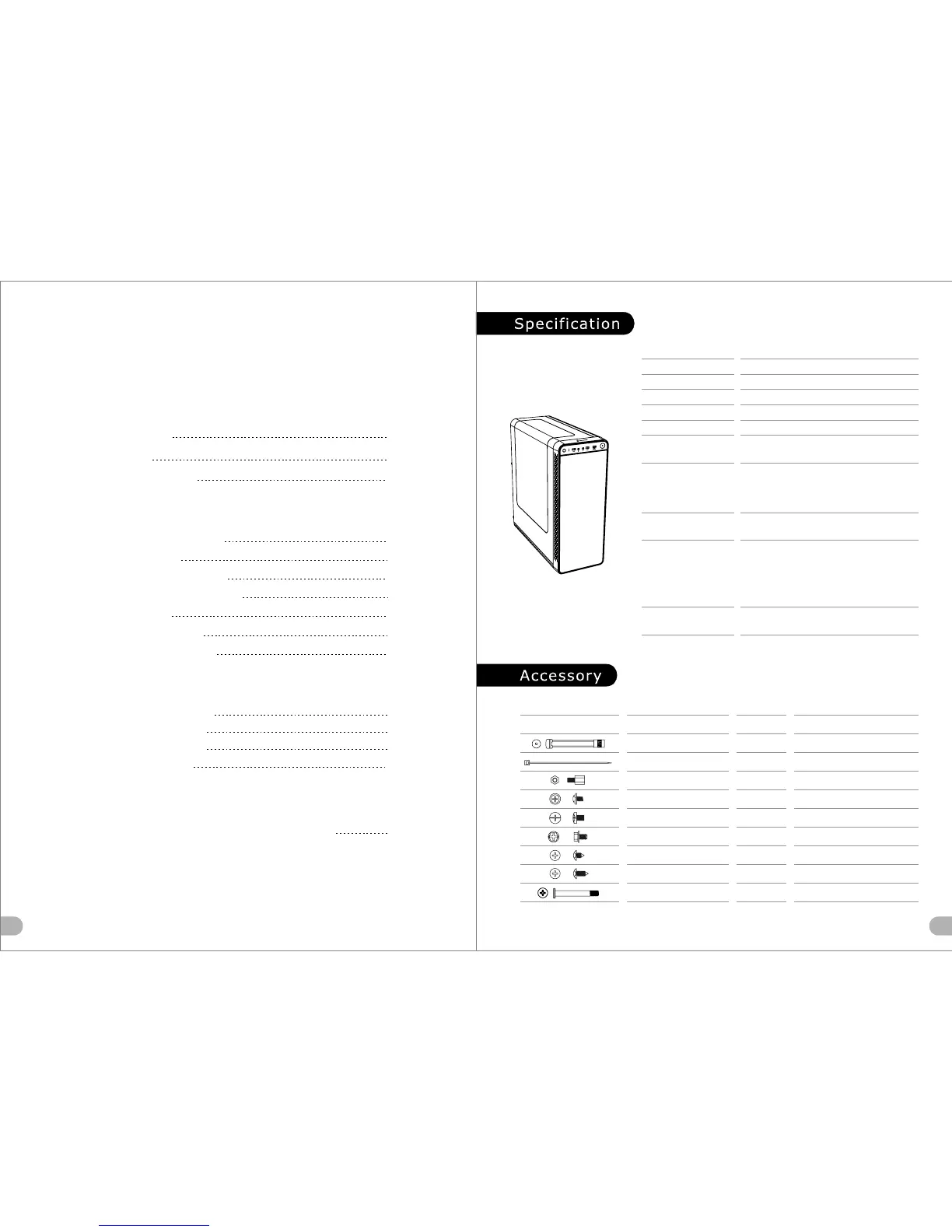
Specification
Accessory
Warning and Notice
Side Panel Disassembly
PSU Installation
Motherboard Installation
3.5" & 2.5" HDD Installation
Chapter 3. Leads Installation
Case LED Connection
USB 2.0 Connection
USB 3.0 Connection
Audio Connection
3.1
3.2
3.3
3.4
13
13
13
13
Chapter 4. Other
4.1
19
Thermaltake Power Supply Series (Optional)
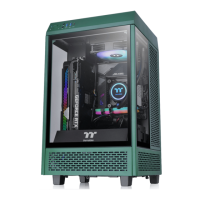
*Picture for reference only
*Information in the user manual is subject to change without notice
PCI Slot Usage
Radiator Installation
Air Cooling Installation
Mid Tower
Radiator Support
USB 3.0 x 1,USB 2.0 x 2, HD Audio x 1
8 + 2
SPCC
Front: 1 x 360mm
Rear: 1 x 120mm
Case Type
Dimension (H*W*D)
I/O Port
Expansion Slots
Material
Fan Support
6.7” x 6.7” (Mini ITX), 9.6” x 9.6” (Micro ATX),
12” x 9.6” (ATX)
Motherboards
Drive Bays
-Accessible
-Hidden
-
2 x 3.5” or 2.5”(with HDD tray) ,
4 x 2.5” (with the M/B tray)
Front:
3 x 120mm
Rear:
1 x 120mm
Power Cover:
1 x 120mm
Cooling System
Rear (exhaust) :
120 x 120 x 25 mm fan (1000rpm, 16dBA)
508 x 201 x 479mm (20 x 7.9 x 18.8 inch)

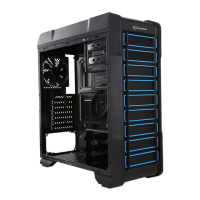
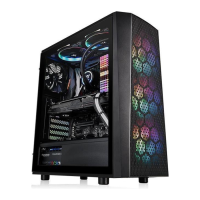
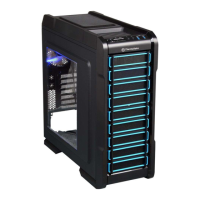
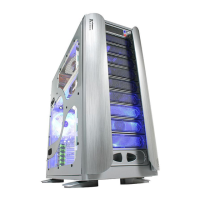


 To Next Page