EasyManua.ls Logo

Thermo Scientific 42i - User Manual

Thermo Scientific 42i
347 pages
Print Icon
To Next Page IconTo Next Page
Loading...
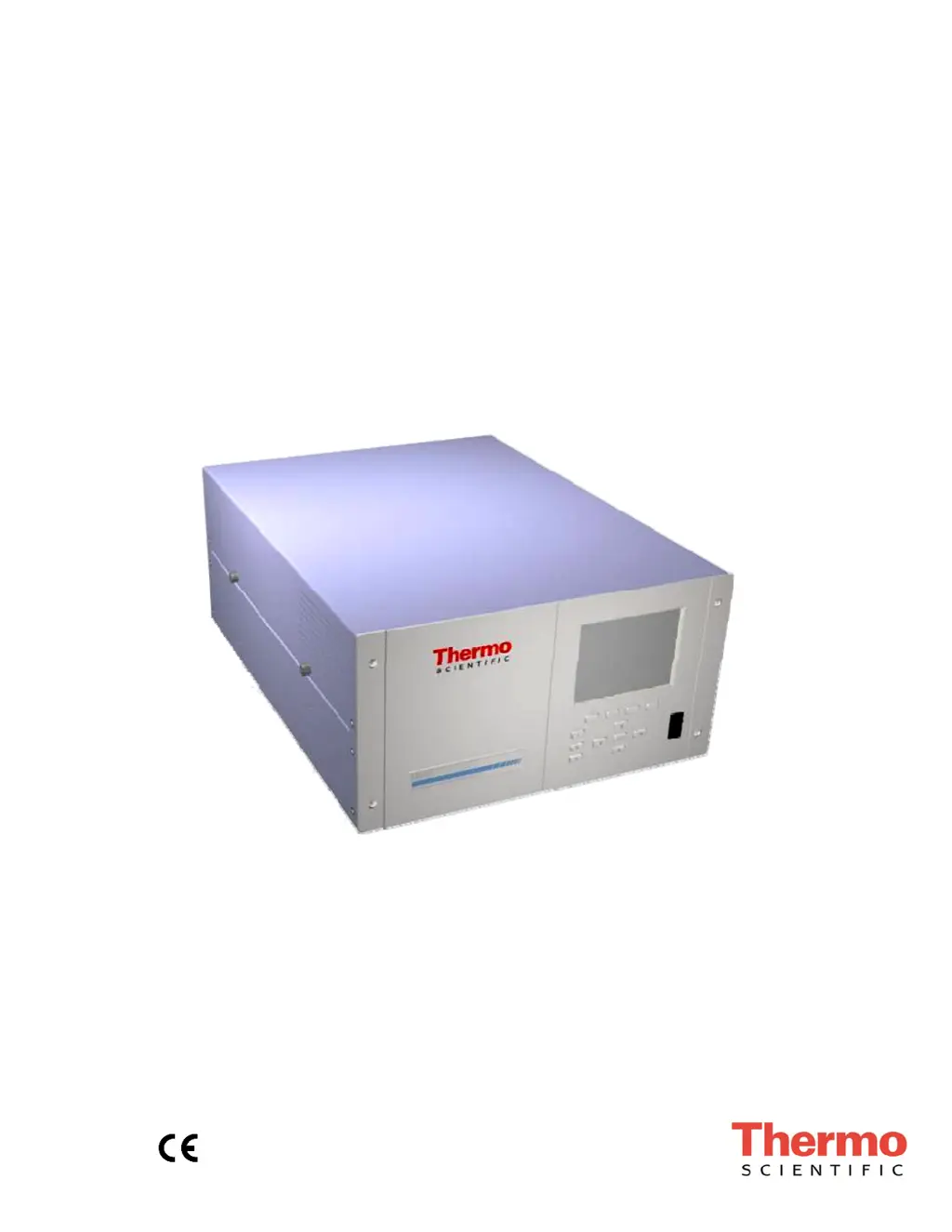
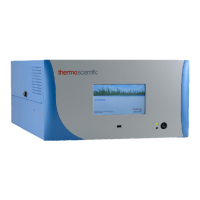
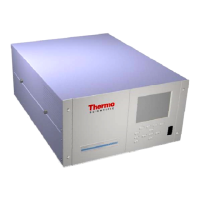
Model 42i
Instruction Manual
Chemiluminescence NO-NO
2
-NO
x
Analyzer
Part Number 101350-00
25Jul2015

Table of Contents

Questions and Answers

  • J
    Joseph SandovalAug 18, 2025
    What to do if Thermo Scientific 42i Measuring Instruments does not start up?
    • B
      barronrickeyAug 18, 2025
      If your Thermo Scientific Measuring Instruments unit doesn't start, there are several things to check: * **Power Source**: Ensure the instrument is correctly plugged into a suitable power source (115 or 220 VAC, 50 or 60Hz). * **Fuses**: Inspect the instrument fuses. * **Power Supply Voltages**: Use a digital voltmeter to check the voltages. * **Digital Electronics**: With the power cord unplugged, make sure all boards are properly seated. * **Faulty Board Isolation**: With the power cord unplugged, remove boards one by one, replacing each with a known good board to identify any faulty components.
  • A
    Alex WilliamsAug 23, 2025
    What to do if Thermo Scientific Measuring Instruments has no output signal or very low output?
    • B
      Brandon HinesAug 23, 2025
      If your Thermo Scientific Measuring Instruments unit is showing no output signal or a very low output, you should check these items: * **Sample Gas Flow**: Verify that the sample gas is reaching the analyzer by checking the input sample flow. * **Pump Diaphragm**: If the pump diaphragm is ruptured, rebuild the pump head. * **Sample Capillary**: Unplug the power cord, then clean or replace the blocked sample capillary. * **Ozone Supply**: Check the Instrument Control chamber menu to confirm that the ozonator is ON. If it is ON, check the dry air supply.
  • A
    Andrea PayneAug 26, 2025
    What to do if Thermo Scientific 42i alarms for NO, NO2, NOx concentration?
    • V
      velasquezdianeAug 26, 2025
      If your Thermo Scientific Measuring Instruments unit is alarming due to NO, NO2, or NOx concentration, consider these solutions: * **Range**: Ensure the instrument's range corresponds with the expected value. If not, select the proper range. * **Low Set Point**: Check the user-defined low set point and set it to zero if the concentration is low. * **Internal Connections**: Verify that all internal cables are connected correctly. Try recycling AC power to the instrument. If the alarm persists, replace the board.
  • B
    Brandi NicholsonAug 28, 2025
    What to do if Thermo Scientific 42i Measuring Instruments indicates alarm - Cooler Temp?
    • M
      Michael BakerAug 28, 2025
      If your Thermo Scientific Measuring Instruments unit is showing a Cooler Temp alarm, try these steps: * **Fan Operation**: Check if the fan is operating correctly. * **Fan Replacement**: Replace the fan if it is defective. * **Foam Filter**: Clean or replace the foam filter. * **Cooler Reading 80 °C**: Replace the cooler. * **Cooler Set Point**: If the cooler does not hold the set point of -3 °C, replace the cooler, as the thermoelectric module inside may have failed. * **Cooler Reading -20 °C**: Replace the cooler, as the thermocouple may be bad.
  • C
    Colin HartAug 30, 2025
    What to do if Thermo Scientific 42i shows excessive noise?
    • J
      Jeremy HallAug 30, 2025
      If your Thermo Scientific Measuring Instruments unit is producing excessive noise, try the following: * **PMT**: Unplug the power cord. Remove the PMT and install a known good PMT. Plug in the power cord and check performance if the PMT is defective or has low sensitivity. * **Input Board**: Replace the input board if it is defective. * **Cooler**: Check the cooler temperature (it should be less than 2 °C at Tamb = 25 °C) if the cooler is defective.
  • A
    Anna Wood DVMSep 1, 2025
    What to do if Thermo Scientific 42i alarms – Ozonator Flow?
    • M
      Melanie EdwardsSep 1, 2025
      If your Thermo Scientific Measuring Instruments unit is showing an Ozonator Flow alarm, it may be caused by low ozone flow. Check the ozone capillary (0.008 inch ID) for any blockages and replace it if necessary.
  • A
    Andrew BarrySep 3, 2025
    What to do if Thermo Scientific 42i Measuring Instruments displays alarm - Span Check?
    • M
      Mary JonesSep 3, 2025
      If your Thermo Scientific Measuring Instruments unit displays an alarm during a span check, check the gas supply. Then, perform a manual calibration.
  • T
    Thomas ReevesSep 6, 2025
    What to do if Thermo Scientific Measuring Instruments alarms - Internal Temp?
    • D
      Dr. Thomas LevySep 6, 2025
      If your Thermo Scientific Measuring Instruments unit is showing an Internal Temp alarm: * Check the fan operation. * If the fan is not operating properly, replace it. * Clean or replace the foam filter.
  • J
    John GravesSep 8, 2025
    What to do if Thermo Scientific 42i alarms - Chamber Temp?
    • C
      Cynthia HortonSep 8, 2025
      If your Thermo Scientific Measuring Instruments unit displays a Chamber Temp alarm, here’s what you can do: * If the chamber temperature is below the set point of 50 °C, check the 10K ohm thermistor and replace it if it is bad. * Check the temperature control board to ensure the LEDs are on. If not, the temperature control board could be defective.
  • S
    Sara VaughanSep 12, 2025
    Why Thermo Scientific 42i Measuring Instruments alarms - Zero Check?
    • T
      travismitchellSep 12, 2025
      The Thermo Scientific Measuring Instruments unit alarms during a Zero Check because it is out of calibration. Recalibrate the instrument.

Summary

Introduction

Specifications

Lists key operational parameters and performance characteristics of the Model 42i.

Installation

Setup Procedure

Outlines the steps for connecting sample, zero, span, and exhaust lines.

Operation

Instrument Controls Menu

Controls various instrument operational parameters, including ozonator, PMT, and datalogging.

Alarms Menu

Displays items monitored by the analyzer and their status (OK, LOW, HIGH, FAIL).

Calibration

Zero and Span Check

Explains how to perform initial and periodic calibration checks for zero and span.

Preventive Maintenance

Troubleshooting

Troubleshooting Guides

Offers general troubleshooting information to isolate and identify instrument problems.

Servicing

Replacement Parts List

Lists part numbers for major subassemblies and components of the Model 42i.

NO2-to-NO Converter Replacement

Details the procedure for replacing the NO2-to-NO converter.

Analog Output Calibration

Details the procedure for calibrating analog output channels.

Appendix B C-Link Protocol Commands

Commands

Describes the structure and syntax of C-Link protocol commands.

Datalogging

Explains commands for managing data logging, including clearing records and setting intervals.

Appendix C MODBUS Protocol

Appendix D Geysitech (Bayern-Hessen) Protocol

Thermo Scientific 42i Specifications

General IconGeneral
BrandThermo Scientific
Model42i
CategoryMeasuring Instruments
LanguageEnglish

Related product manuals