This will access the Setup Scan page from which the start and stop
wavelengths can be edited.
If the method has been edited, it may be saved to the instrument
Library or to disk. A different file name must be used.
9. Clear the beams or insert suitable blank(s) and close the lid of the
sample compartment.
10. Press Zero.
A message “Measuring Baseline” appears.
11. Insert the sample in the cell holder and close the lid of the sample
compartment.
12. Press Run.
A message “Measuring Sample” appears.
Note Quartz cells MUST be used for all DNA measurements. Glass or plastic
cells are not suitable because they do not transmit at the wavelengths
used.
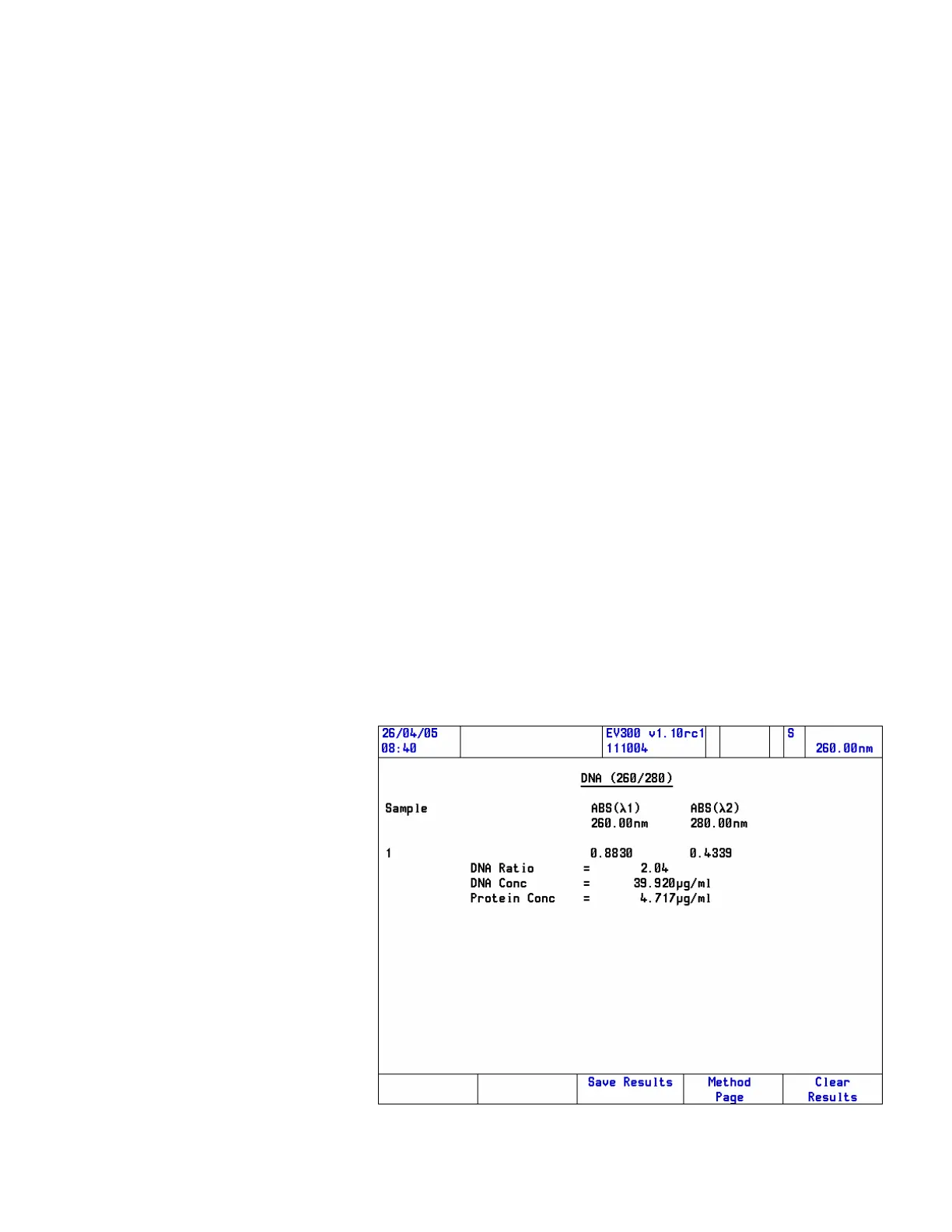
The results page contains the results of the calculations and the Scan
when applicable.
Thermo Fisher Scientific Evolution 300 and Evolution 600 User Guide 59










 To Next Page