EasyManua.ls Logo

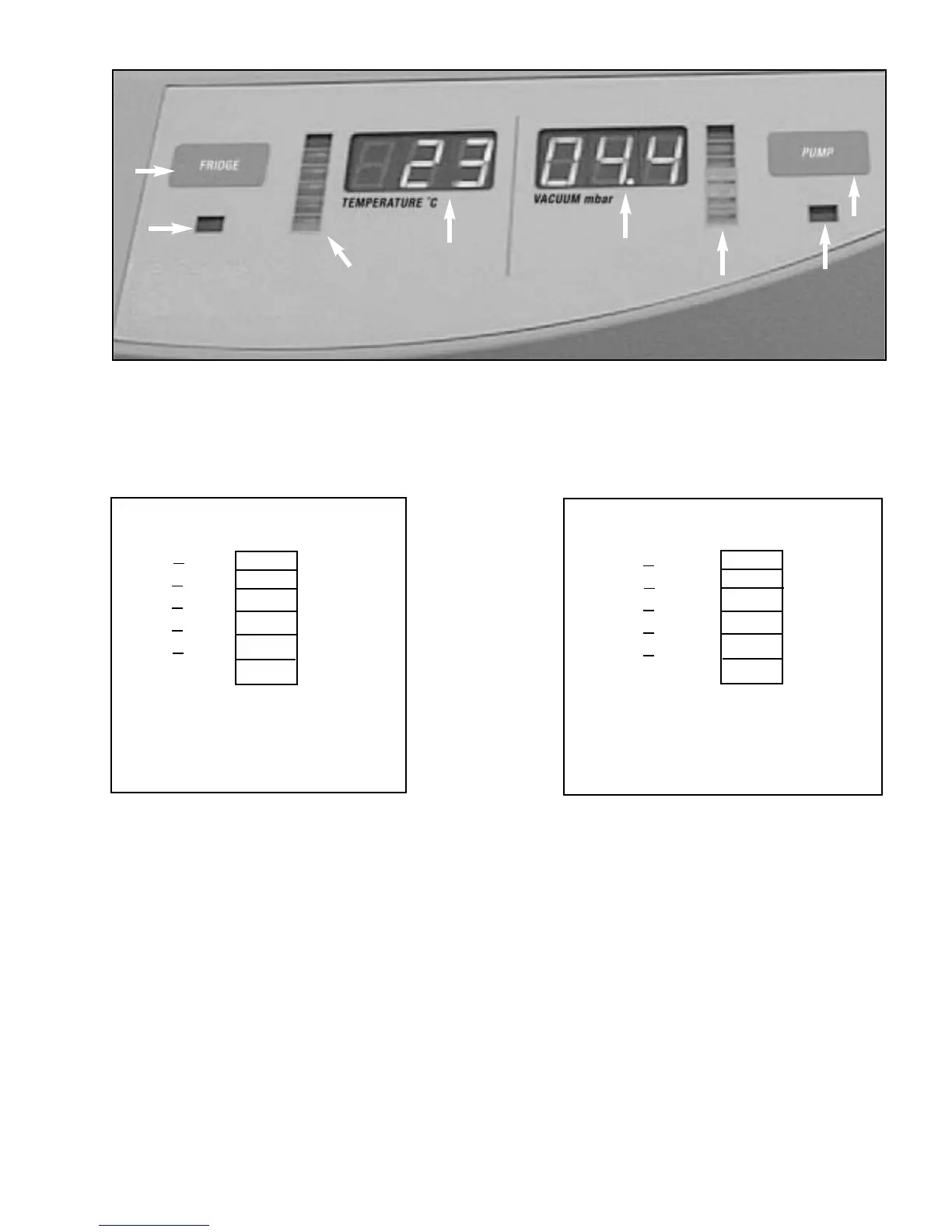
Thermo Scientific ModulyoD - Figure 6-Temperature Progress Bar; Front Fascia

Thermo Scientific ModulyoD
30 pages
Print Icon
To Next Page IconTo Next Page
To Previous Page IconTo Previous Page
Loading...
1
2
4
3
7
5
6
Figure 5 – M
ODULYOD CONTROL PANEL
See Table 1, page 7, for description of items.
9
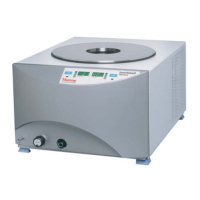
The front fascia forms the front of the ModulyoD cabinet. The user interface is
located on the upper right-hand portion of this surface. The drain outlet, drain
valve and vacuum port are located on the lower left-hand portion.
1.2.1.4 FRONT FASCIA
8
Temperature Color
°C
Figure 6
TEMPERATURE
PROGRESS BAR
Pressure Color
mbar
Figure 7
VACUUM
PROGRESS BAR
T<-40
-40<T<-34
-34<T<
-21
-21<T<-7
-7 <T<
+7
7 <T
Green
Amber
Amber
Amber
Red
Red
H<1.0
1 <H<3.95
3.95 <H<
6.58
6.58 <H<13.16
13.16<H<
52.6
52.6 <H
Green
Amber
Amber
Amber
Red
Red

Related product manuals