8.1 Sterilization Cycle
The Sterilization Cycle will heat the incubator
interior surfaces to 140°C. Contact with any sur-
face inside the outer door during this cycle may
result in burns.
1. Remove any samples, instruments, dishes, etc.from the
chamber. Set the inventory system magnet plate aside, if
used.
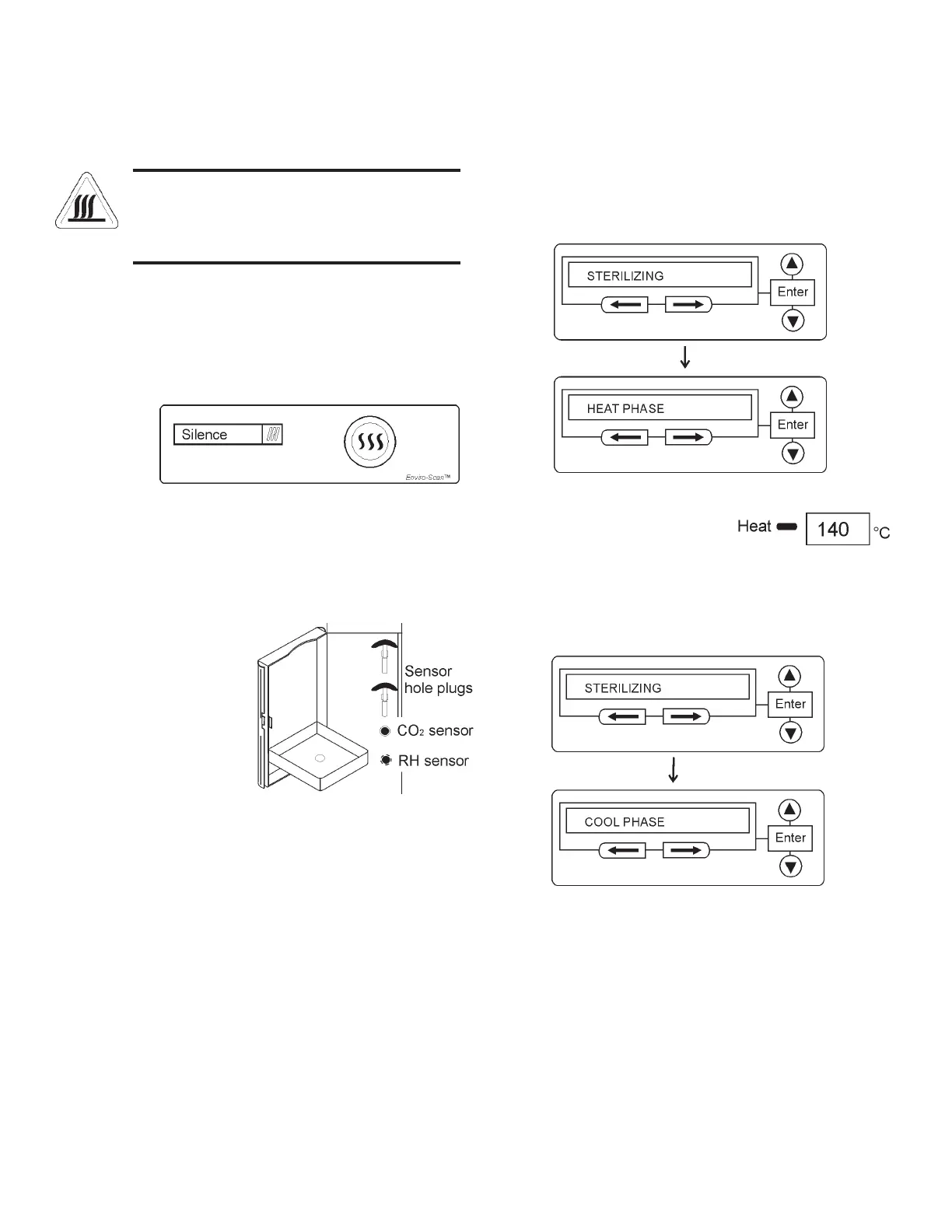
2. Press and hold the Sterilization Cycle initiation button
on the control panel (Figure 8-1) for approximately 3
seconds until it lights.
3. Enter the access code, if applicable. An access code is
recommended to prevent accidental cycle initiation.
4. Pre Sterilization - The display toggles between “OPEN
ACCESS DOOR”, “REMOVE SENSORS” AND
“PRESS ENTER”. If no response within 5 minutes, the
display returns to “SYSTEM OK”.
5. Remove the RH and
CO
2 sensors. To access
the sensors, open the
access door containing
the humidity system
water bottle. (The illus-
tration shows the bottle
removed for clarity.)
Locate the RH and CO
2
sensors (Figure 8-2).
6. Pull the sensors out-
ward carefully. Allow them to hang. See Step 12 for the
sensor disinfecting procedure.
7. Secured in the same area are sensor hole plugs. Install a
plug into each sensor location. Close the access door.
Steri-Cult Incubator _______________________________________________________________________Sterilization Cycle
8. After ENTER is pressed with the sensor hole plugs
installed, the Heat Phase initiates. The cycle initiation
button flashes and the display toggles between “STER-
ILIZING” and “HEAT PHASE”. During this period, the
HEAT light will be on and the cabinet heats to steriliza-
tion temperature.
9. When the air temperature in the unit reaches 140.0°C,
the Sterilization Phase begins
and the display shows
“STERILIZING”.
10. After approximately 2 hours, a 5-second audible tone
sounds, signaling that sterilization is complete. The Cool
Phase begins. The display toggles between “STERILIZ-
ING” and “COOL PHASE”.
Figure 8-1
Figure 8-3
Figure 8-4
8 - 3
Figure 8-2



 To Next Page