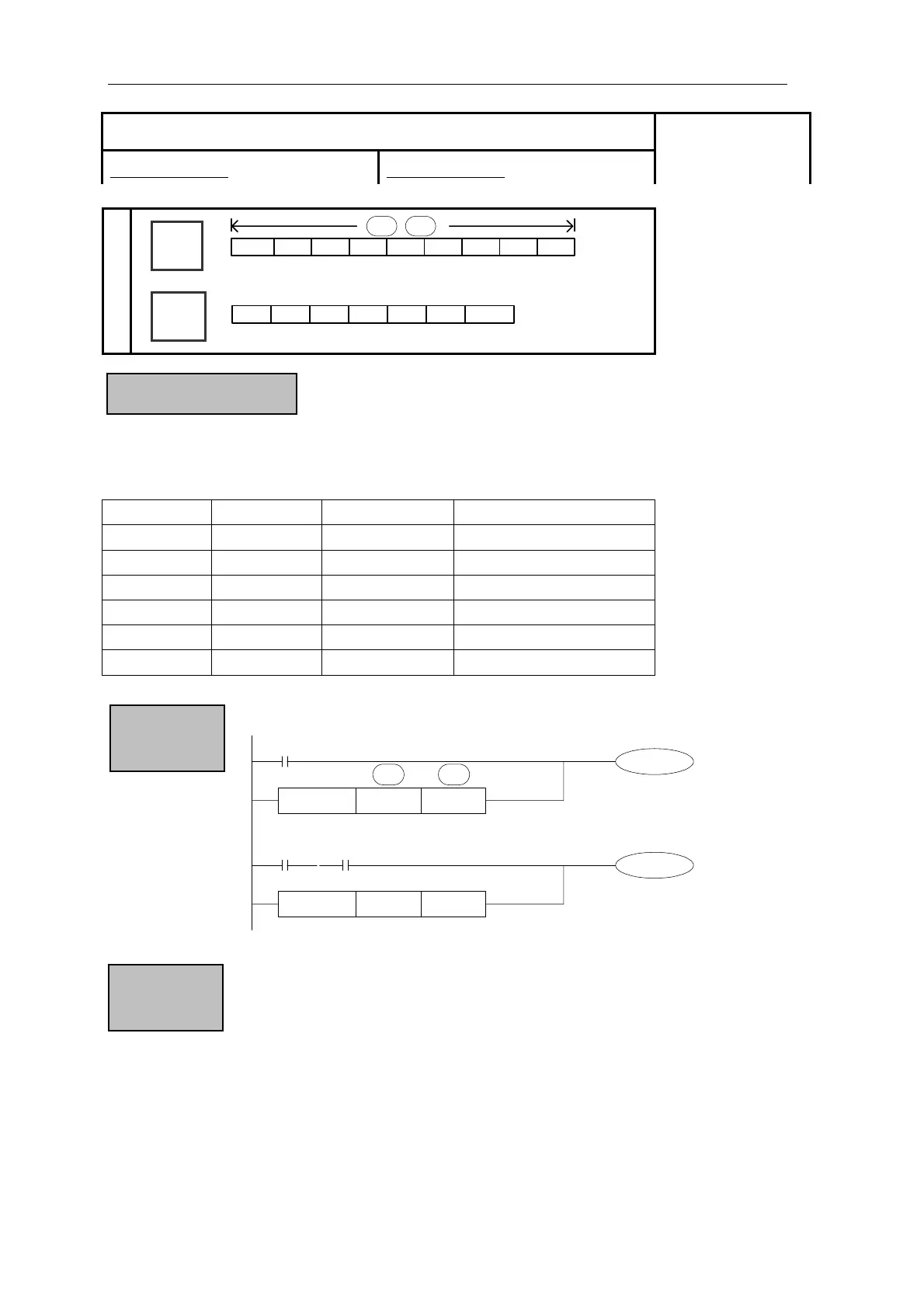
Applied Instructions
T e of S1 and S2 cording to the instruction. If the comparison is true then the AND
c active. If the c n the AND contact is not active.
6 bits 32 bits Active condition Inactive condition
he valu are tested ac
ontact is omparison is false the
1
AND= DAND= (S1)=(S2) (S1)≠(S2)
AND> DAND> (S1)>(S2) (S1)≤(S2)
AND< DAND< (S1)<(S2) (S1)≥(S2)
AND<> DAND<> (S1)≠(S2) (S1)=(S2)
AND<= DAND<= (S1)≤(S2) (S1)>(S2)
AND>= DAND>= (S1)≥(S2) (S1)<(S2)
OR=
K100 C0
Y0
DOR>
K68899D10
M50
M4
X0
X2
S1·
S2·
Instruction & Function
Program
z When the source data’s highest bit (16 bits:b15,32 bits:b31) is 1,
use the data as a negative.
z The comparison of 32 bits counter (C300~) must be 32 bits instruction.
If assigned as a 16 bits instruction, it will lead the program error or
operation error.
Note Items
ision OR □ Parallel Compar
16 bits instruction:Refer Below 32 bits instruction:Refer Below
Suitable Models:
XC1、XC3、XC5
Word
Device
Bit
vice
D
FD
DM
DX
DY
DS
S1·
S2·
TD
CD
K/H
X
M
S
T
C
Dn.mY
De
81



 To Next Page