EN
14
www.mythinkcar.com
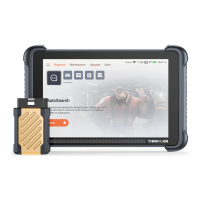
THINKSCAN Max
5 Functions Descriptions
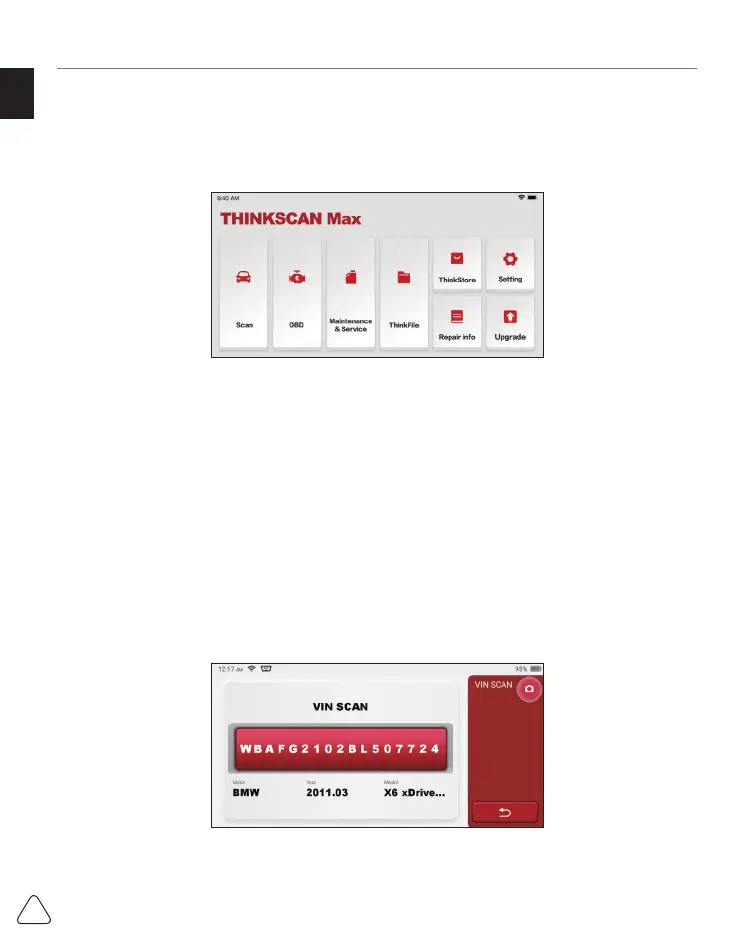
The THINKSCAN Max host computer have 8 functions, namely, OBD, Scan, Maintenance
& Service, ThinkFile, ThinkStore, Repair Info, Setup and Update.
5.1 Diagnosis
Full system diagnosis: it supports more than 100 automobile brands, smart diagnosis
and traditional diagnosis covering OBD II full-function diagnosis, full-system and full-
function diagnosis: read fault codes, clear fault codes, read real-time data streams, special
functions, motion tests, etc.. A diagnostic report will be automatically generated after the
diagnosis.
Smart diagnosis
Plug the dongle into the vehicle's DLC port, then click “Scan” on the main interface. Then,
click "AUTOSEARCH" to start communicating with the dongle via Bluetooth. After a good
communication is established, the system starts reading the vehicle VIN.
Tips: if communication failure occurs, a prompt message box will pop up on the screen. Follow the
on-screen prompts to proceed.
If it fails to read VIN, you need to enter VIN manually.


 To Next Page
 Loading...