EN
3
www.mythinkcar.com
THINKSCAN Max
Initial settings are finished after the above steps. It will automatically jump to the work
interface after 3 seconds.
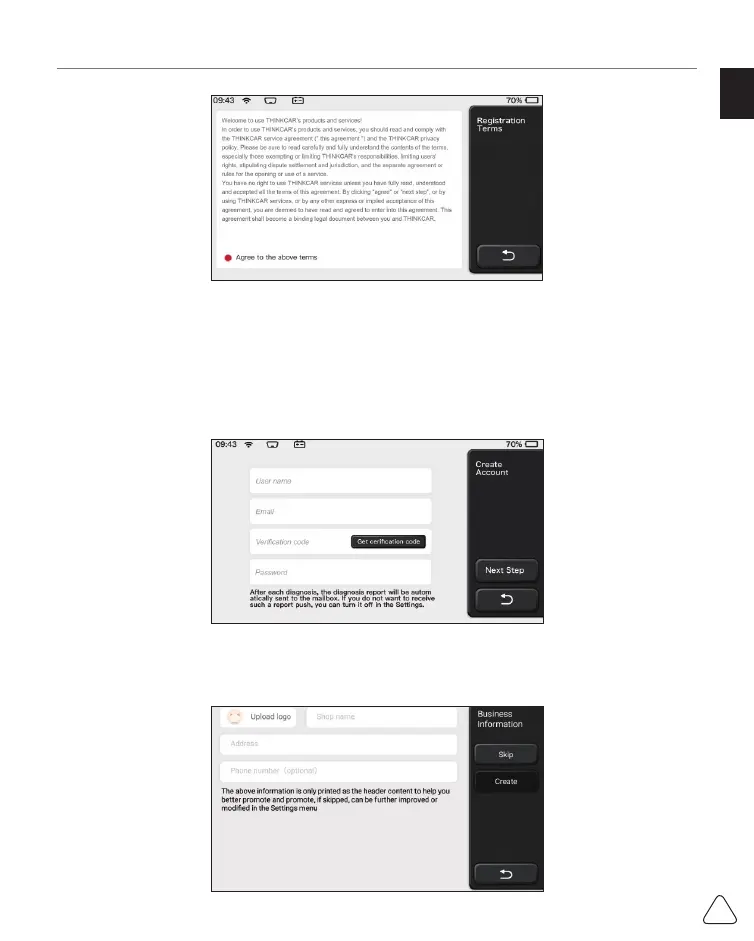
1.1.6 Create an Account
You need to register an account through your e-mail box. If you have owned other products
of THINK series, you can directly log in by using the account available.
1.1.7 Typing in Business Information
Typing in the repair shop information, which will be shown in the diagnostic report.


 To Next Page
 Loading...