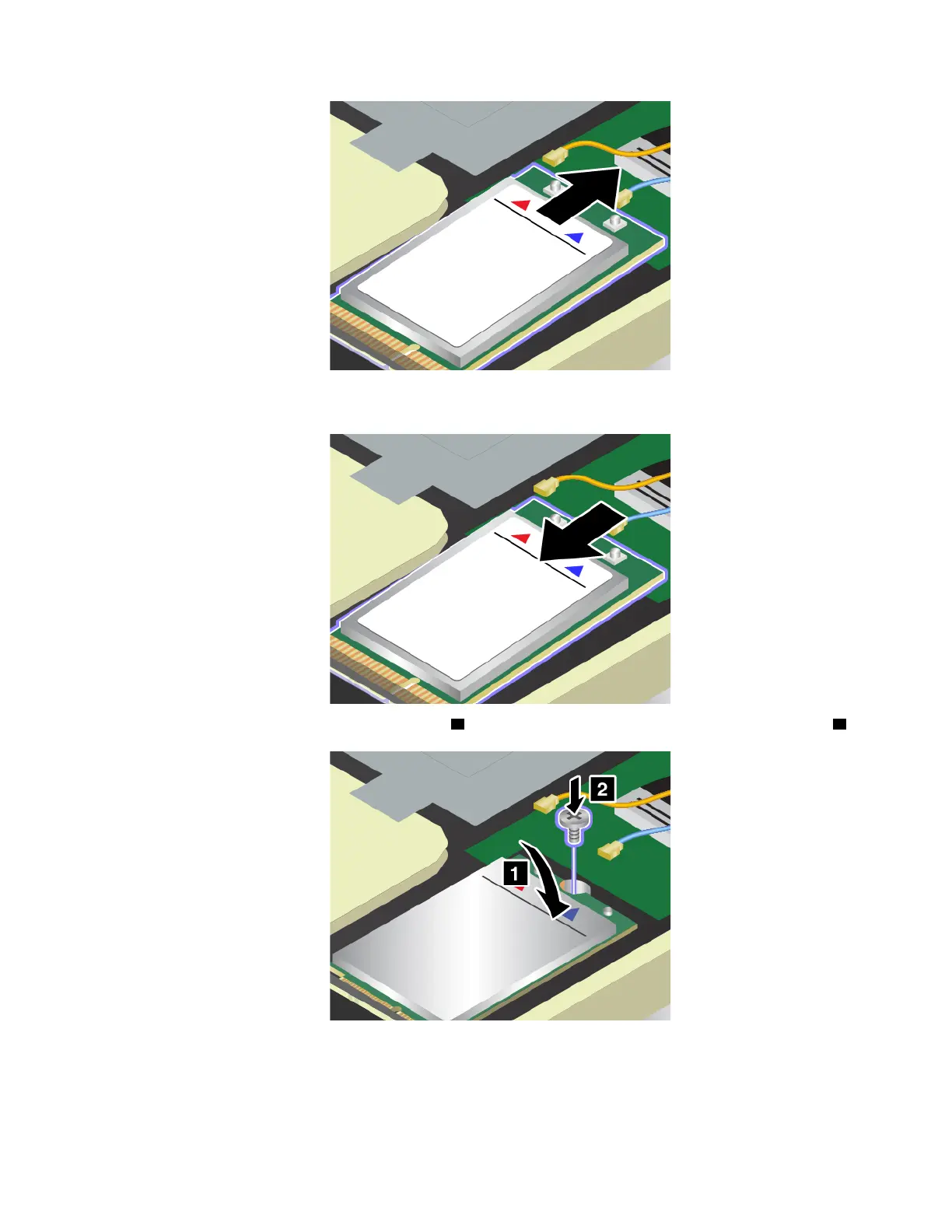
8. Align the notched edge of the new wireless-WAN card with the key in the slot. Then carefully insert the
card into the slot.
9. Pivot the new wireless-WAN card downward 1 and then install the screw to secure the card in place 2 .
10. Connect the antenna cables to the new wireless-WAN card. Ensure that you connect the orange cable to
the main connector on the card, and the blue cable to the auxiliary connector on the card.
Chapter 9. Replacing devices 131



 To Next Page