08
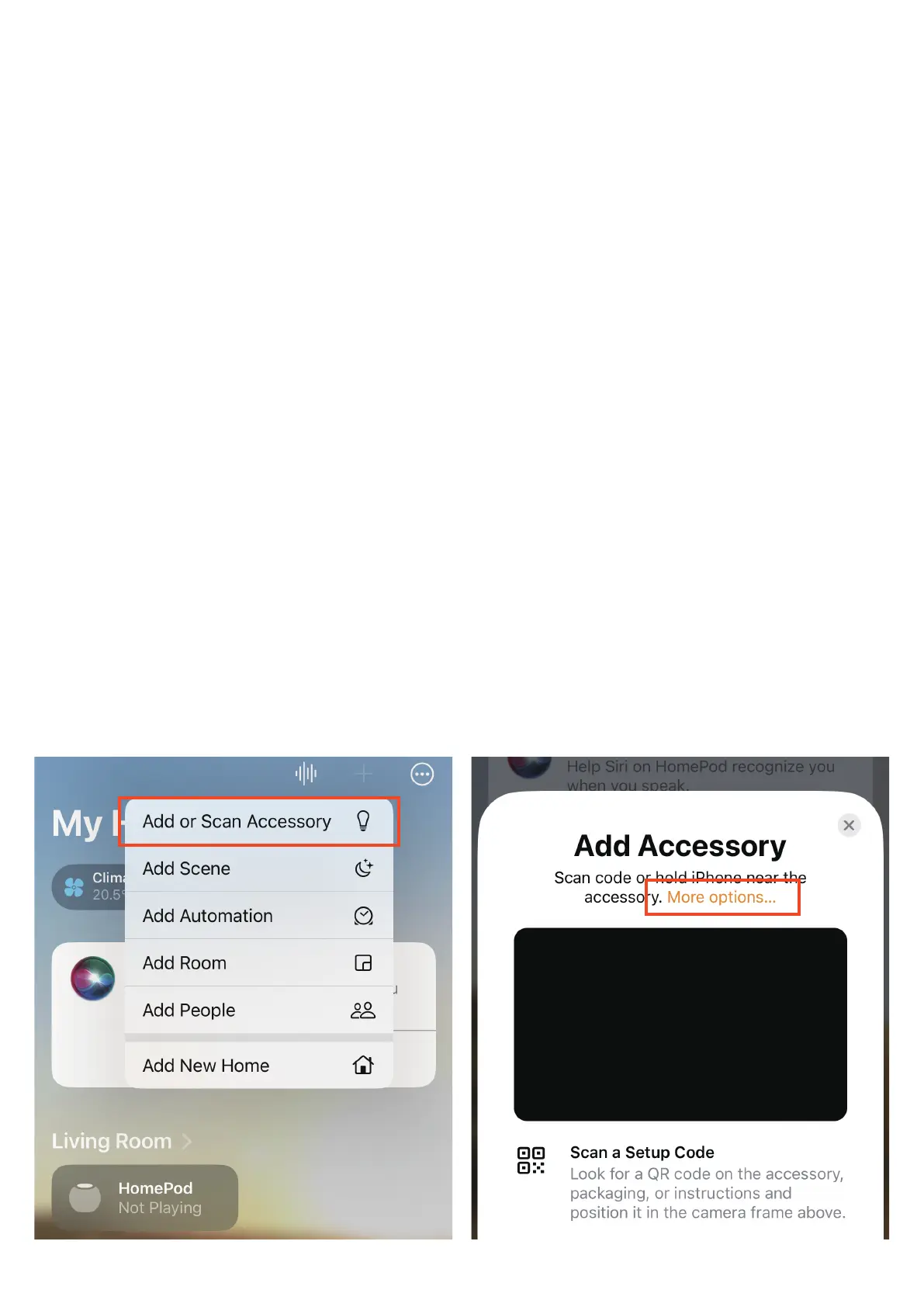
To connect the device to another Matter certified ecosystem app,
long press any attached accessories and tab Accessory Settings to
enter accessory page, tab Bridge to enter the Smart Bridge MZ1
device page, tab Turn On Pairing Mode to generate and copy a new
setup code. Launch the app of another Matter certified ecosystem,
follow the setup instruction to paste the setup code and follow the
app instructions to complete the setup.
5.
Set location and name for the accessories, then create automation
for the accessories.
4.
Pre-connected accessories attached to the Bridge through 3R-In-
staller will be automatically updated. (To add more THIRDREALITY
Zigbee devices to the bridge, press the reset button through the pin-
hole with a pin to enable Zigbee pairing, the Zigbee indicator of the
Matter bridge truns into blue blinking, put THIRDREALITY Zigbee de-
vices into pairing mode to add devices.)
3.



 To Next Page