18
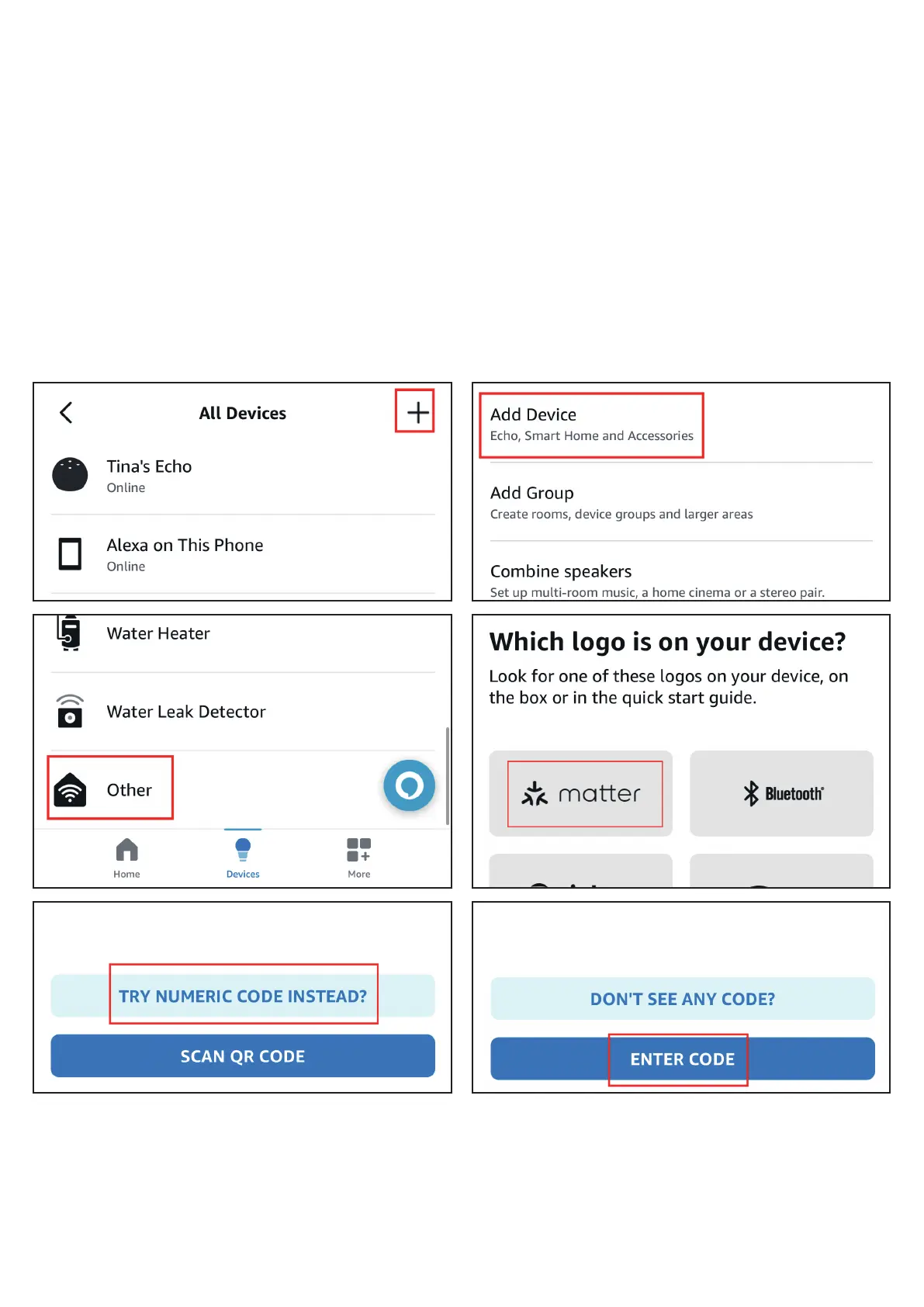
4. To connect the device to another Matter certified ecosystem app, go
to the app of the first ecosystem to generate a new setup code. Go
to the Device Settings page, tap Other assistants and apps and Add
another, then copy the setup code. Launch the app of another
Matter certified ecosystem, follow the setup instruction to enter the
setup code and follow the app instructions to complete the setup.



 To Next Page