6.5 Tuner
1.
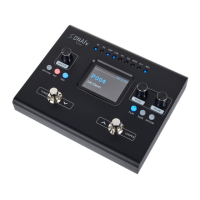
Press and hold down the [TUNER] foot switch.
ð
The tuner is enabled.
2. Turn [VALUE] to select the desired submenu.
3. Press [VALUE].
ð
The setting is conrmed.
4. Press any foot switch to exit tuner mode.
Submenu Description
‘MUTE’ The audio signal is muted.
‘BYPASS’ The audio signal is bypassed.
‘A=435Hz’ … ‘A=445Hz’ Tuner calibration. The chromatic tuning range can be
set between 435 Hz and 445 Hz.
Operation
32
DNAfx GiT Core
Multi Eects Unit







 To Next Page