Preset Requirement Function
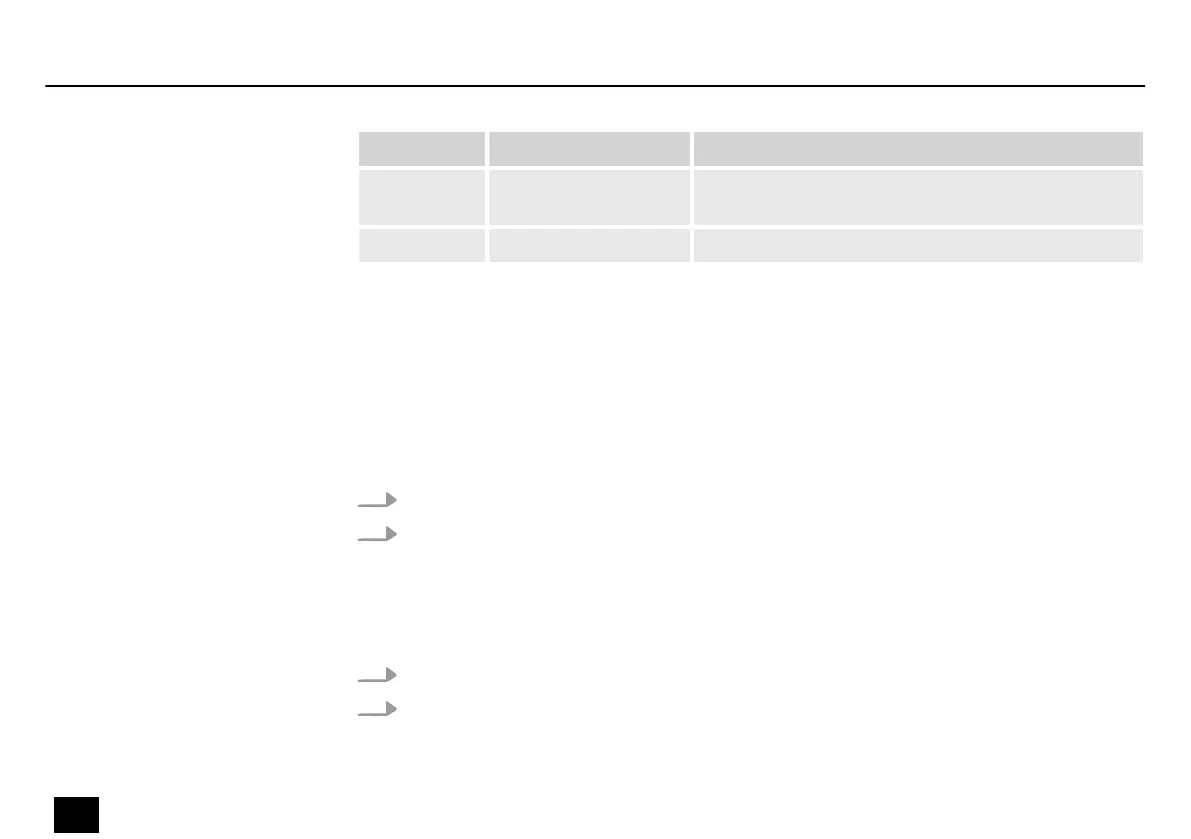
P101…P150 AMP and CAB eects
disabled
Direct connection to [INPUT] of the guitar amplier
P151…P200 Individually congurable presets
6.1.2 Editing presets
The device has 9 eects blocks that allow you to use up to 9 types of eects simultaneously in
an eects chain.
1. Turn [MODE] to select a disabled eect block.
2. Press [Mode].
ð
The eect block is enabled. The LED in the eect block lights up.
1. Turn [MODE] to select a enabled eect block.
2. Press [MODE].
ð
The eect block is disabled. The LED in the eect block goes out.
Enabling an eect block
Disabling an eect block
Operation
24
DNAfx GiT Core
Multi Eects Unit







 To Next Page