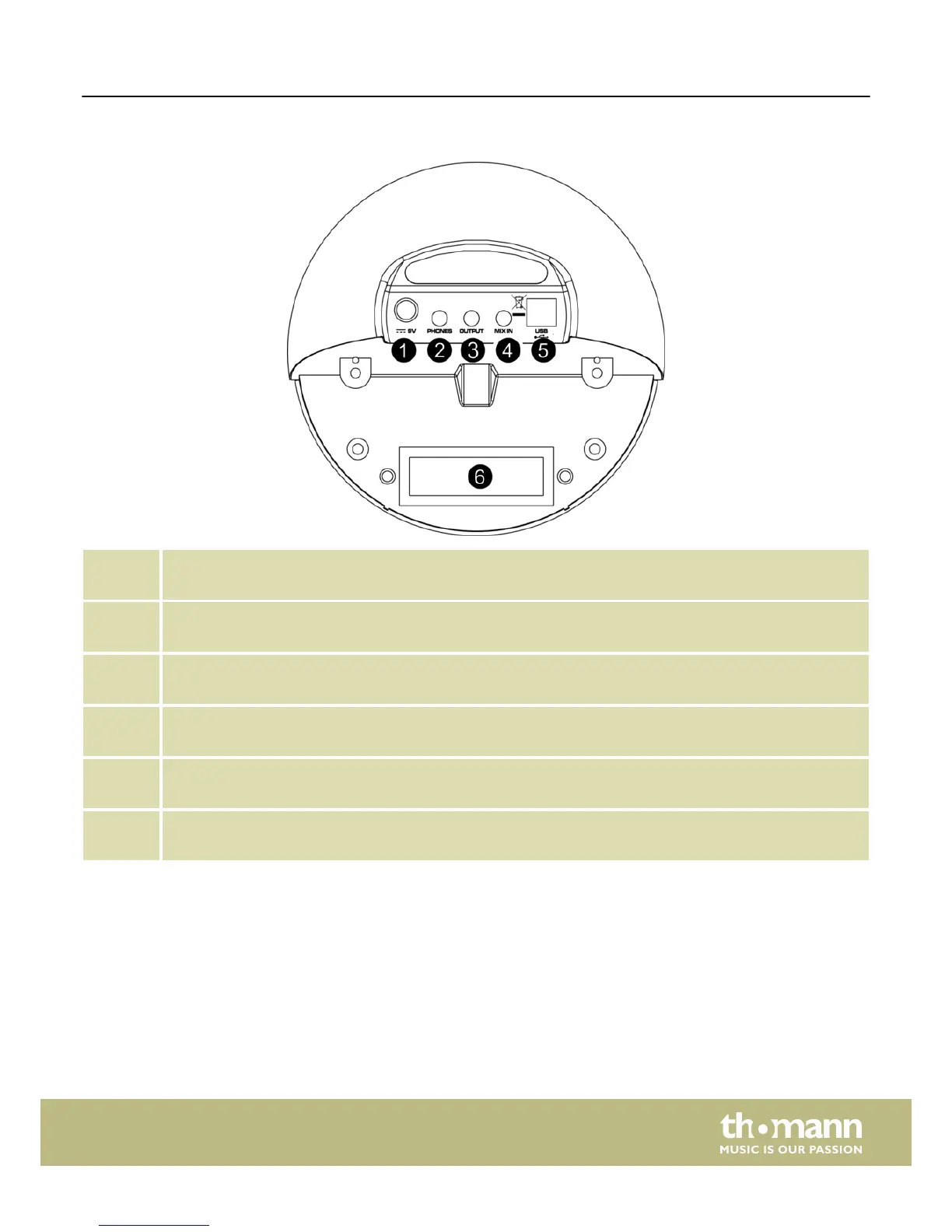
Rear panel
1 DC 9 V
Plug in the cable of the mains adaptor here.
2 PHONES
Here you can connect your headphones (not supplied).
3 OUTPUT
You can connect an audio system or drum monitor to this stereo output.
4 MIX IN
Connect external audio devices like MP3 or CD players to this input.
5 USB
Use this socket to connect the unit to a computer (MIDI in/out via USB).
6 Trigger inputs
Connect the individual pads to these sockets
Operating elements
HD-100
9














 To Next Page