9 Playback
Playback a user pattern
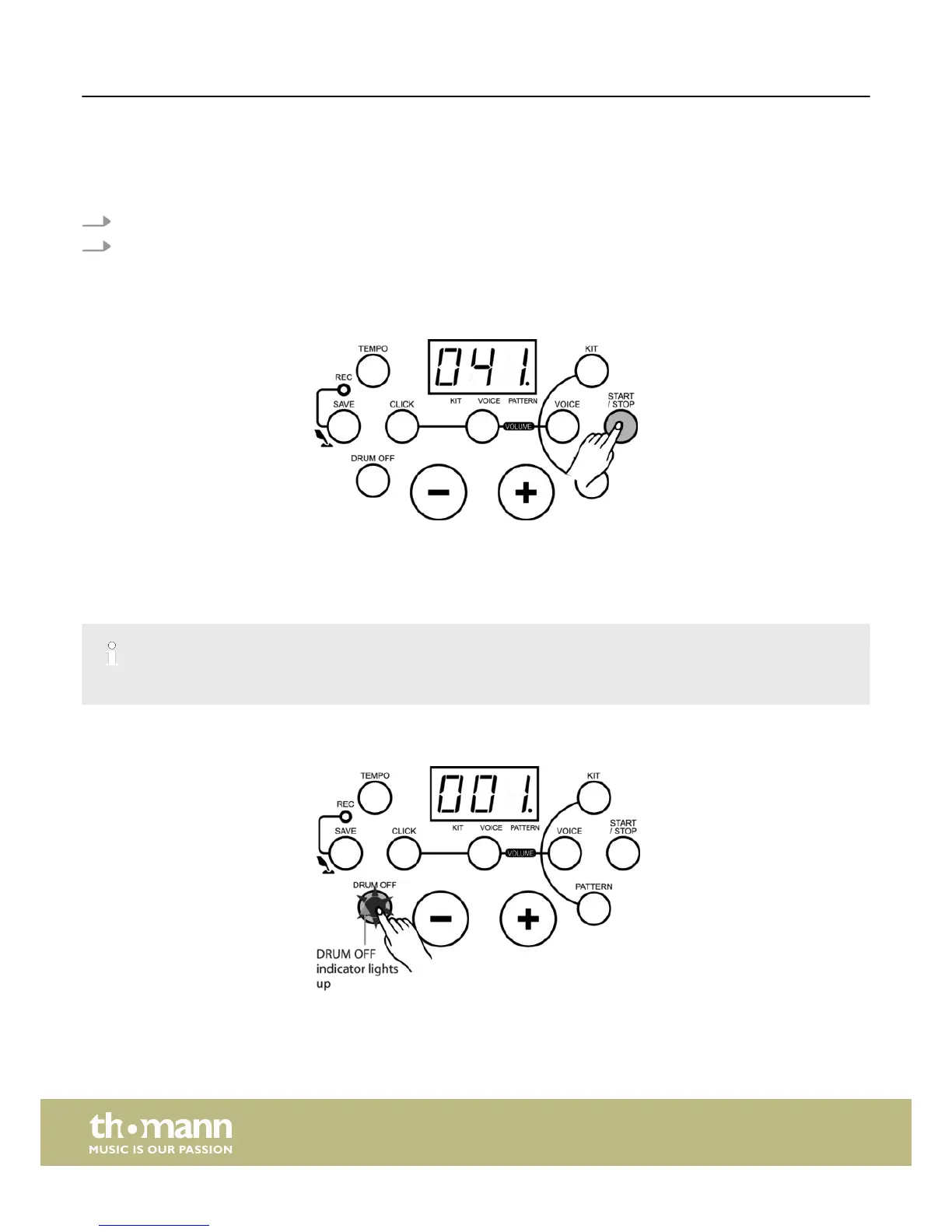
1. Choose the pattern number ‘41’.
2. Press the [START/STOP] button to play the user pattern.
ð
If there is no recording data the LED display shows ‘N-P’.
The LED display does not show any measures.
Please also note:
n The unit does not play the user pattern in cycle.
n If you press the [DRUM OFF] button only the accompaniment will be muted, but not the recorded part.
n Pattern volume and kit volume control the accompaniment and the recorded part.
If you select another kit during the playback of a user pattern, the recorded kit data will also be changed to the currently selected kit.
DRUM OFF button
You can press the [DRUM OFF] button to mute or unmute the drum part.
Playback
e-drum set
26














 To Next Page