If the DRUM OFF function is activated, the drum sound of the currently playing pattern will be muted and the ‘DRUM OFF’ indi‐
cator lights up.
This function is very convenient for user practise.
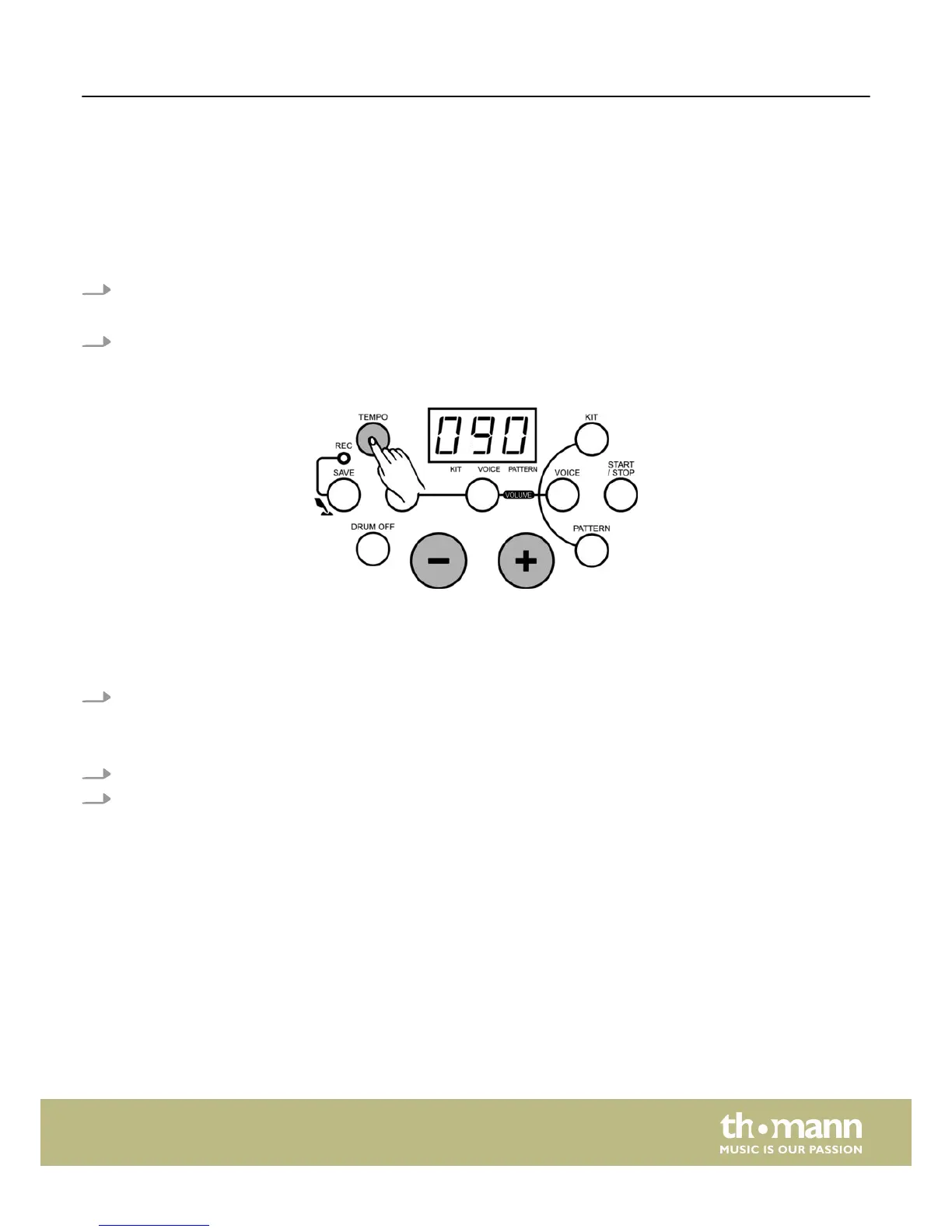
Adjusting the pattern tempo
If you want to adjust the pattern tempo:
1. Press the [TEMPO] button.
ð
The LED display then temporarily shows the tempo value.
2. Press the [+/–] buttons to adjust the tempo for the metronome and pattern playback (30-280).
If you want to restore the preset value of the current pattern, press the [+] and [–] button simultaneously.
Metronome function
If you want to use the metronome function:
1. Press the [CLICK] button to activate the metronome function.
ð
The LED display shows the current time signature and the ‘CLICK’ indicator flashes.
The following 9 time signatures can be chosen: (1/4, 2/4, 3/4, 4/4, 5/4, 6/4, 7/4, 3/8, 6/8).
2. Press the [+/–] buttons to change the time signature.
3. Press the [CLICK] button again to switch the metronome function off.
Playback
HD-100
27














 To Next Page