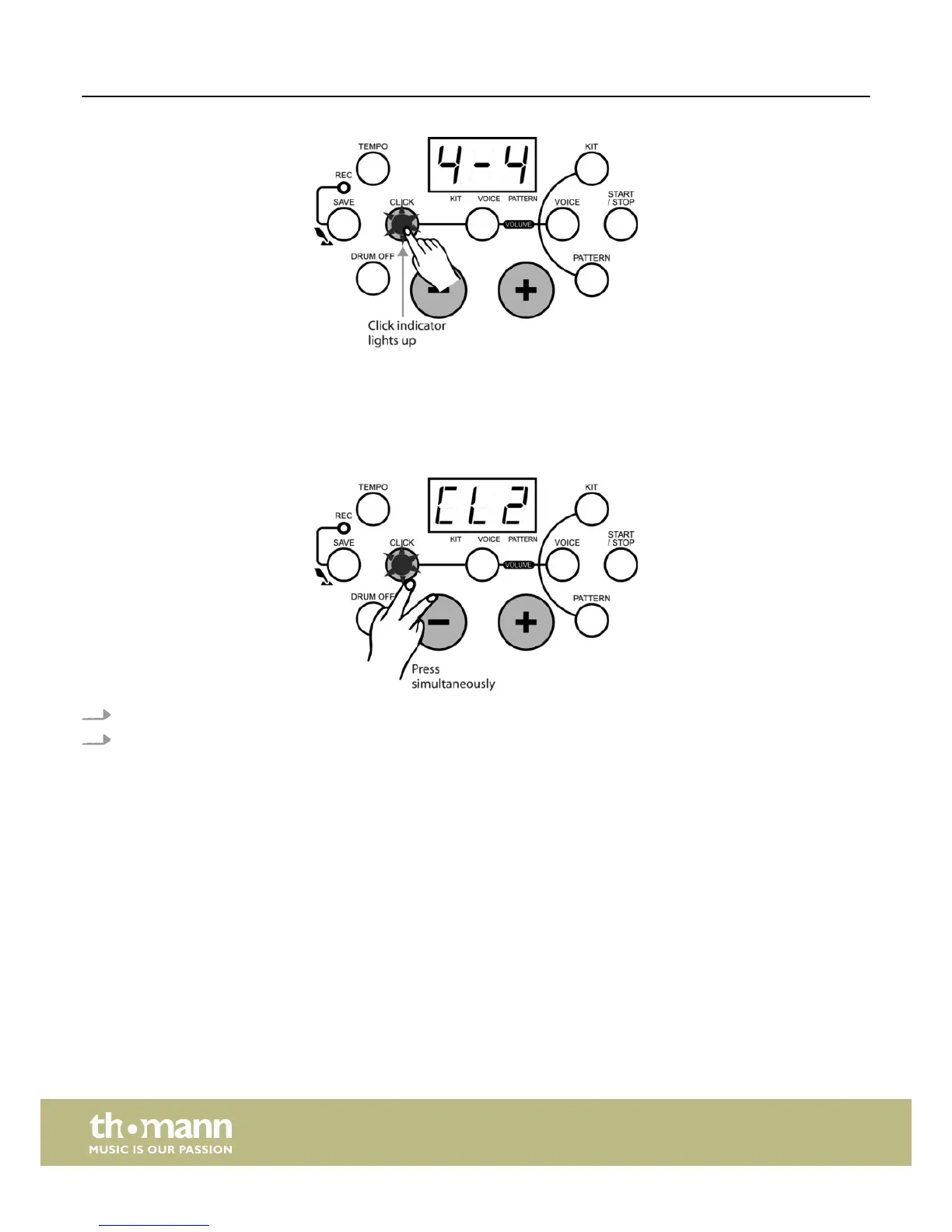
During pattern playback the ‘CLICK’ indicator flashes automatically according to the pattern beat, but the metronome sound will
not automatically be activated.
Selecting a click sound
If you want to select a click sound:
1. Keep the [CLICK] button pressed.
2. Then press the [+/–] buttons to select the desired metronome sound, i.e. the ‘click’.
ð
The LED display temporarily shows the currently selected click sound.
4 click sounds are available: ‘Metronome’, ‘Beep’, ‘Cowbell’ and ‘Voice’. The default preset sound when activating the
metronome function is ‘Metronome’.
Adjusting the click volume
If you want to change the click volume:
Playback
e-drum set
28














 To Next Page