7 Functions
Switching the power ON
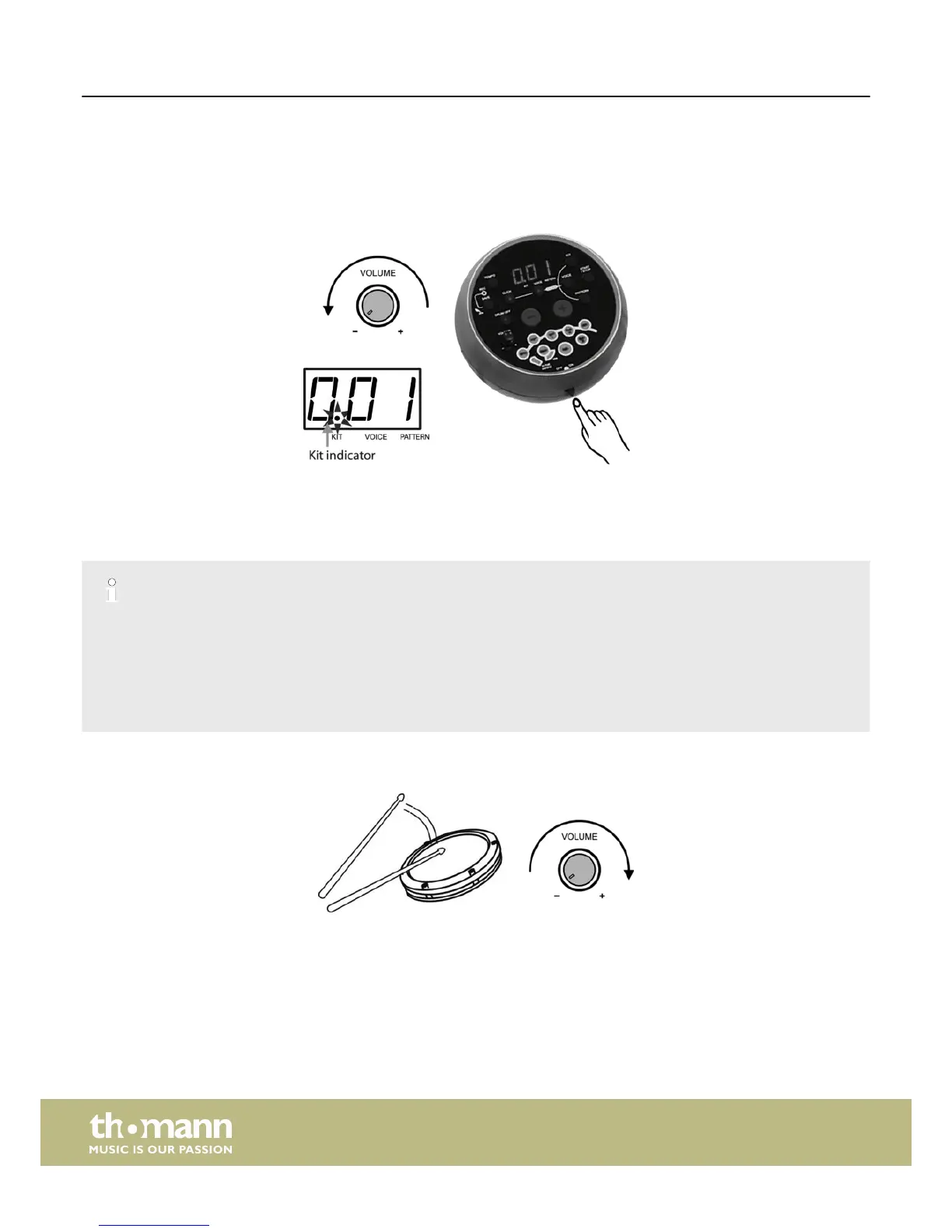
After all connections have been completed, rotate the volume knob to the left stop (= minimum volume level) before switching
the power on.
Set the power switch to ‘ON’ position to switch the power on. The display then shows the ‘Kit number’ and the ‘KIT’ indicator
lights up.
Automatic switchoff
– When the device is not used, it will switch off automatically after 30 minutes. To switch it on again, press the [ON/OFF] button
twice.
Deactivating the automatic switchoff
– To deactivate the automatic switchoff, press and hold the [START/STOP] button while you switch on the device.
Setting the overall volume
While hitting a pad, gradually rotate the volume knob until a comfortable volume level is reached.
Functions
e-drum set
16














 To Next Page