The LED display shows ‘FUL’. Then press the [START/STOP] button to return to ‘41’ display.
The recording capacity is about 5000 notes.
Press the [START/STOP] button during recording to stop recording.
ð
The ‘REC’ indicator goes out.
The device then returns to the pattern display ‘41’.
Quick recording
After choosing the desired drum kit and adjusting the parameters well (includes tempo, click etc.), you can start quick recording.
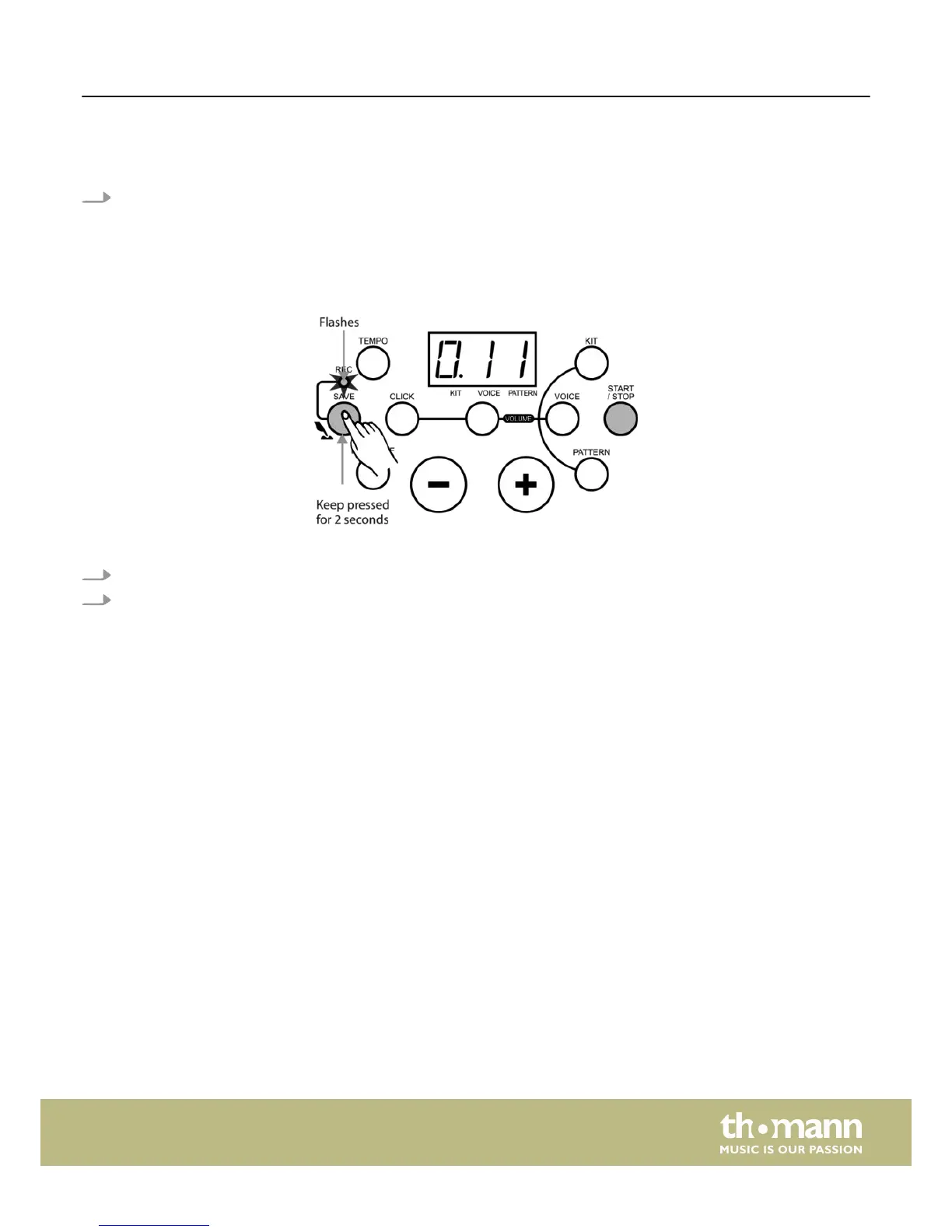
1. Keep the [SAVE] button pressed for about 2 seconds to enter recording waiting mode for recording a user pattern.
2. Hit the pads or press the [ START/STOP] button to start recording.
Recording
HD-100
25














 To Next Page