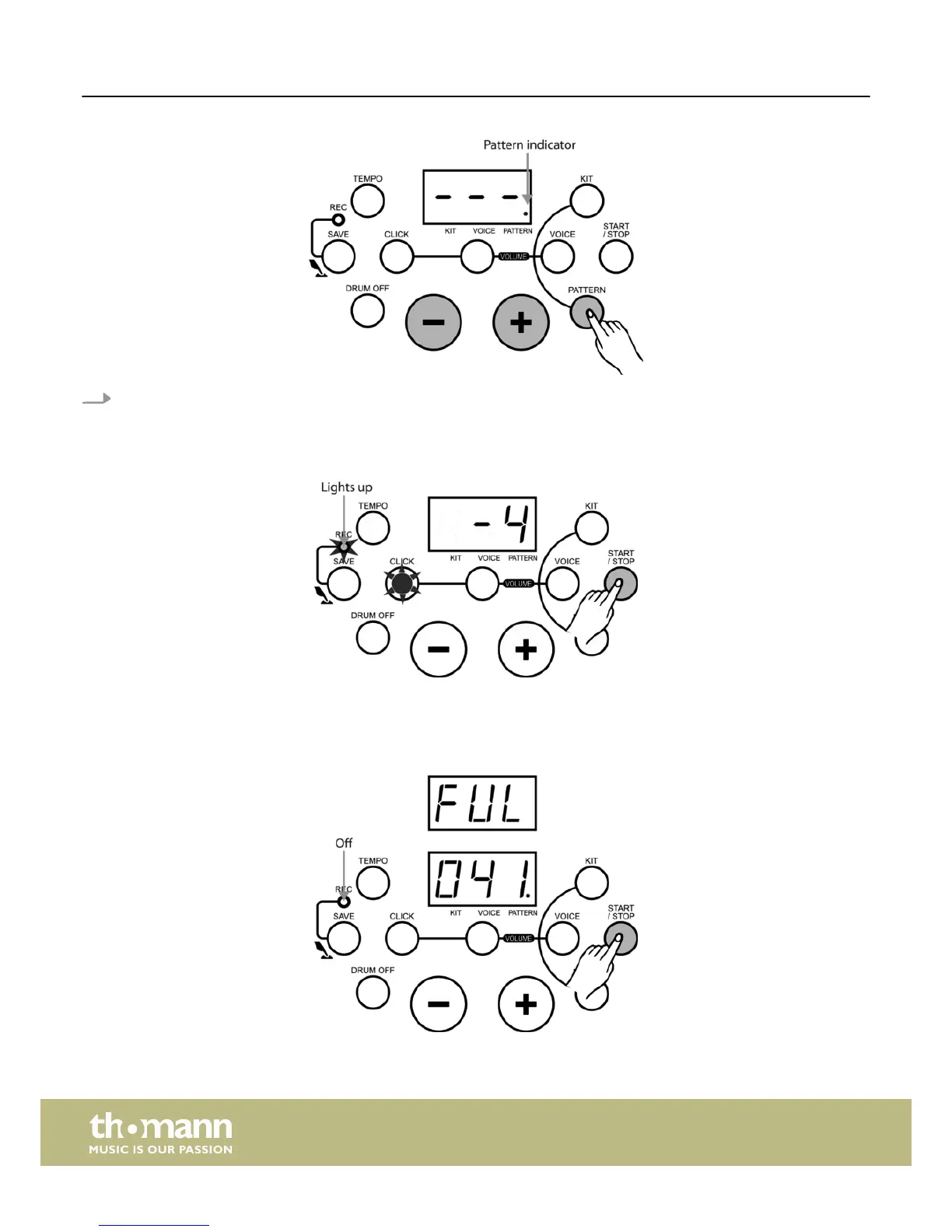
Press the [START/STOP] button or hit the pads to enter recording mode.
ð
The ‘REC’ indicator lights up and the LED display shows the recorded measures. First, an introductory beat will be
counted down. The display then shows: ‘-4, -3, -2, -1’.
Stop recording
When the recording memory is full, the recording automatically stops and the ‘REC’ indicator goes out.
Recording
e-drum set
24














 To Next Page