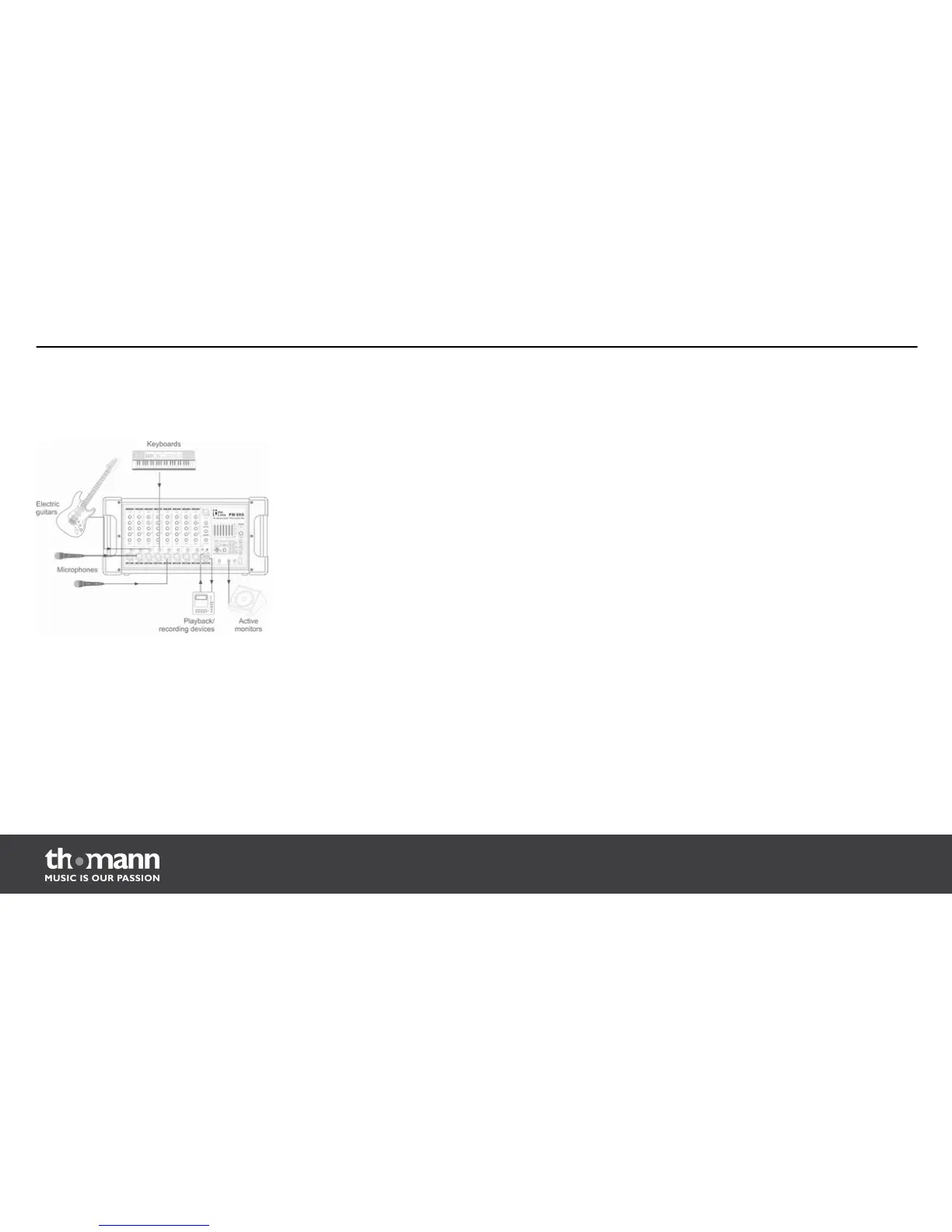
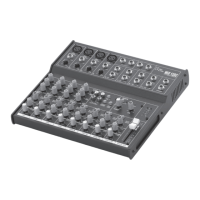
3.3 Connection diagram
Before connecting the device you have to make sure, that all units are switched off and its
volume controls are turned down.
1. Connect line signal sources like CD or MP3 players to the unit.
2. Use high quality cables to connect passive speaker boxes to the output sockets (33).
3. Refer to the diagram shown above to connect further devices.
4. During operation turn the volume controls (LEVEL, 5) up to about 70 %.
5. Use the PFL function of the powermixer to adjust a suitable input level. Adjust the output
level using the MAIN LEVEL control (19).
Installation
powermixer
14


 To Next Page