EN
10
File Menu
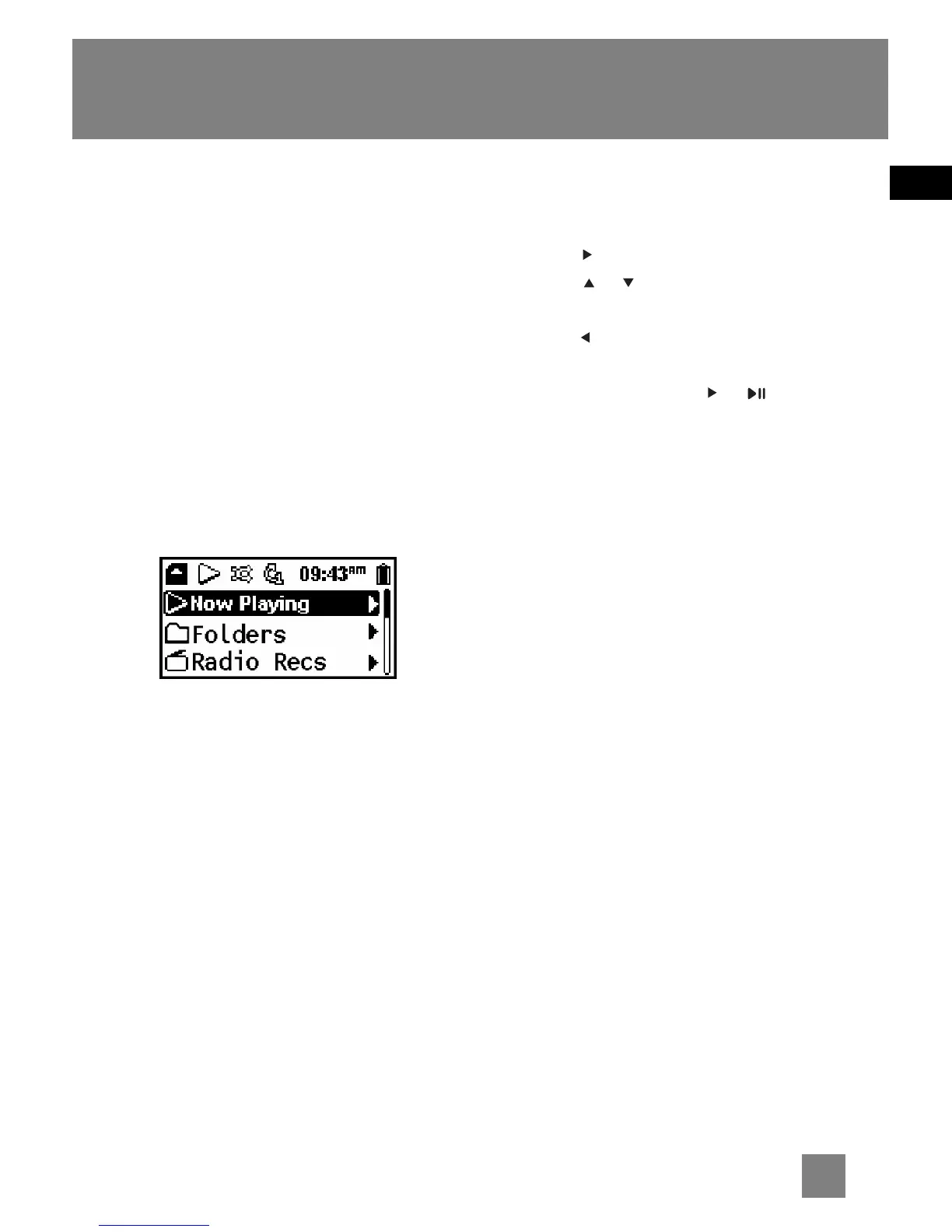
How Files are Organized?
The files transferred to the player, USB or
memory card will be sorted
automatically so that you can easily find
and play them. They are sorted as below:
• Now Playing (your currently selected
or playback file)
• Folders (contains all music files)
•Radio Recs (contains radio recording)
• Line-in Recs (contains line-in
recording)
• My Selections (contains a playlist of
your preferred music files)
The file menu is displayed when
playback is stopped or when MENU is
pressed during playback in USB, Memory
card or Library (D100E512 only) mode.
File Menu Navigation
•To navigate through the file menu,
press to go into a menu level.
•Press or to move along menu
items at the same level.
•Press to go back a menu level.
•If the selected item is a music or
recorded file, press or will start
playback.



 To Next Page