EN
Radio Recording
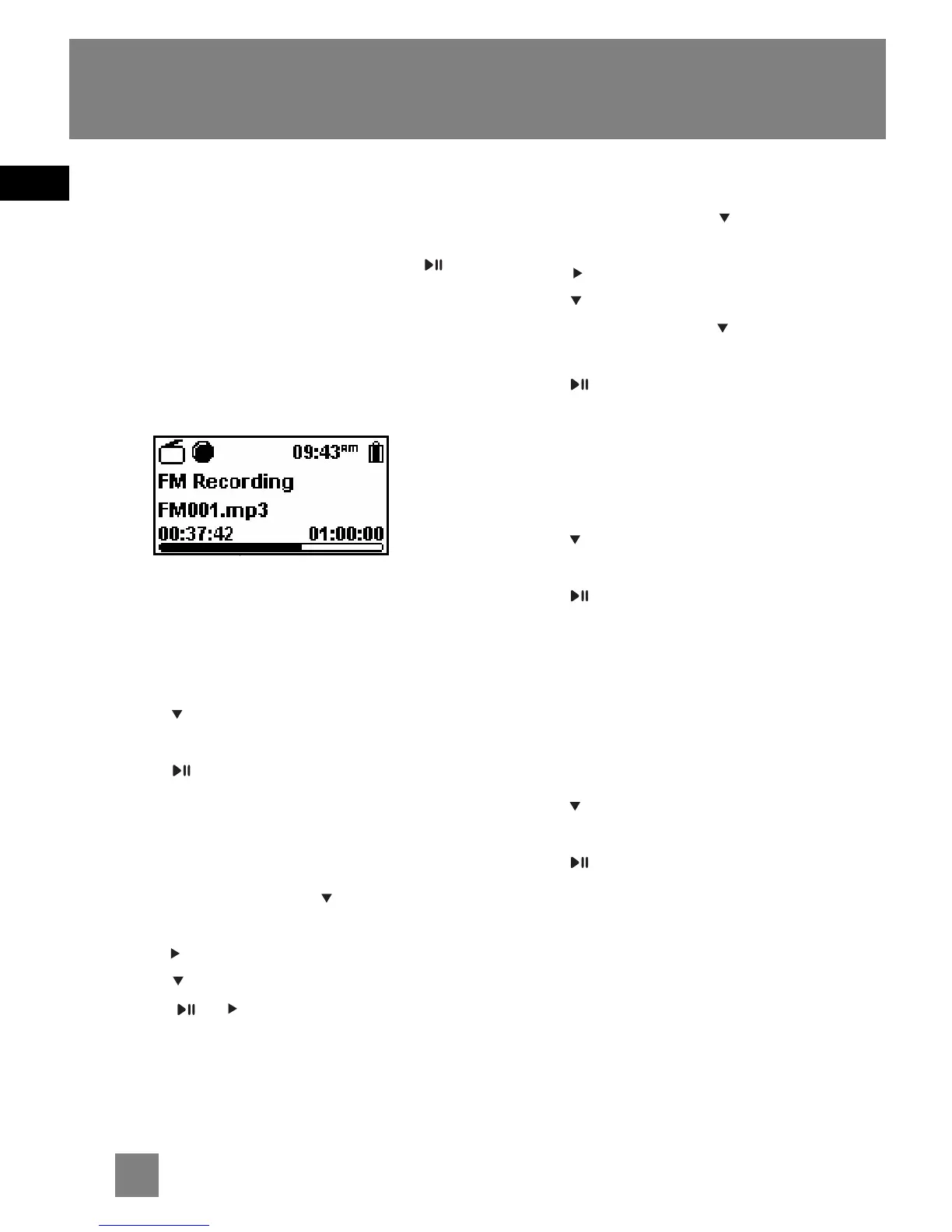
Radio programs can be recorded as mp3
files.
1. Tune to the station to be recorded.
2. Press REC to start recording. Press
to pause recording and again to
resume.
3. Press REC to stop recording.
• The recorded files will be named as
FM001.mp3, FM002.mp3 and so on.
Record Duration
1. While listening to the radio, press
MENU to view the radio sub-menu.
2. Press to highlight "RecDur" (record
duration).
3. Press repeatedly to select among
max, 1 hour, 30 min and 5 min.
Listening to Recording
1. In the file menu, press to highlight
"Radio Recs".
2. Press to view recorded files and then
press to highlight a desired one.
3. Press or to play the selected file.
Deleting Recording
1. In the file menu, press to select
"Radio Recs".
2. Press to view recorded files and then
press to highlight an unwanted one.
3. Press MENU and then to highlight
"Delete File".
4. Press to confirm deletion.
Record Destination
1. While listening to the radio, press
MENU to view the radio sub-menu.
2. Press to highlight "RecDest" (record
destination).
3. Press repeatedly to select among
USB, MemCard (memory card) or Built-
in (internal memory, D100E512 only).
Record Quality
1. While listening to the radio, press
MENU to view the radio sub-menu.
2. Press to highlight "RecQual" (record
quality).
3. Press repeatedly to select between
high and standard.
15



 To Next Page