EN
Line-in Recording
Press SOURCE repeatedly to select line-in
recording.
Line-in Recording
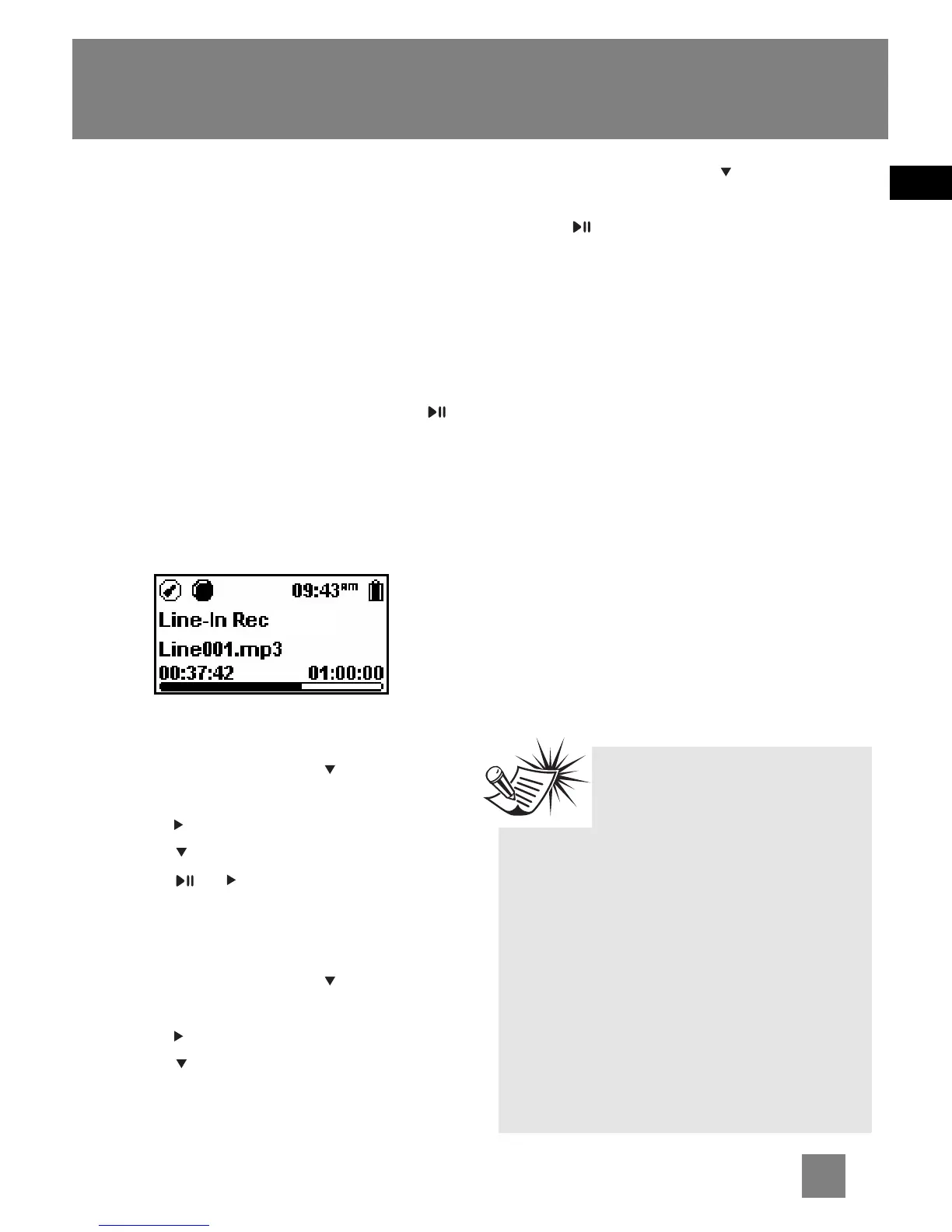
Recording as mp3 files can be made
through a line-in cable connected to the
line-in jack.
1. Start playback of the line-in source.
2. Press REC to start recording. Press
to pause recording and again to
resume.
3. Press REC to stop recording.
• The recorded files will be named as
Line001.mp3, Line002.mp3 and so on.
Listening to Recording
1. In the file menu, press to highlight
"Line-in Recs".
2. Press to view recorded files and then
press to highlight a desired one.
3. Press or to play the selected file.
Deleting Recording
1. In the file menu, press to select
"Line-in Recs".
2. Press to view recording and then
press to highlight an unwanted one.
3. Press MENU and then to select
"Delete File".
4. Press to confirm deletion.
Record Duration,
Destination and Quality
Refer to the previous page “Selecting
Record Duration”, “Selecting Record
Destination” and “Selecting Record
Quality” for radio. Repeat the same steps
while you are in line-in mode.
Tips:
Adjust the volume level of
the source audio device in
order to achieve the optimum
recording quality. The source output
varies from model to model. You might
want to experiment with a few
recordings to determine the proper
volume output of the source to get
optimum recording quality from the
player. Recommend starting the
source at around the room volume
level.
16



 To Next Page