EN
14
Press SOURCE repeatedly to select radio.
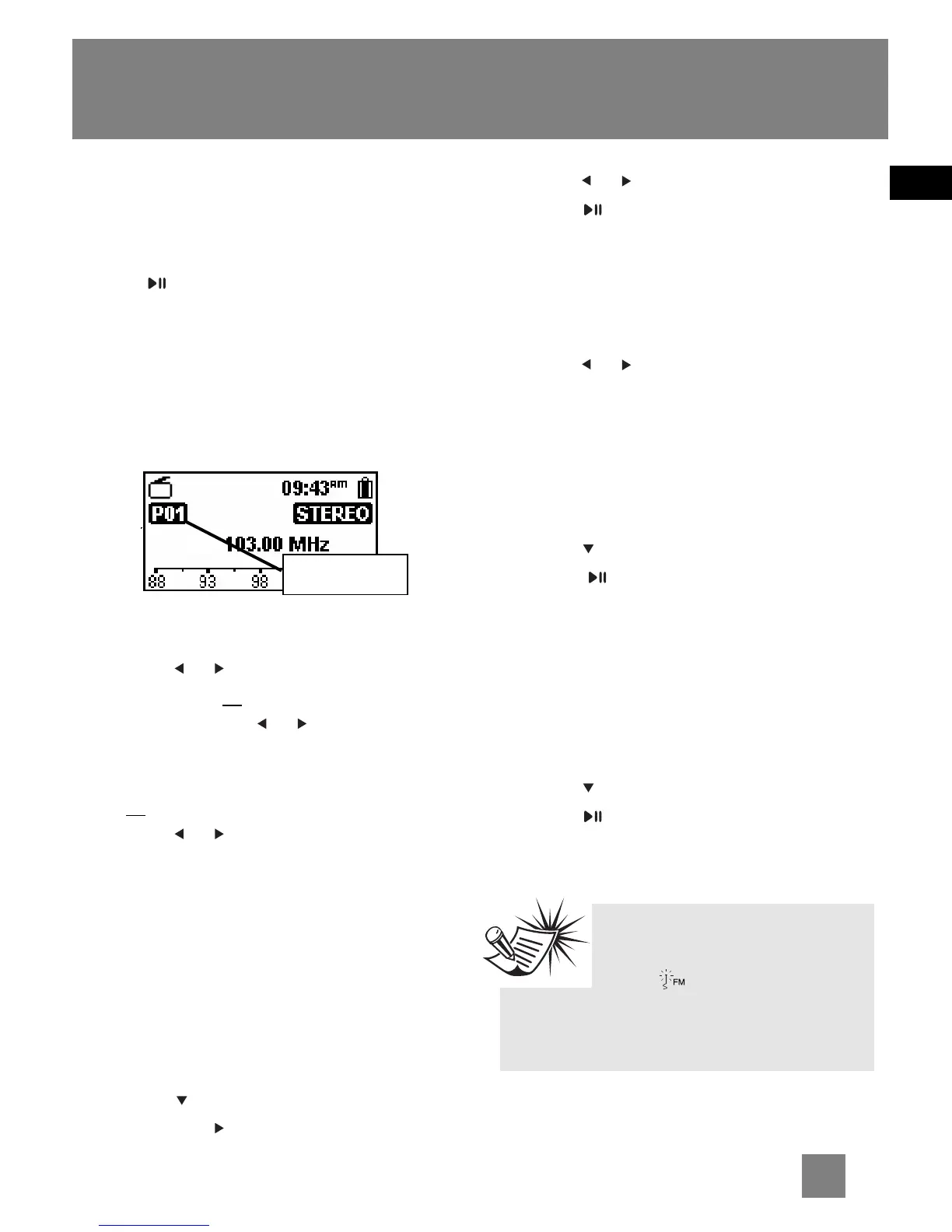
Manual and Preset Modes
Press repeatedly to select between
the two modes while listening to the
radio.
Manual mode – tuning to stations
manually,
Preset mode – selecting stations saved
in preset memory.
Manual Tuning
•Press or once to tune down or up
frequency. or
•Press and hold or until you see
“Searching...” to start automatic
search for the next available station.
or
•Press or continuously to tune down
or up frequency at a faster rate until
you release the button.
Saving Preset Stations
1. Tune to a station to be saved as a
preset station (refer to manual
tuning).
2. Press MENU.
3. Press to highlight “Save to Preset”
and press .
4. Press or to select a preset number.
5. Press to save station as selected
preset number.
Selecting Preset Stations
1. Make sure you are in preset mode.
2. Press or to select a preset number.
Clearing Presets
1. In preset mode, select the preset.
station to be cleared, press MENU to
view the radio sub-menu.
2. Press to highlight "Clear Preset".
3. Press to confirm clearing.
Suppressing Stereo Signal
If FM stereo reception is weak, select
mono sound to reduce the noise.
1. While listening to the radio, press
MENU to view the radio sub-menu.
2. Press to highlight "Mode".
3. Press repeatedly to select between
stereo or mono sound.
Preset mode
Radio
Tips:
Plug in the included antenna
to the FM jack for FM
reception. There is usually better
reception by extending the antenna
fully .



 To Next Page