EN
12
Audio Playback
Switching On and Off
Player
•Press and hold to turn on the unit.
•To turn off the player completely, press
and hold .
Switching Source
Press SOURCE repeatedly to select
desired listening source.
Playing / Pausing
•Press to begin playback.
•Press once to pause playback, press
again to resume playback.
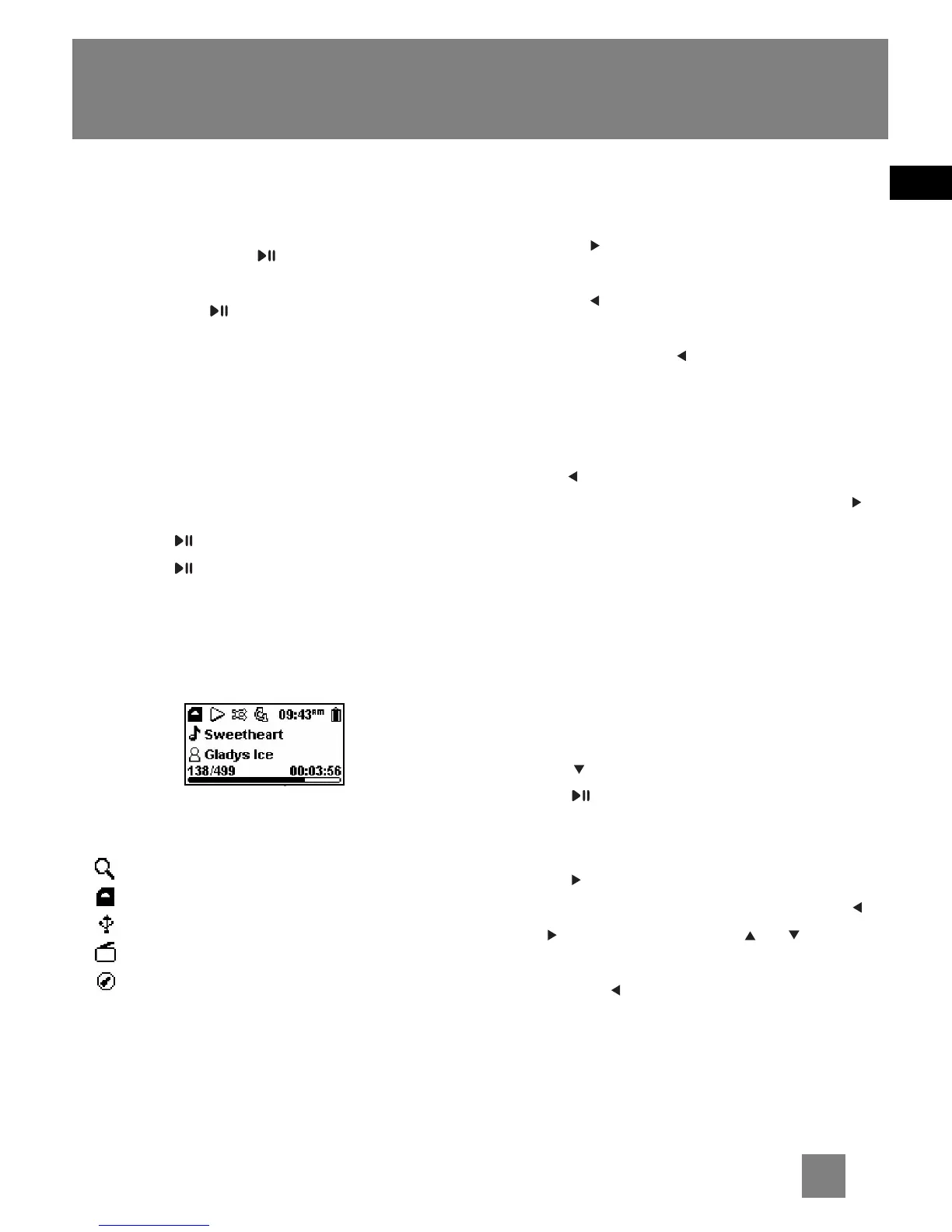
During playback, file duration, elapsed
playback time, file information show on
the display.
These icons show the mode you are
currently in:
- Library mode (D100E512 only)
- Memory card mode
- USB mode
- Radio mode
- Line-in mode
Skipping Files
•To skip to the next file, press and
release .
•To go to the previous file, press and
release within the beginning 4
seconds of the current file. Otherwise,
press and release twice.
Scanning Files
•To scan backward a file, press and
hold during playback.
•To scan forward a file, press and hold
during playback.
DSP
DSP feature consists a number of sound
effects.
1. Press MENU once or twice to access to
player’s setting menu (refer to page 11
for more details).
2. Press to highlight “DSP”.
3. Press repeatedly to select an effect
mode (Flat, Bass, Pop, Rock, Jazz and
Grap (Graphic mode)).
•Press to enter graphic mode to
customize the 5 band equalizer. Press
or to select a band and or to
adjust band level. When finished, press
and hold to exit graphic mode
setting.



 To Next Page