Recording
13
EN
VCR
Programming a recording without the S
HOWVIEW numbers
Insert a video tape.
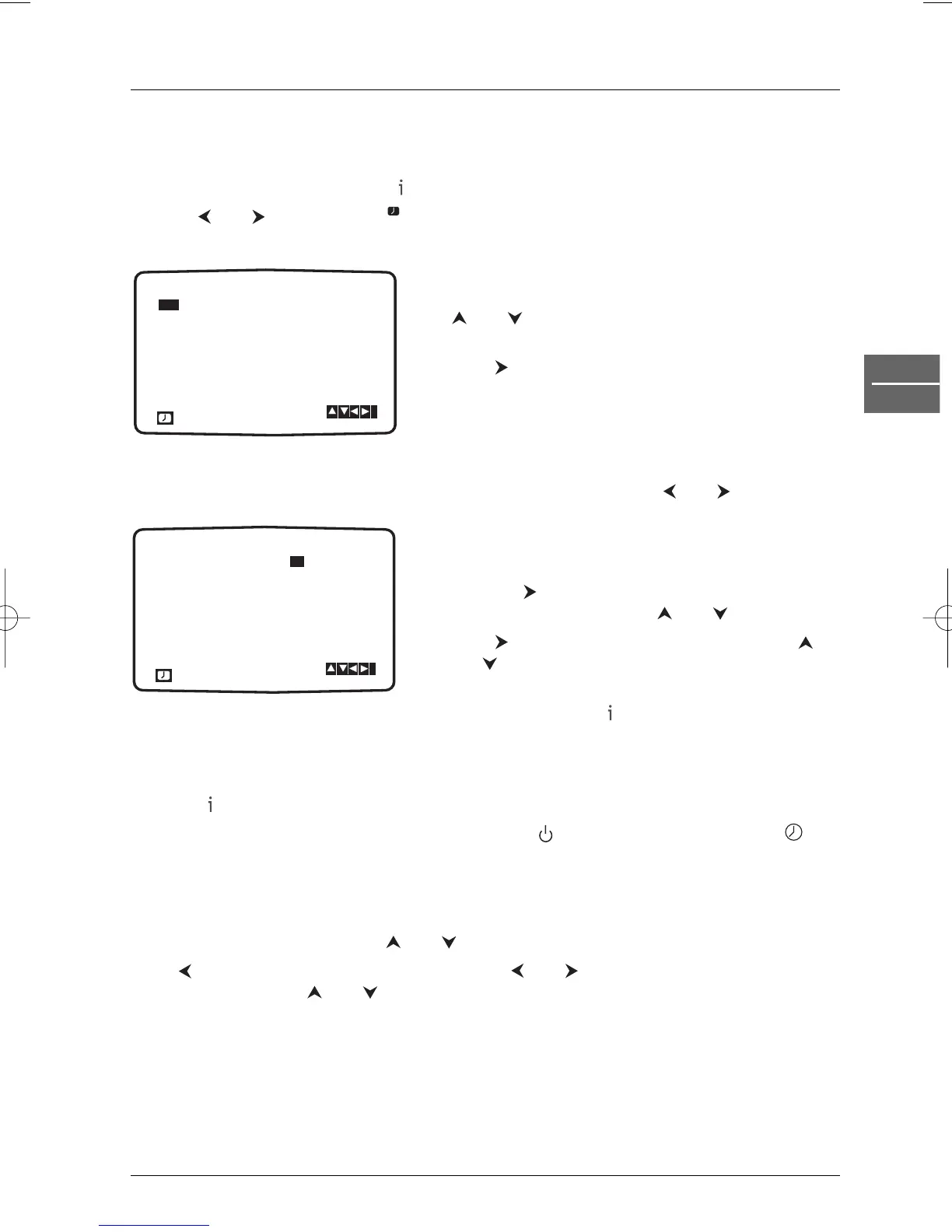
1. Press the VCR button and then to access the main menu.
2. Use and to select REC .
3. Press ok.Press ok again to enter the timer recording menu.
4. To enter the programme number that you wish to
record, scroll through the available options using the
and buttons or enter the numbers directly. For
single digit numbers, remember to press
0 first.
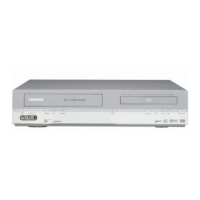
5. Press and enter the date of the programme you
want to record. If you want to record a programme
on a regular basis, press
ok before entering a date in
order to choose one of the available options:
DLY
(daily recording from Monday to Friday), or weekly
recording (e.g.
MO for Monday) to record at the
same time every week. Press and to select one
of the two options, then press
ok to confirm.
6. Enter the time of the start and end time of the
programme you wish to record.
7. Press the button and activate or deactivate the
VPS/PDC function using the and buttons.
8. Press to select the recording speed. Use the
and buttons to scroll options: Standard Play (SP),
Intelligent Play (IP) and Long Play (LP).
9. Check that the timer recording details are correct, and press to save your settings. If
PLEASE CHECK is displayed you have entered incorrect information. Check the details on
the television screen and reenter it. If you want to enter more timer recordings, repeat the
above process from step 3.
10. Press to remove the menu.
11. Put the DVD/VCR in standby mode by pressing the button on the remote control.
appears on the front display.The video recorder is now ready to record at the time you have
specified.
Changing or deleting timer events
To change a recording event press and to select the timer slot that you wish to change.
Press to delete or
ok to edit that entry. Use the and buttons to select the section you
wish to change and the and buttons to change those sections.


 To Next Page