Advanced functions
16
EN
VCR
To turn off the on screen displays completely:
1. Press to enter the main menu.
2. Select fOSD ON OFF using the and buttons and then press ok.
3. Select OFF using the and buttons. Press to save the setting.
Format
For 16:9 screen playback the video recorder must be connected to your television using a SCART
cable.
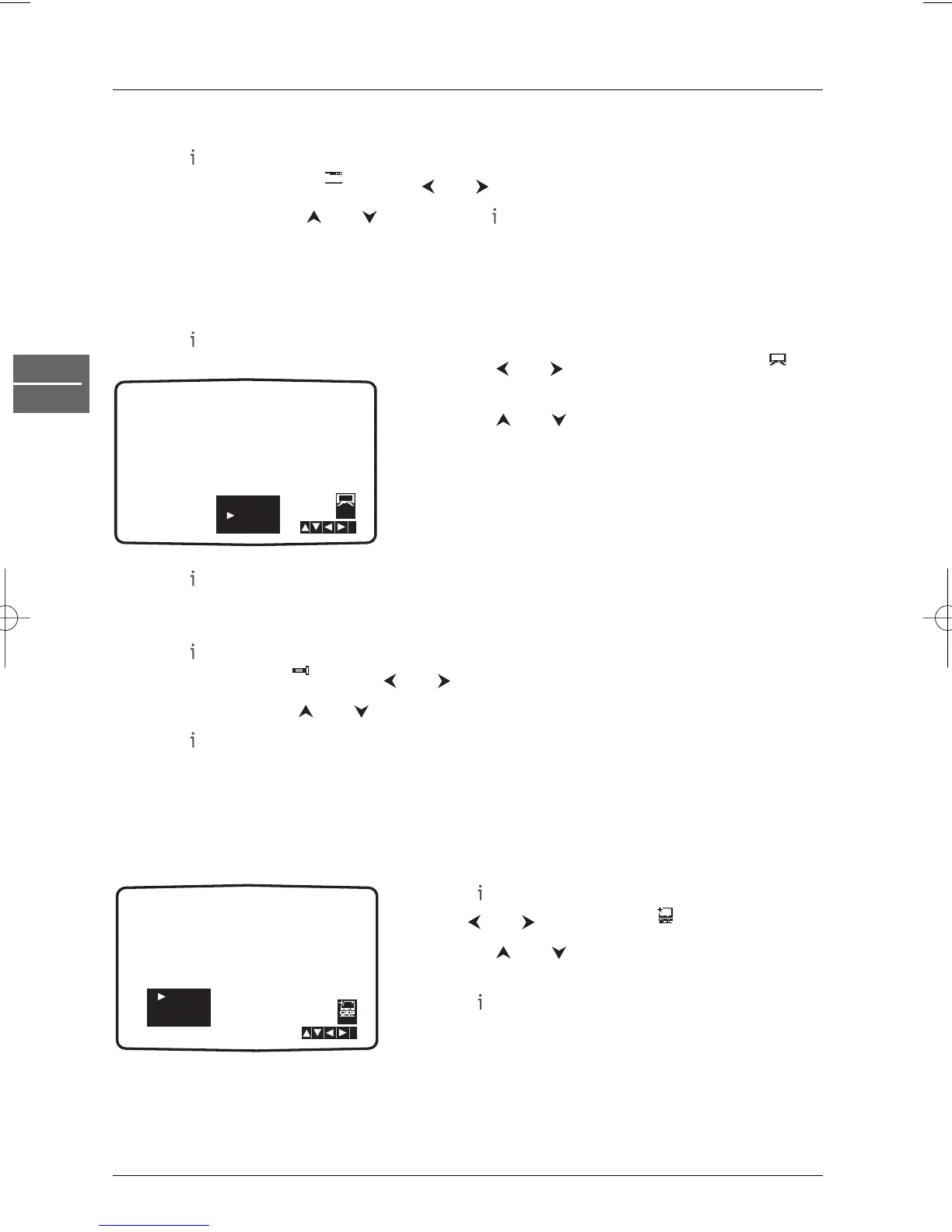
1. Press to enter the main menu.
2. Use the and buttons to select 16:9/4:3 and
press
ok.
3. Use the and buttons to select one of the
available options:
AUTO automatically selects the format best suited
to the content.
4:3 to play back and record in 4:3 format.
16:9 to play back and record in 16:9 format.
4. Press to save your settings.
Decoder
1. Press to access the main menu.
2. Select DECODER with the and buttons and press ok.
3. Select ON using the and buttons if a decoder is connected to the AV2 socket.
4. Press to exit the menus.
OPR (Optimum Picture Response)
This feature enhances the picture from the video tape by adjusting to the condition of the video
tape. If you feel that the picture needs adjusting you can manually change the OPR setting.
You can only set OPR when a tape is playing in the video recorder.
1. Press to enter the main menu.
2. Use and to select OPR then press ok.
3. Use the and buttons to select one of the
available options: OFF, SOFT or SHARP.
4. Press to exit the menus.


 To Next Page