Recording
12
EN
VCR
Programming a recording
Programming a recording can be done up to one month in advance with up to seven recordings
being pre-programmed. Ensure the television channels have been tuned and stored correctly and that
the clock is set to the correct time.
Programming a recording using the S
HOWVIEW
®
numbers
Each television broadcast has its own SHOWVIEW number guide which can be found in your TV
magazine.To programme the recording of a broadcast, all that is required is for you to enter this
number in the S
HOWVIEW menu; it contains the date, start and end time and the number of the
channel broadcasting the programme.
SHOWVIEW is a registered trademark of Gemstar Development Corporation. The SHOWVIEW system is
manufactured under licence from Gemstar Development Corporation.
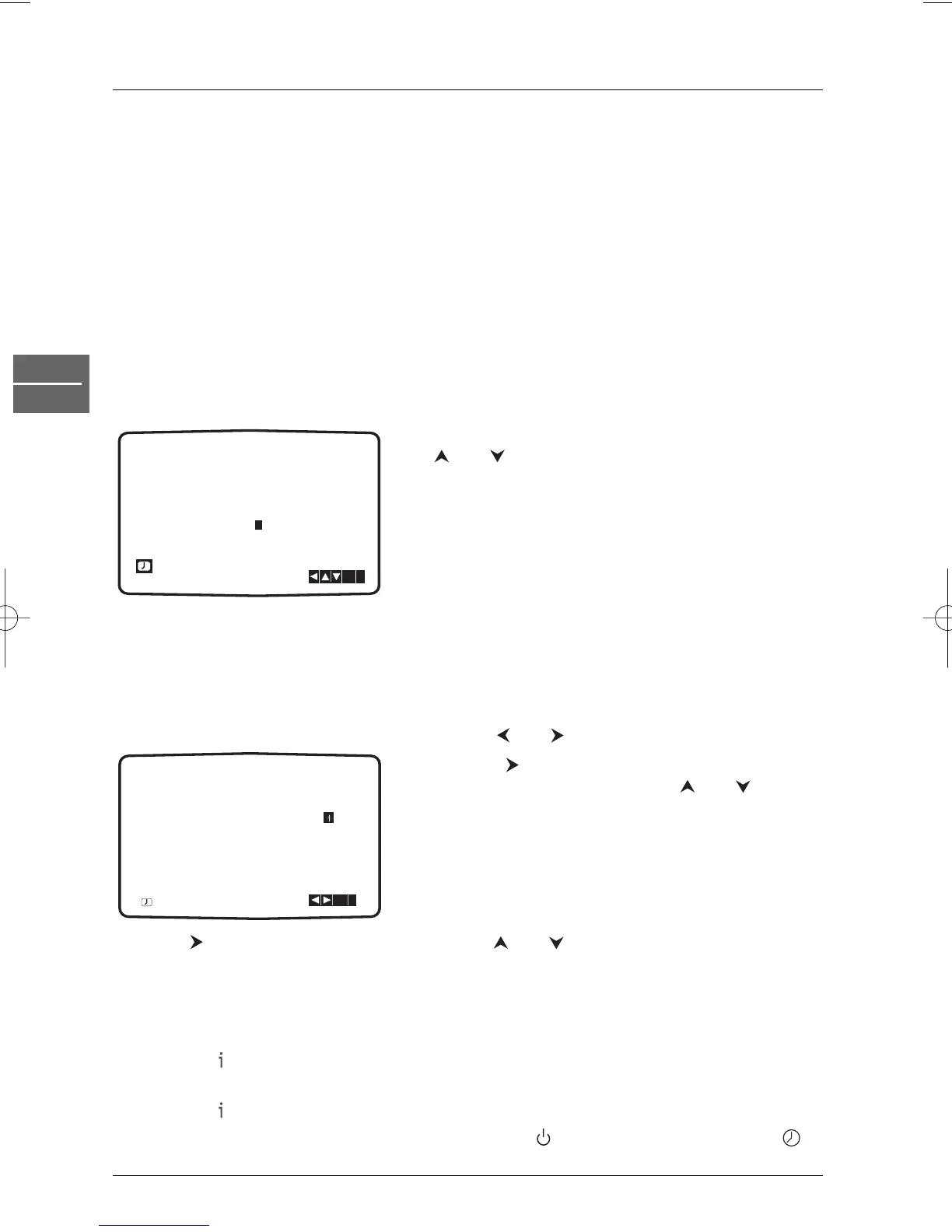
1. Press the VCR button and then the TIMER button to access the SHOWVIEW menu.
2. Select the the frequency of the recording using the
and buttons: ONCE (recording of a single
programme), DAILY (daily recording from Monday to
Friday) or WEEKLY (recording of a weekly
programme).
3. Use the number buttons to enter the SHOWVIEW
number of the broadcast you want to record.
4. Press ok.
The data corresponding to the entered S
HOWVIEW number are displayed.
• If PLEASE CHECK appears, check the number and re-enter it.
• If - - appears, enter the programme number of the channel. It will automatically be stored in
the internal S
HOWVIEW channel map.
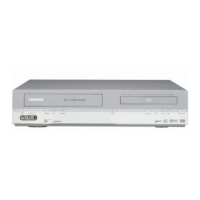
5. To change one of the settings, select it using the and buttons.
6. Press the button to select the VPS/PDC function
and activate or deactivate it using and .
Note: Some channels telecast their programmes with VPS (Video
Programme System) or PDC (Programme Delivery Control)
signals.These signals detected by the video recorder allow
accurate triggering and stopping of a recording, whatever the
delay of the programmes.
7. Press to select the recording speed. Use the and buttons to scroll options: Standard
Play (SP), Intelligent Play (IP) and Long Play (LP).
Notes:The IP feature adjusts the recording speed to quantity of video tape left. It switches speed from SP to
LP if there is not enough tape left to record the whole programme in SP mode.
The IP feature is not available when VPS/PDC is on.
8. Press the button to store your settings. If the message PLEASE CHECK appears, you
have entered a wrong data. Please correct the data.
9. Press the button to exit the menu.
10. Put the DVD/VCR into standby mode by pressing the button on the remote control.
appears on the front display to show that the video recorder is set to record.


 To Next Page