Connections and Setup
8
EN
Tuning in TV channels
The first time you use the DVD/VCR, you will see the ACMS (Automatic Channel Memory
System) displayed on the screen.This system automatically tunes and stores TV channels. If you
want to return to ACMS after your initial set-up, access it via the menu (ACMS ).
Automatic channel search
1.
Switch the television set on.
2. Press the button to turn the appliance on and then press the VCR button on the remote
control.
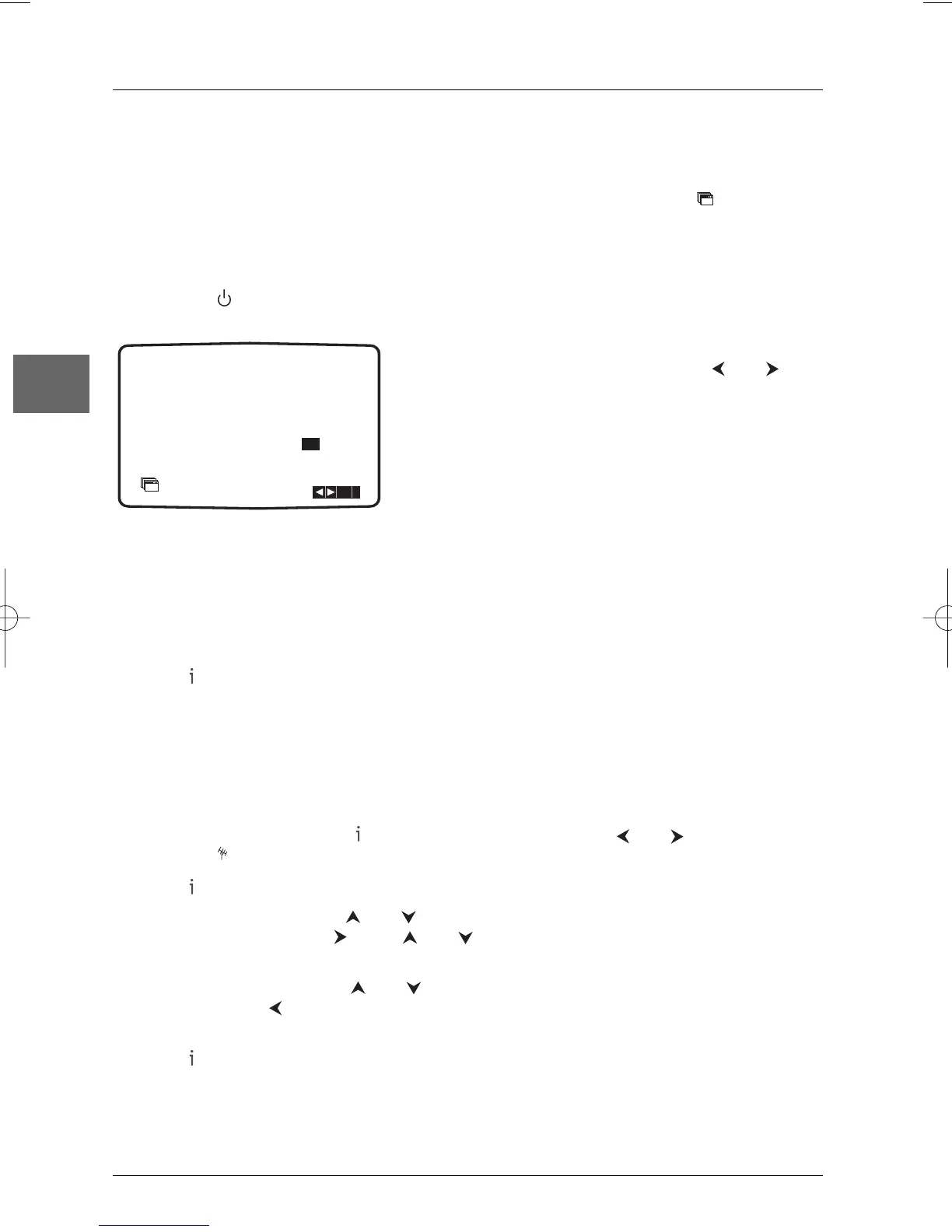
3. Select the AV channel on the television set.The
ACMS menu screen appears. Use the and
buttons on the remote control to select a country
code: A:Austria, B: Belgium, CH: Switzerland, D:
Germany, DK: Denmark, E: Spain, F: France, I: Italy, N:
Norway, NL: Netherlands, P:Portugal, S:Sweden, SF:
Finland, OTHERS.
4. Press ok to start the automatic tuning process.
5. When the automatic channel search is completed a screen showing all the channels that have
been found and the positions they have been placed in is displayed.
Note: If the station transmits VPS/PDC signals, the station name will be added automatically.
6. The automatic channel set-up assigns the numbers to the channels in a predefined order.
These numbers may therefore not match the actual channel numbers. Should this be the case,
change these numbers by carrying out the instructions below (see "Sorting the channels").
7. Press to store the settings.
Note: After the automatic channel search has taken place, the time and date will set automatically. If the time
is shown as --:-- on the display window, it means that the signal was too weak to allow the clock to be set
automatically. If you wish to manually set the clock, see "Setting the clock" on page 14.
Sorting the channels
For easy channel identification, we suggest that you have a TV magazine at hand.
1. Press the VCR button. Press to access the main menu. Use the and buttons to select
PR SET then press
ok.
2. Press again.
3. To move a channel, use the and buttons to select the programme number that you
wish to move.Then press . Press and until you reach the position you wish to store
the channel in. Press
ok.The channel will move to the new position.
4. To delete a channel, use the and buttons to select the channel number you wish to
delete and press .After a short while the selected channel will be deleted.The remaining
channels are resorted automatically.
5. Press to leave the menu.To move or delete other channels, repeat the above process.


 To Next Page