Menus
29
EN
DVD
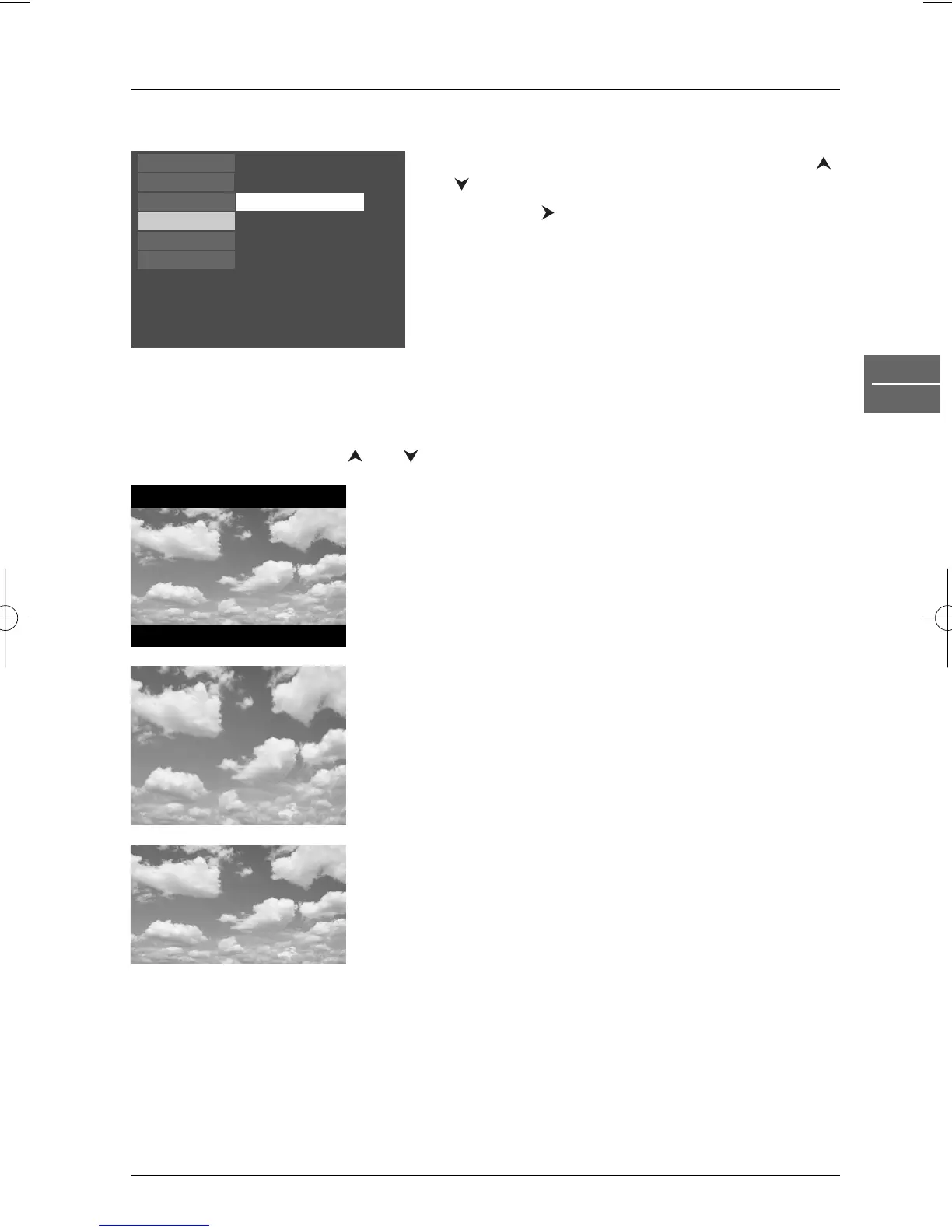
The Display menu
Select the Display option in the main menu using the
and buttons, and press
ok to confirm.
Press
ok or the button to select the TV Image
option.
TV Image
Depending on the format of the DVD disc, you can choose the picture format best suited to the
format of your TV screen.
1. Select a format using the and buttons:
4x3 Letterbox: gives best reproduction of pictures
recorded in this format (i.e. with
horizontal bands at the top and
bottom of the screen) or in 16x9,
4x3 Standard: reproduces a 4x3 picture without
distortion,
16x9 Widescreen: reproduces 16x9 format films in full
on a 16x9 screen.
2. Press ok to confirm.
16 x 9
Play
Play Mode
Parental Control
Display
Sound
Languages
TV Image


 To Next Page