25
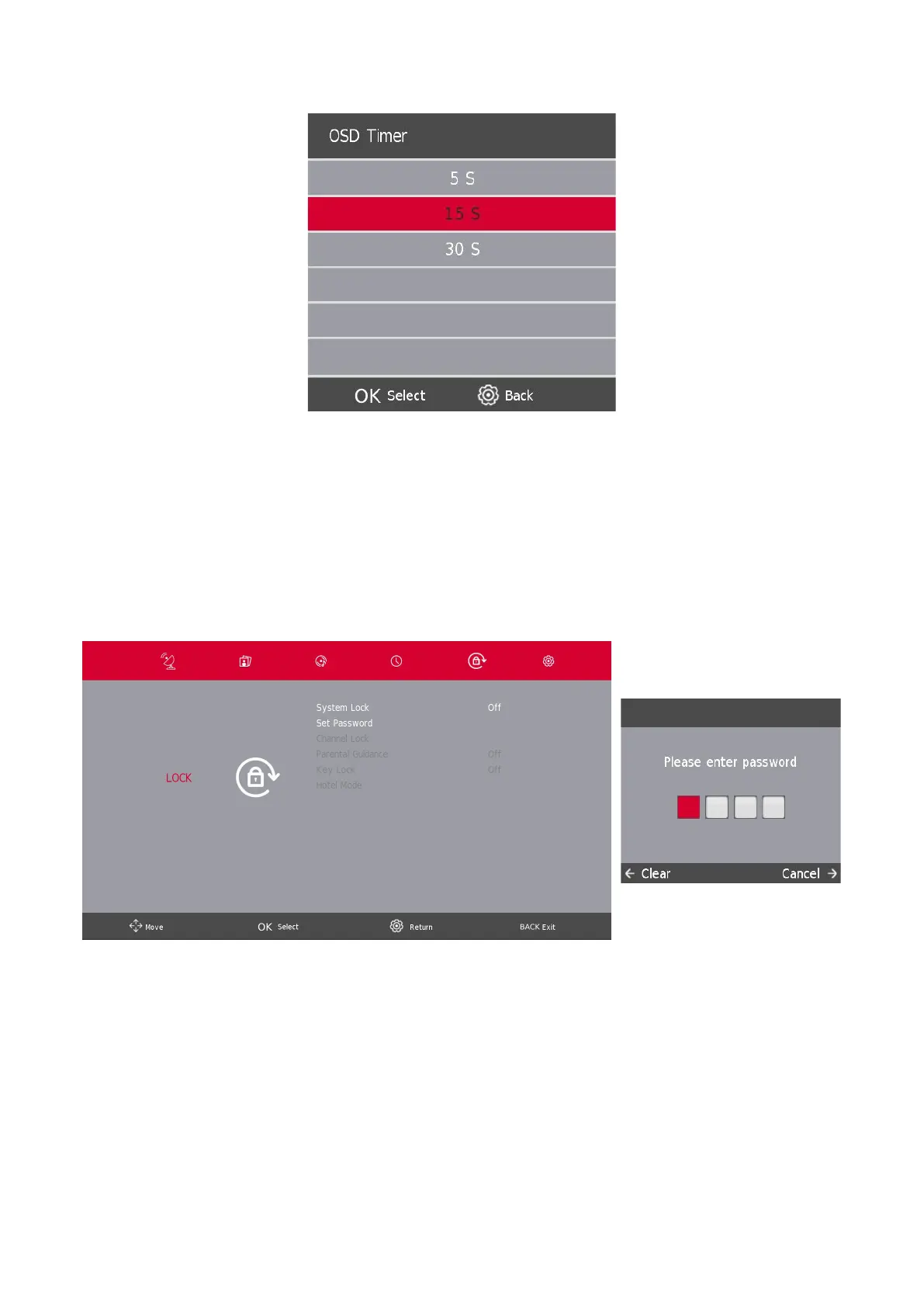
8.3. OSD Timer
Press thes / w button to select OSD Timer, then press the OK/ENTER button to enter sub-menu.
Press the s / w button to select.
9. Lock Menu
9.1. System Lock
Press the SETTINGS/MENU button to display the main menu.
Press the a / d button to select Lock in the main menu.
In order options to be selectable, the System Lock should be ON, To enable this please enter TV's Default
password 1111. The System Lock is now active.
1. Press the s / w button to select the option that you want to adjust in the SYSTEM LOCK menu.
2. Press the Enter and a / d button to adjust.
3. After nishing your adjustment, Press the SETTINGS/MENU button to go back to the previous menu.





 To Next Page