Before Your Begin
3
2. Plugging In For Power
POWER SUPPLY: 230V~50Hz
NoteNote
NoteNote
Note:
Power is fed to the unit even when it
is not functioning. To cut the power
supply off, the power cable must be
unplugged.
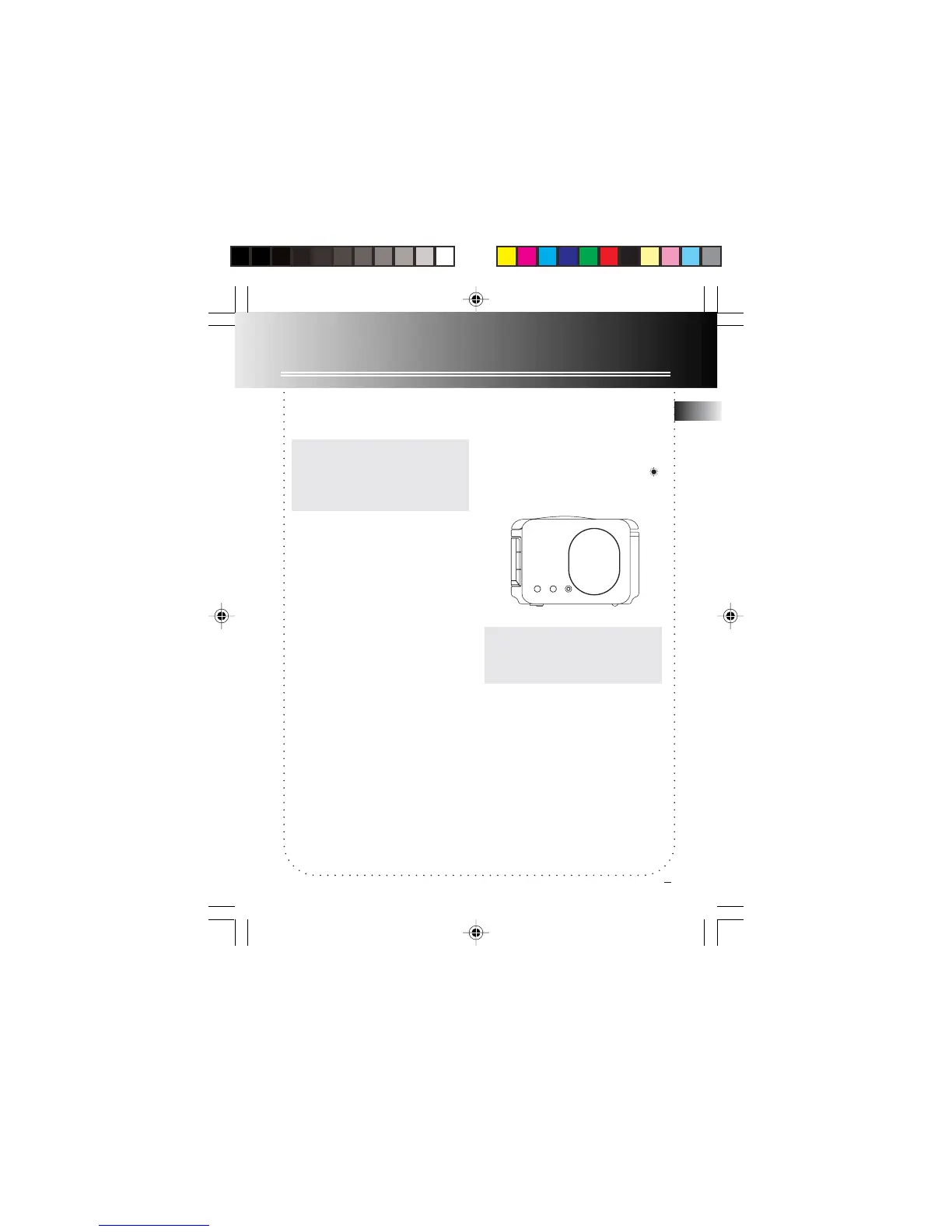
3. Daylight Saving Time
Press and hold DAYLIGHT SAVING
button at the side of the unit to turn on/
off daylight saving time in areas
observing/ not observing such time
change. The daylight saving time icon
will be displayed when the feature is
activated.
DAYLIGHT
SAVING
WEEKEND
CANCEL
NAP
WARNING:WARNING:
WARNING:WARNING:
WARNING: Please avoid playing with
the DAYLIGHT SAVING button and
TIME ZONE switch after entering
the Clock/Wake set mode.



 To Next Page