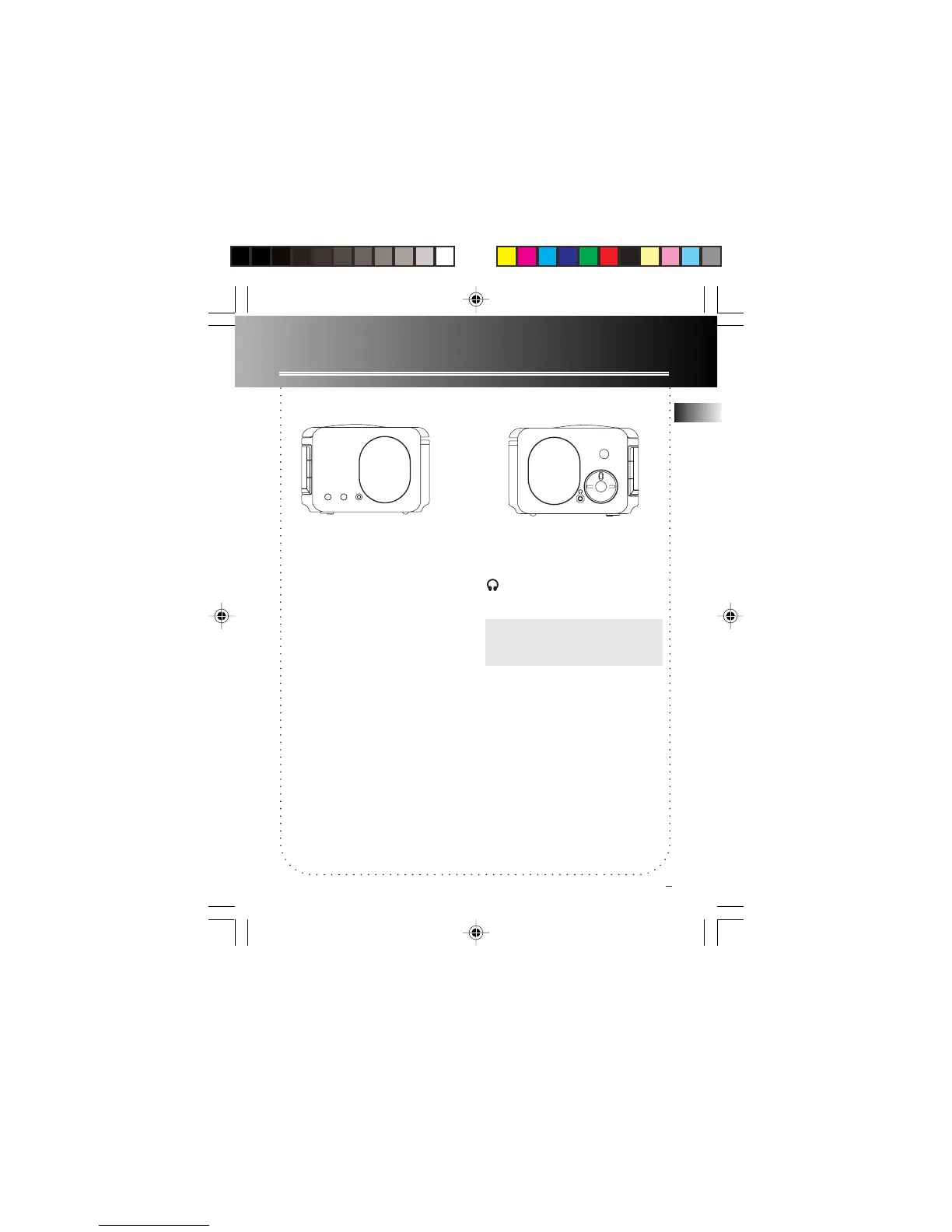
DISPLAY BRIGHTNESS - Adjusts display
light brightness.
VOLUME - Adjusts volume level.
Headphones - Insert headphones
here.
Note:Note:
Note:Note:
Note: Speakers will still sound when
any wake mode is activated even if
headphone is plugged in.
General Controls
Side Views
DAYLIGHT
SAVING
WEEKEND
CANCEL
NAP
NAP - Activates nap function.
WEEKEND CANCEL - Deactivates Wake
function on weekends (SAT and SUN).
DAYLIGHT SAVING - Enable and
disable Daylight Saving Time in areas
observing/not observing such time
change.
EN
5
VOLUME
DISPLAY
BRIGHTNESS
C_RR520CD EN 5/20/04, 1:06 PM8



 To Next Page