E-DOC-CTC-20060911-0081 v1.0
Chapter 2
Basic Installation
14
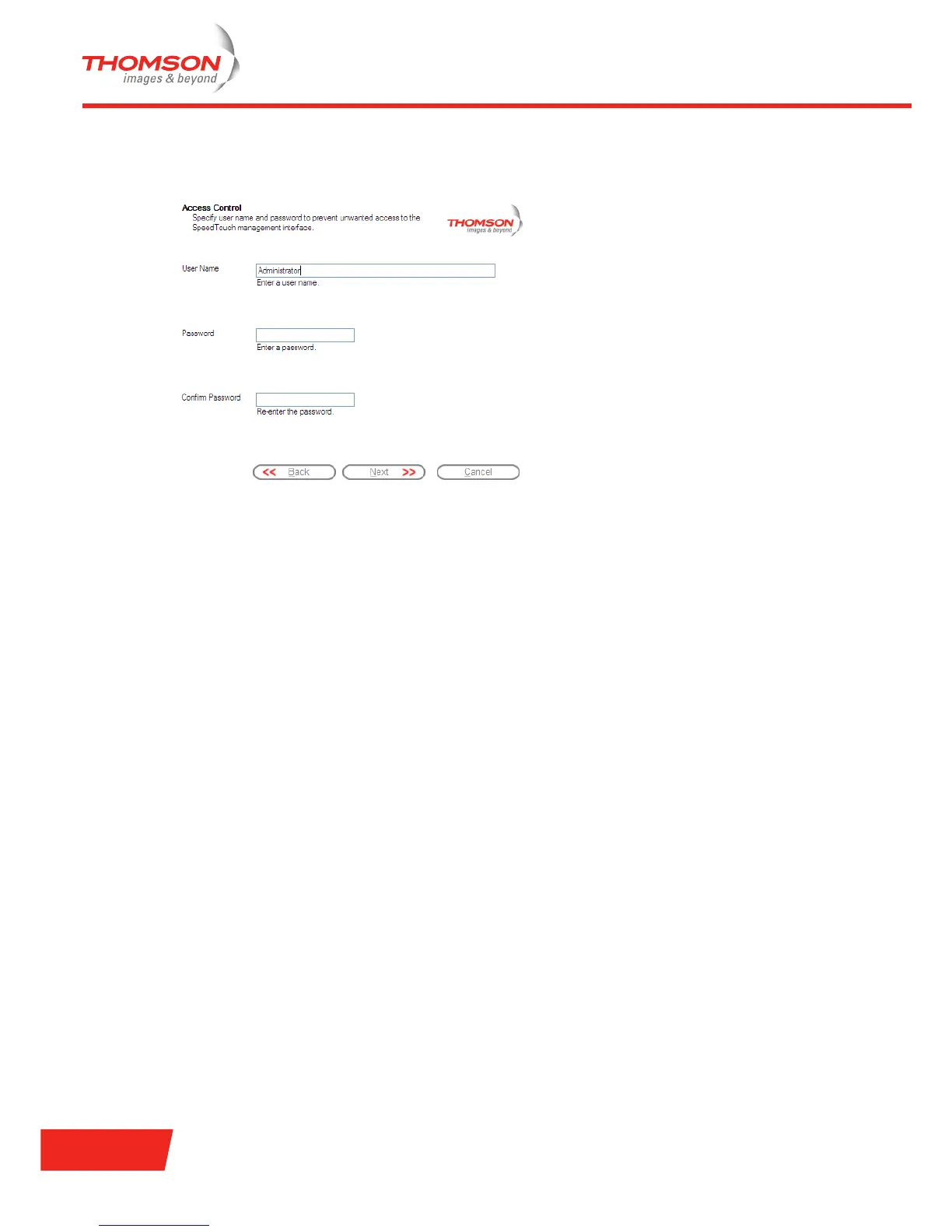
3 Provide a user name and password to protect your Thomson Gateway from unauthorised access. Each
time a user wants to access a Thomson Gateway management interface, the user will be prompted to
provide this user name and password before access is granted.
Click Next to continue.
4 The procedure continues with the final steps of configuring your Thomson Gateway and your computer.
Proceed with “ Finishing the Home Install Wizard” on page 15.



 To Next Page