12
5.5 First Installation
Once you have successfully paired the remote control, select the installation language and your
region and follow the installation instructions on your screen.
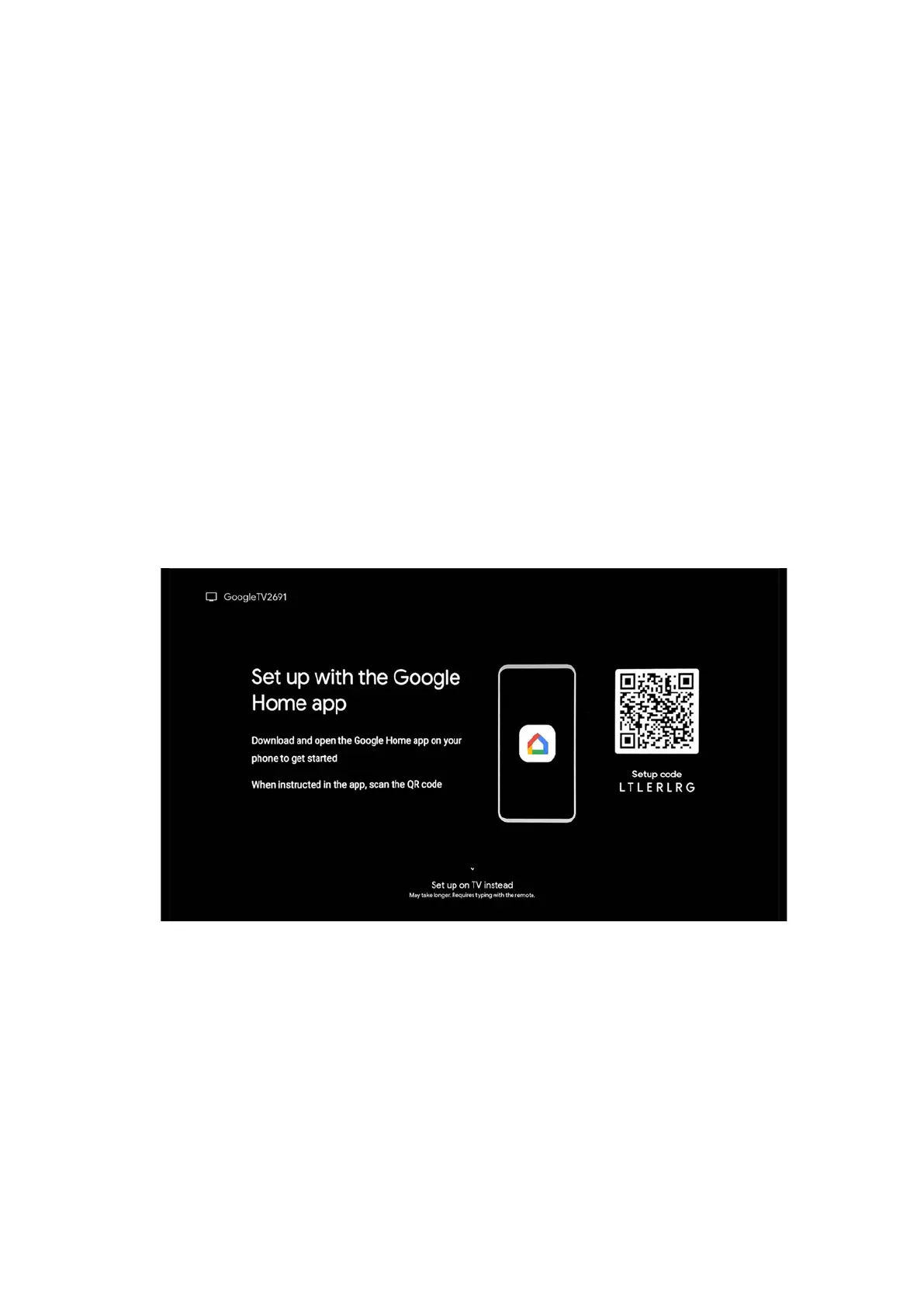
You can scan the QR code on the screen to set up your Streaming Box Plus 270 in the Google
Home app on your smartphone or tablet. Or you can select "Set up on TV instead" at the bottom
of the screen and follow the instructions on the screen.
Remark:
A Google account is required to set up the Streaming Box Plus 270.
6 Google TV
6.1 Google TV Setup
You can set up your Streaming Box 270 Plus via Google Home application on your mobile
(phone or tablet) or manually by selecting the "Set up on TV instead" option at the bottom
of the screen.
6.2 Setup with Google Home App
To set up with the Google Home app, it is necessary to have a mobile device (smartphone
or tablet) with the Google Home app installed and that the mobile device is connected to
the internet via the same Wi-Fi network to which the Streaming Box Plus 270 is to be
connected. To install the Google Home app, please scan the QR code on your TV or search
for "Google Home" in the app store on your mobile device. If the Google Home app is
already installed on your mobile device, open it and follow the instructions on your TV and
mobile device. The setup of the TV via the Google Home application on your mobile device
should not be interrupted.



 To Next Page