17
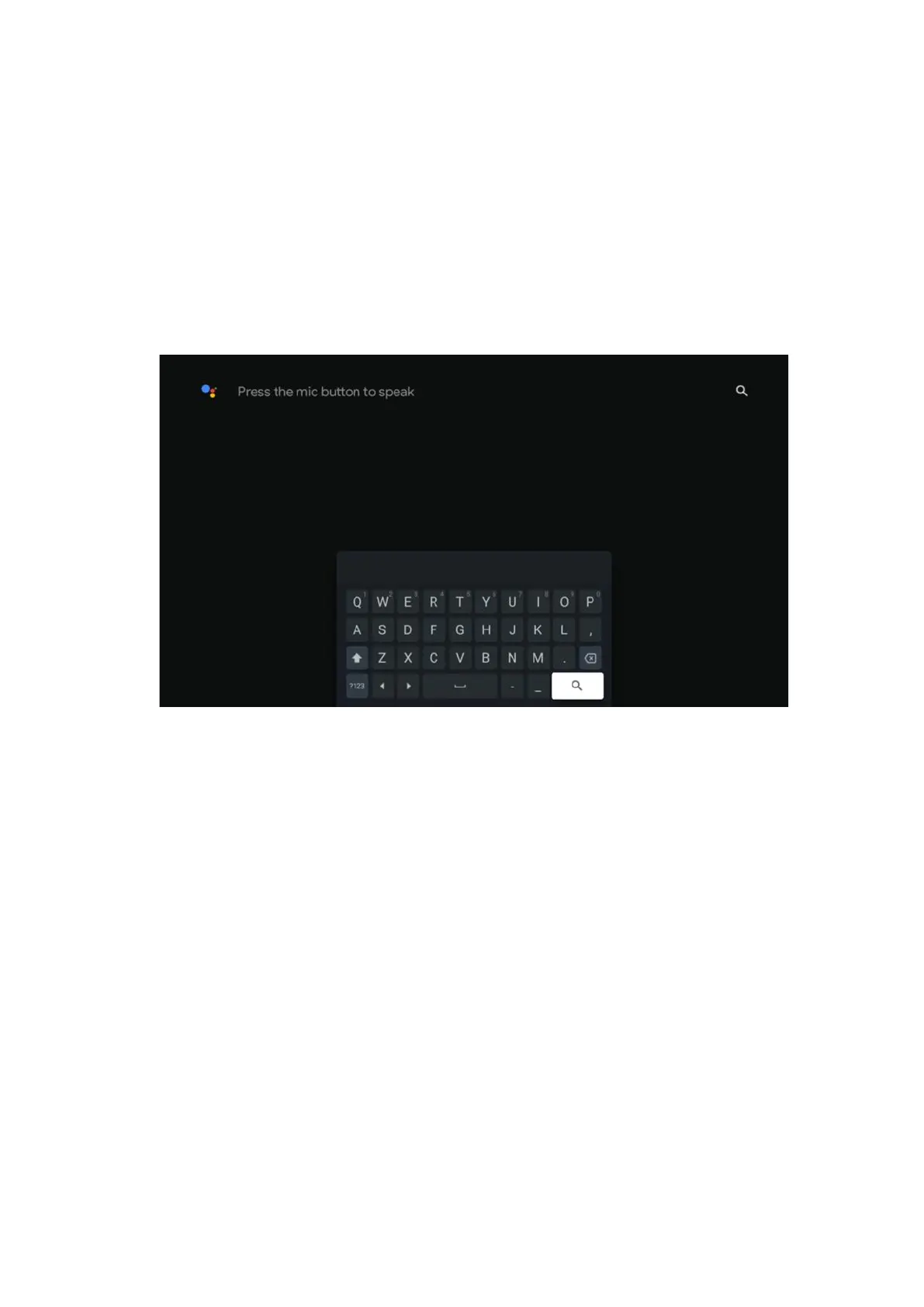
The search tools are located at the top left of the screen. You can either enter a word to
start a search using the virtual keyboard or try voice search using the microphone built
into your remote control. Move the focus to the desired option and press OK to continue.
Voice search – Press the microphone icon to start the voice search function. Google voice
search field appears at the top of the screen. Ask your question to Google and your TV
will answer you. For local search terms it is important that the Menu language of the TV
is set to the local language.
Keyboard search – Select the search bar and press OK. The virtual Google keyboard will
appear on the screen. Type the question you want answered.
7.6 Notification
Notification button appears only when there is one or more unread notifications. To check
them, please, navigate to the Settings icon, the submenu will be opened. At the bottom
of the submenu, you will be able to find all the latest notifications.



 To Next Page