18
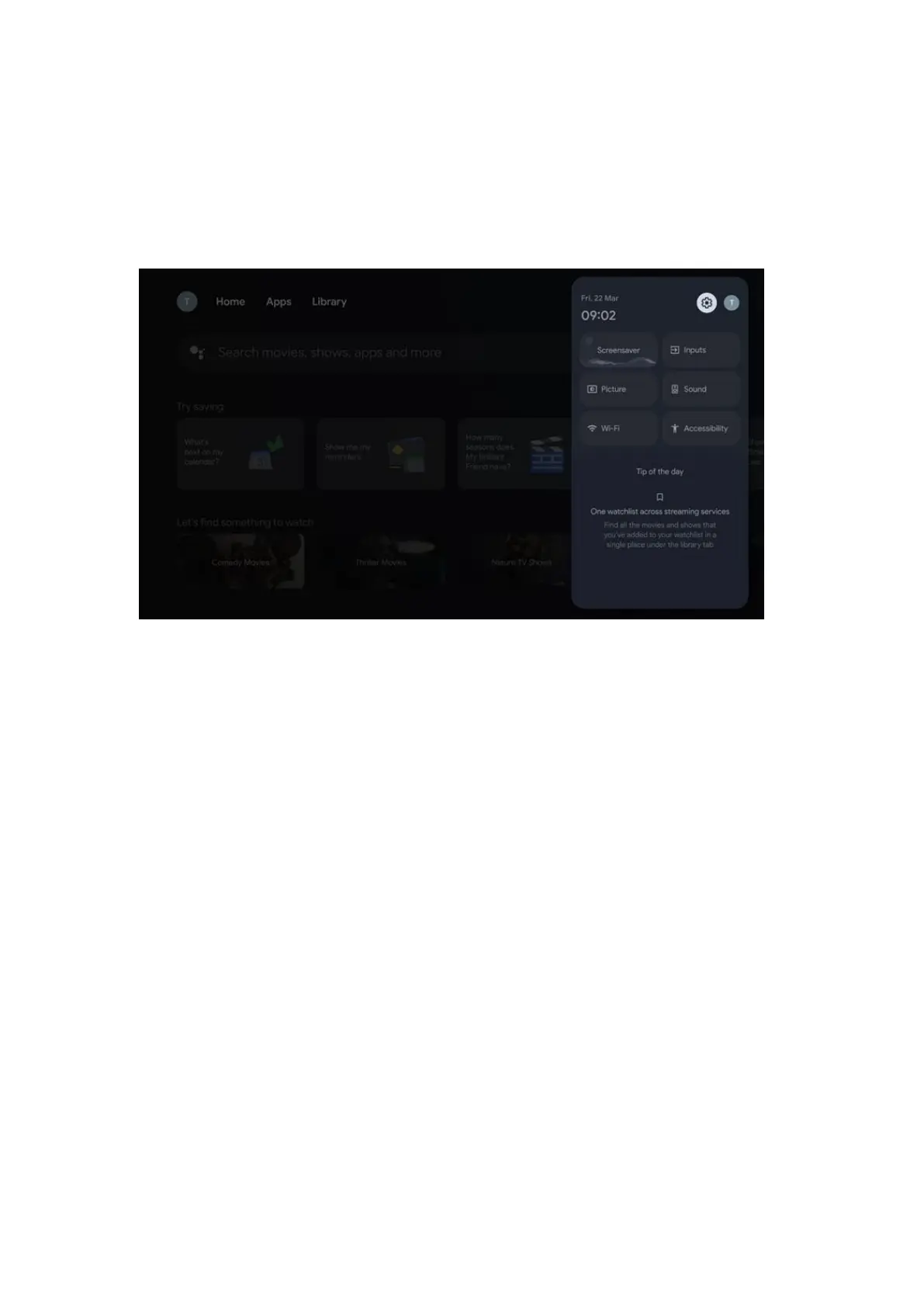
8 Settings
To enter the full list of available settings, please, enter the Home Screen, by pressing (icon)
Home Screen button, and navigate to the (icon) Settings button at the right top corner.
9 Connection of Bluetooth Devices
9.1 Remotes and Accessories
In this menu you can connect audio devices such as headphones and speakers as well as
input devices such as gamepads, mouse, or keyboard via Bluetooth to the Streaming Box
Plus 270. You can also set up the remote control so you can control Power On/Off, Volume
+/- or Input Selection of the connected devices (TV, AV Receiver or Soundbar) with the
THOMSON remote control. Press the button on the remote control and press OK to open
the Settings menu. Select Bluetooth and press OK.
9.2 Pair Accessory
Make sure that Bluetooth pairing mode is activated on the device you want to connect
to the Streaming Box Plus 270. Select menu option Pair accessory and press OK. Bluetooth
device will be listed on the right side. Select the device and press OK to start the pairing
process.
9.3 Remote Control
Select menu option Set up remote buttons and press OK. There are two submenus in the
Set up remote buttons menu:



 To Next Page