14
Note: Depending on the settings of your TV set and your country selection during the initial
setup, the Home menu may contain different elements.
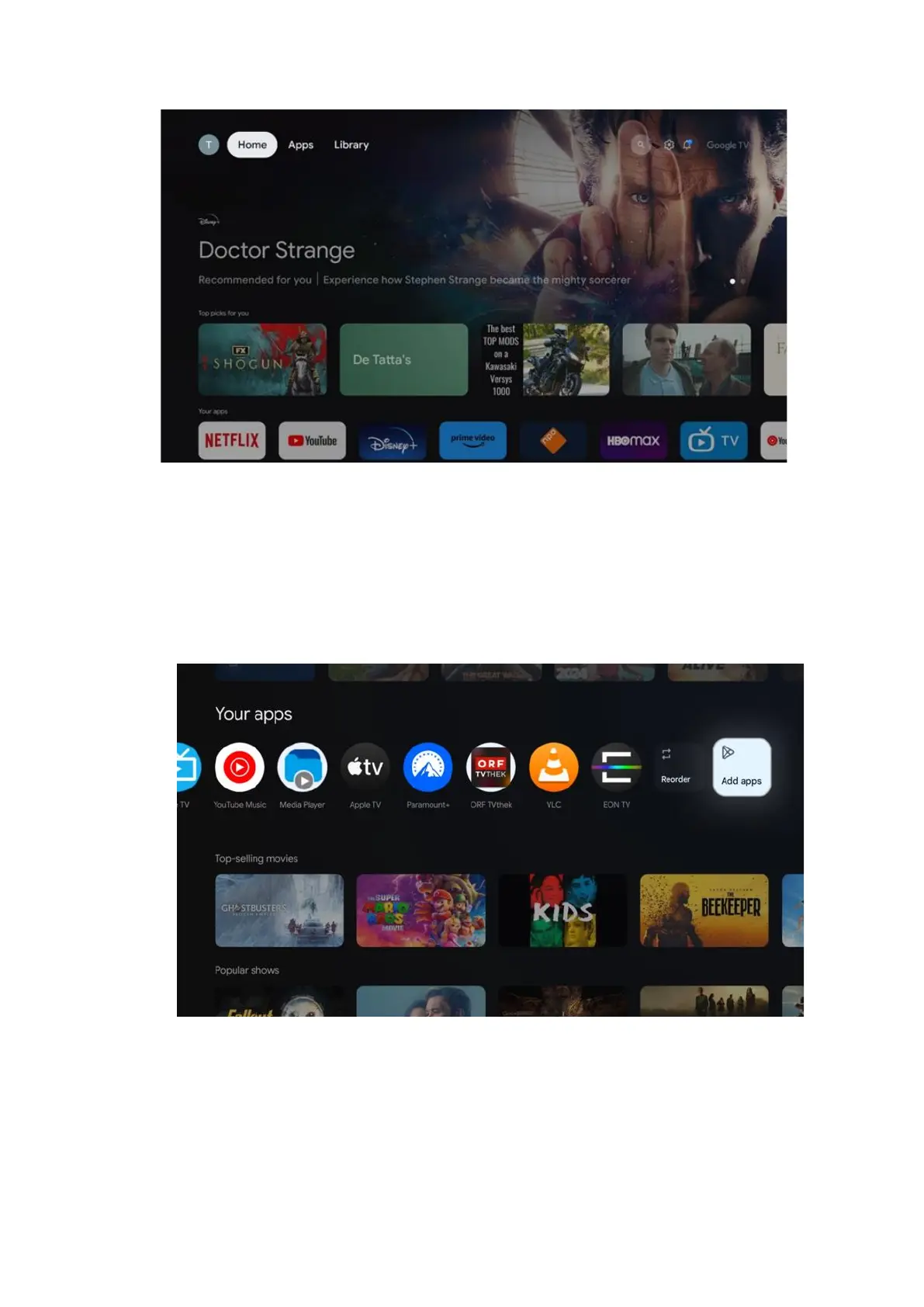
The second (Your apps) row is the row of applications. The most important applications for
streaming services such as Netflix or YouTube can be found in this first line.
Select the application with the direction buttons on your remote control and confirm your
selection with the OK button to start the selected application.
Select the application and press and hold the OK button to remove the selected application
from the first row of favorites, move it to a new position or launch it.
On the penultimate and last position in this row you will find boxes with the options "Reorder"
and "Add apps". Select these function options to reorder the applications in this row or to add
new application to this Favorite applications row.
Further down on the home screen, you will find additional channels displayed by genre or
streaming content category.
Note: The applications shown in the image are for illustrative purposes only and may vary
depending on the country of installation



 To Next Page