E-DOC-CTC-20090619-0010 v1.0
13
1 Installation
1.3 Adding a New Computer to your Network
Guided Installation
If you configured your Thomson Gateway using the Guided Installation, use the same procedure on the
computer that you want to add.
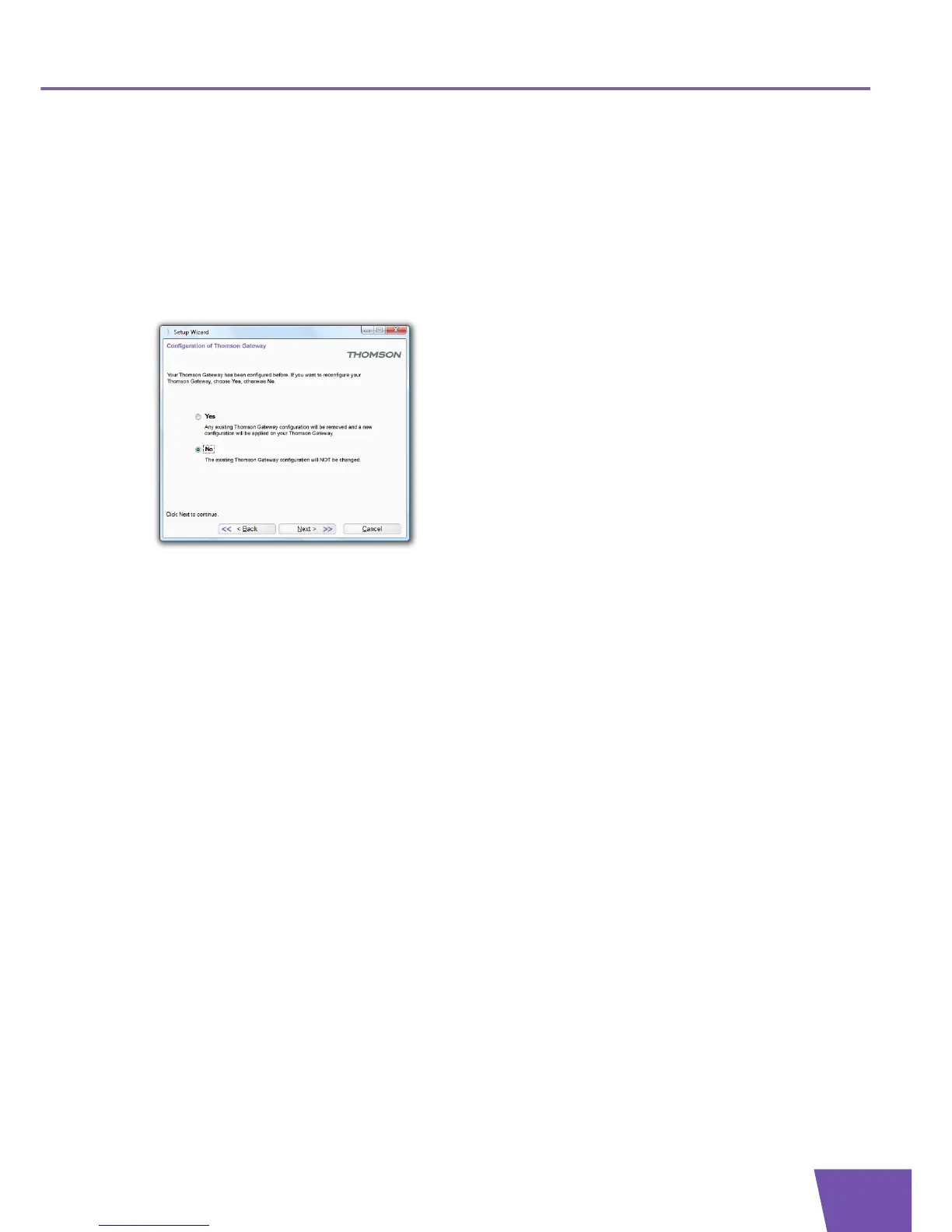
When the Setup wizard informs you that the Thomson Gateway has already been configured, select No and
click Next to continue.
Manual Installation
Setting up a wireless connections
For more information on how to setup a wireless connection to your Thomson Gateway, see “3 Wireless
Access” on page 25.
Setting up a wired connection
For more information on how to setup a wired connection (i.e. an Ethernet connection) to your Thomson
Gateway, see “1.4 Connecting a Computer Using the Ethernet Cable” on page 14.



 To Next Page