E-DOC-CTC-20090619-0010 v1.0
46
4 Telephony
4.4 Viewing Telephony Statistics
Introduction
The Telephony Statistics page on the Thomson Gateway GUI lists:
Successful incoming calls.
Missed incoming calls.
Successful outgoing calls.
Failed outgoing calls.
Viewing the telephony statistics
Proceed as follows:
1 Browse to the Thomson Gateway GUI.
2 On the Toolbox menu, click Telephony.
3 The Telephony page appears.
On this page you can see an overview of your last calls.
4 To view more detailed statistics, click View telephony statistics and logs in the Pick a task list.
5 The Telephony Statistics page appears and displays the number of:
Successful incoming calls.
Missed incoming calls.
Successful outgoing calls.
Failed outgoing calls.
for each phone separately and combined.
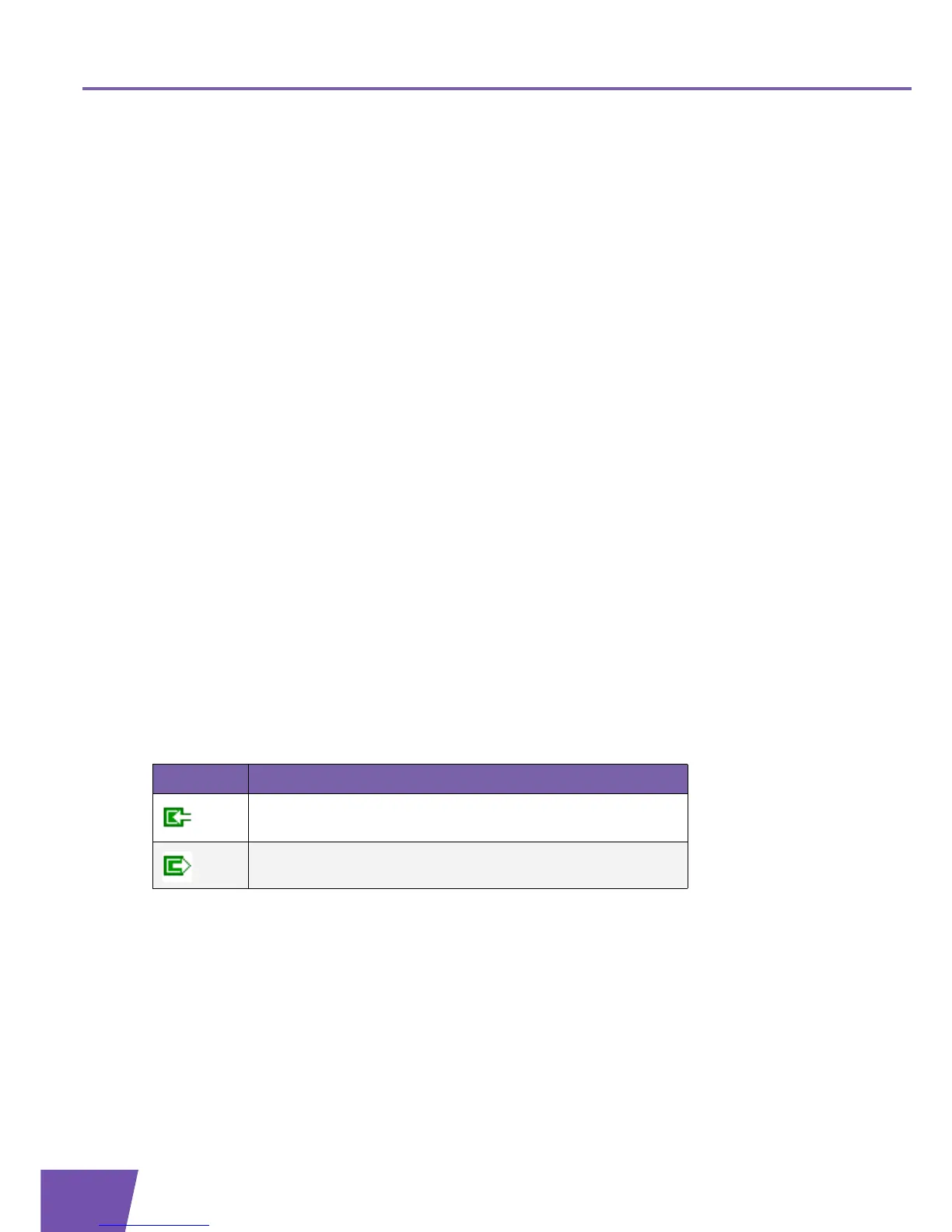
Used icons
To displays the call logs, the following icons are used:
Icon Description
Incoming call
Outgoing call



 To Next Page