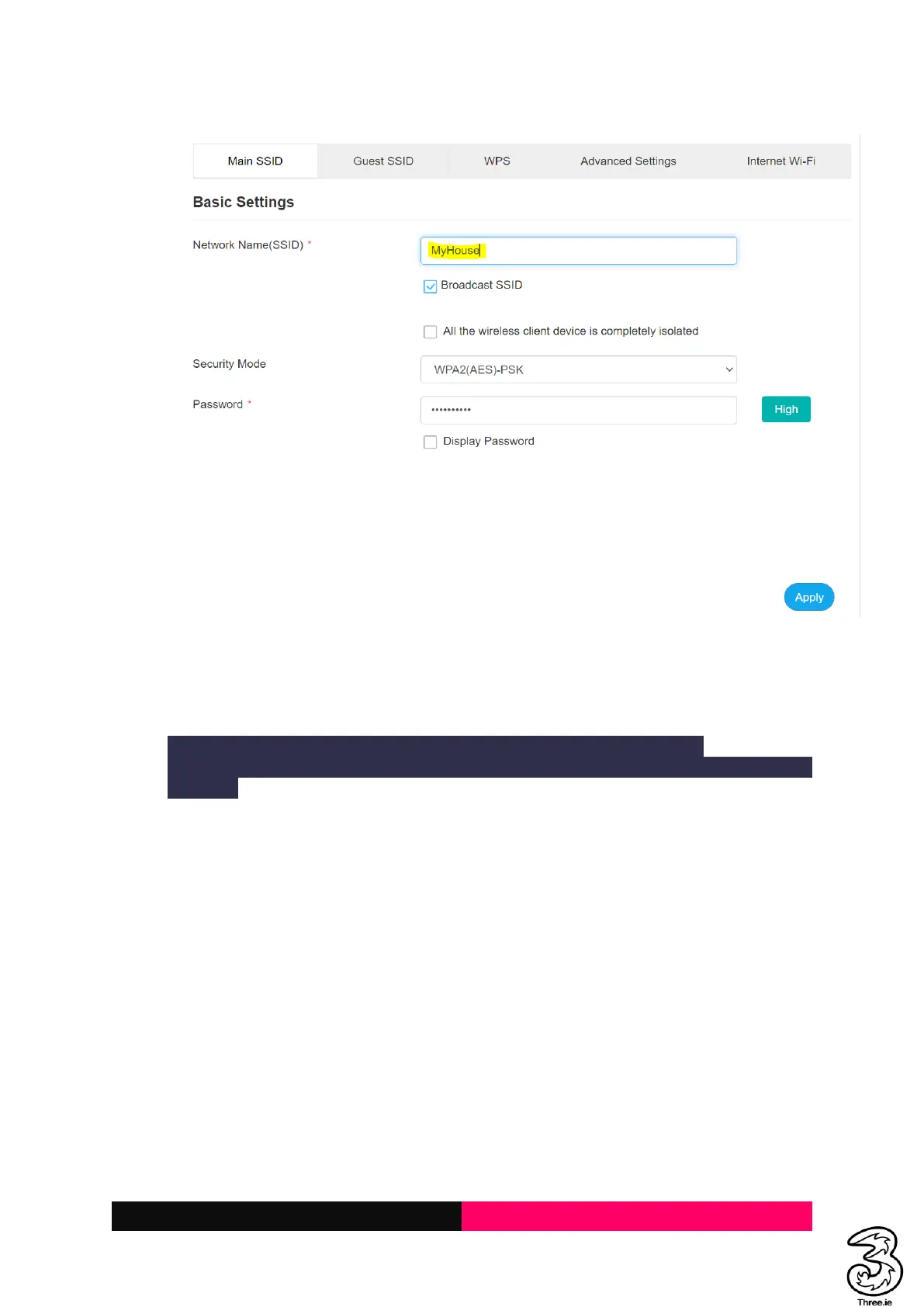
b. Click on the WiFi Settings and change the Network Name(SSID) and Apply
3. The customer forgot the WiFi Password/Key
Resolution:
Performing the below action will disconnect all connected devices to the WiFi.
Customers have to manually reconnect the devices to the new WiFi Network using a new
password.
a. Request the user to login to the Admin web page, and locate the WiFi Settings on the
home page as below



 To Next Page