2/19 — Thrustmapper 用户手册
简介
借助 Thrustmaster(图马思特)在编程软件方面的专长,丰富 eSwap 的
体验,突破编程极限。
1. 安装 Thrustmapper 软件
下载并安装 Thrustmapper 软件,该软件可从以下网址获取:
https://support.thrustmaster.com
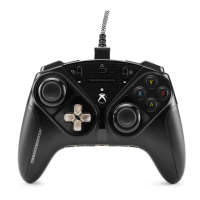
。单击游戏手柄 / eSwap PRO Controller / 驱动程序。
按照说明安装以下各项:
- Thrustmapper 软件
- 游戏手柄的驱动程序
- 游戏手柄的固件更新程序
请注意:我们强烈建议您将游戏手柄的固件更新为最新版本,以获得最佳的
Thrustmapper 软件体验。
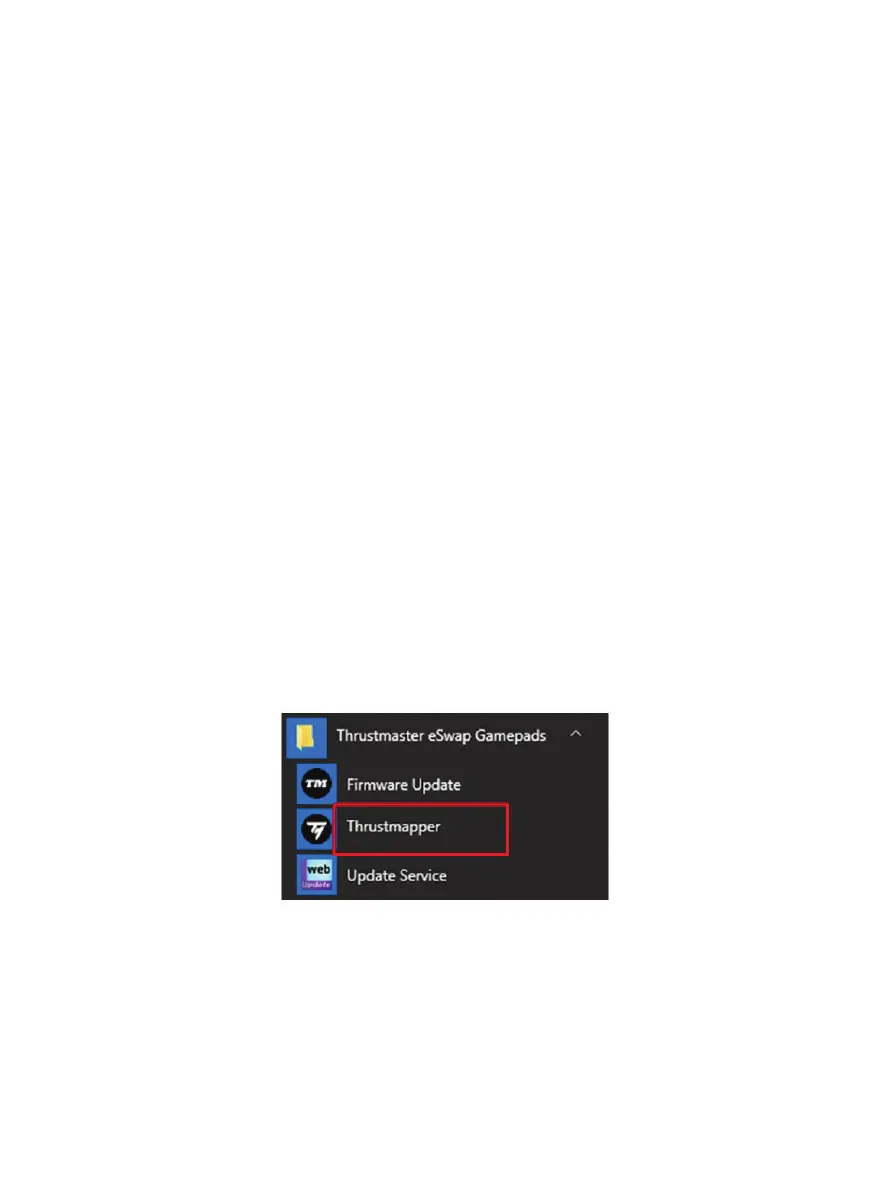
2. 启动 Thrustmapper 软件
要启动 Thrustmapper 软件,请:在 Windows 开始菜单中,转至 Thrustmaster eSwap
Gamepads,然后单击 Thrustmapper。









 To Next Page