2/19 — Thrustmapper 使用者手冊
簡介
借助 Thrustmaster(圖馬思特)在程式設計軟體方面的專長,豐富
eSwap 的體驗,突破程式設計極限。
1. 安裝 Thrustmapper 軟體
下載並安裝 Thrustmapper 軟體,該軟體可從以下網址獲取:
https://support.thrustmaster.com
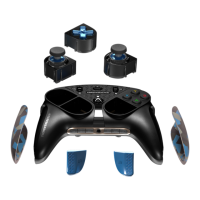
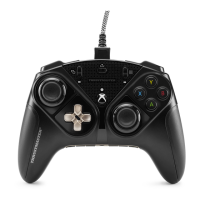
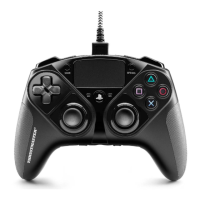
。按一下遊戲手柄 / eSwap PRO Controller / 驅動程
式。
按照說明安裝以下各項:
- Thrustmapper 軟體
- 遊戲手柄的驅動程式
- 遊戲手柄的韌體更新程式
請注意:我們強烈建議您將遊戲手柄的韌體更新為最新版本,以獲得最佳的
Thrustmapper 軟體體驗。
2. 啟動 Thrustmapper 軟體
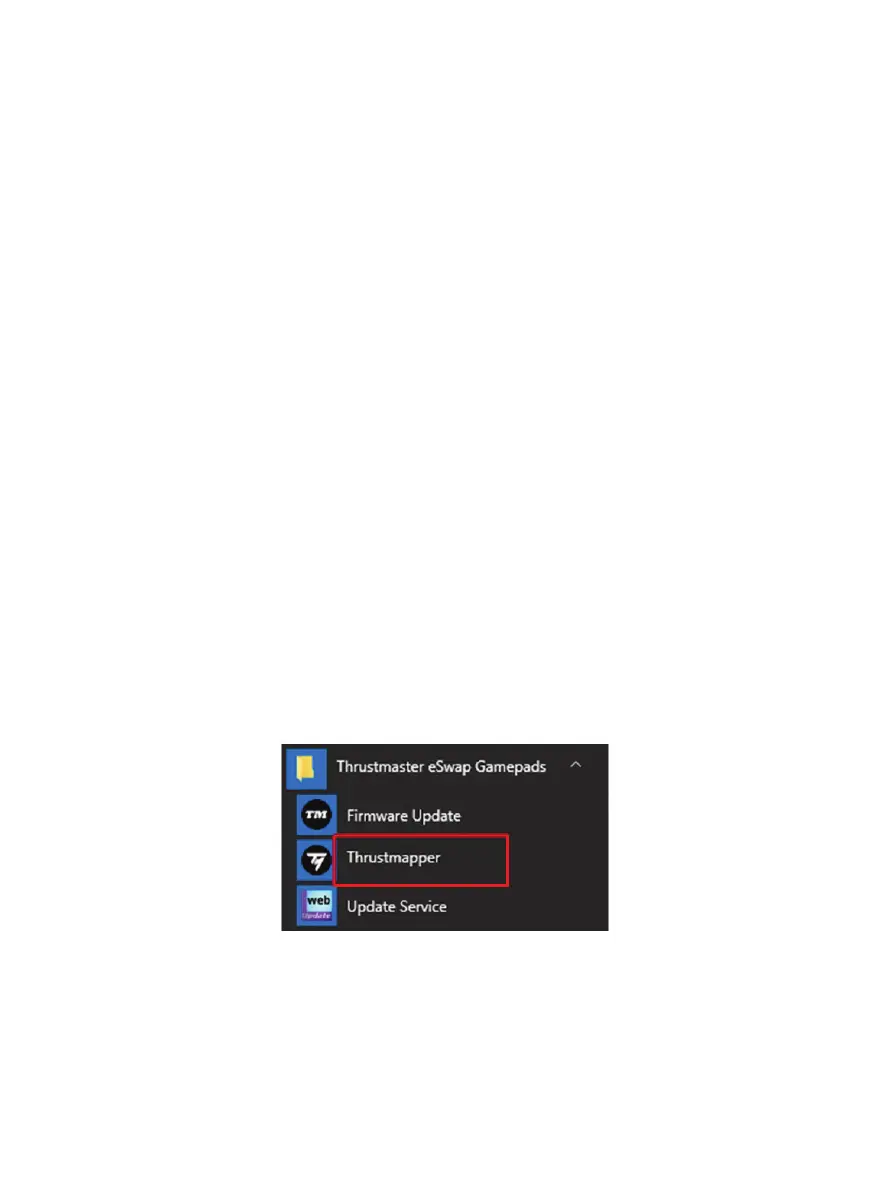
要啟動 Thrustmapper 軟體,請:在 Windows 開始功能表中,前往 Thrustmaster
eSwap Gamepads,然後按一下 Thrustmapper。


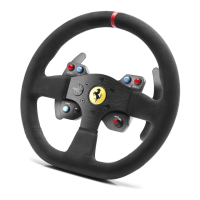
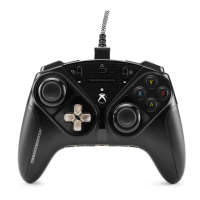


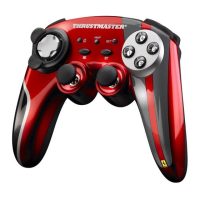





 To Next Page