2/19 — Thrustmapper user manual
INTRODUCTION
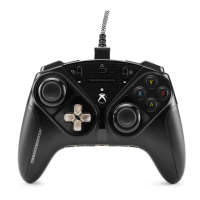
Take advantage of Thrustmaster’s expertise in programming software to extend
the eSwap experience and push the boundaries of programmability.
1. Installing the Thrustmapper software
Download and install the Thrustmapper software available at https://support.thrustmaster.com.
Click Gamepads / eSwap Pro Controller / Drivers.
Follow the instructions to install:
- The Thrustmapper software
- The driver for your gamepad
- The firmware updating program for your gamepad
Please note: We strongly recommend that you update your gamepad with the latest firmware
version in order to get the most out of the Thrustmapper software experience.
2. Launching the Thrustmapper software
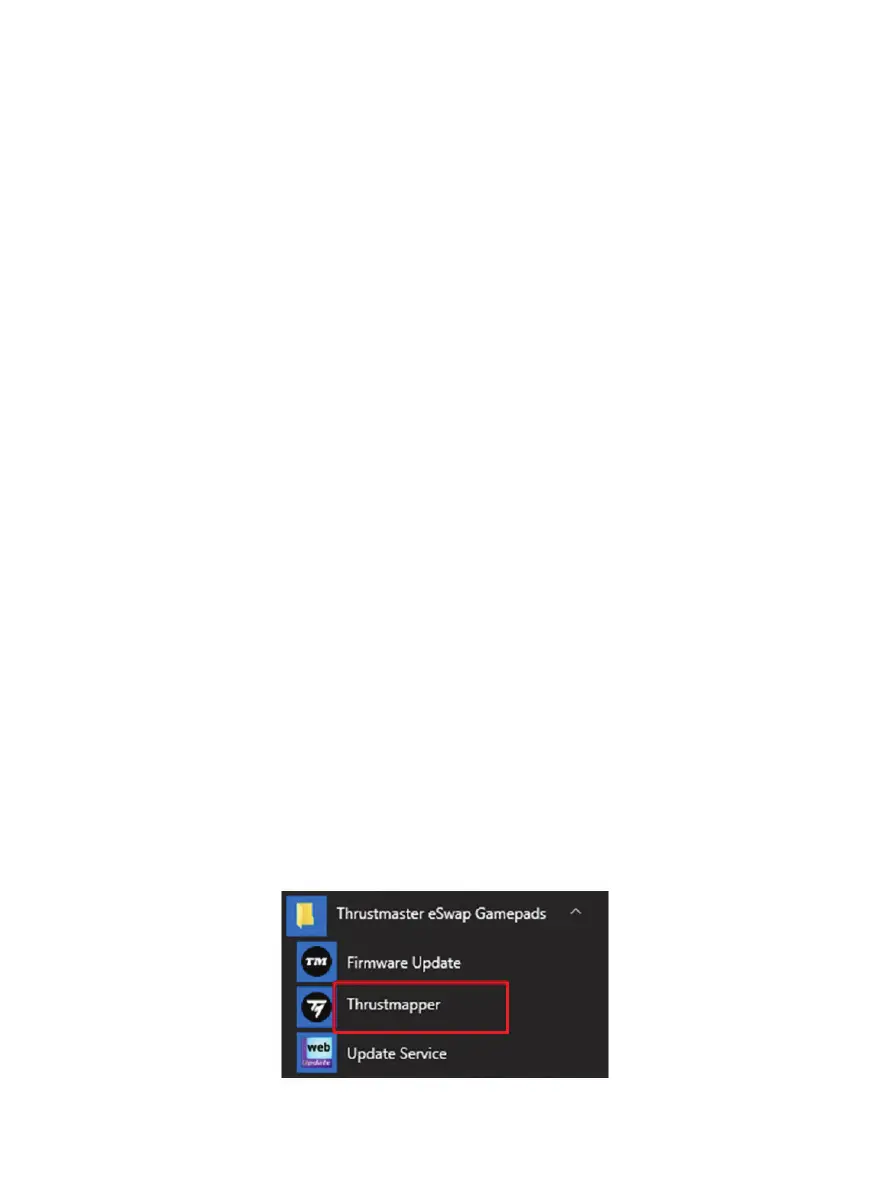
To launch the Thrustmapper software: in the Windows Start menu, go to Thrustmaster eSwap
Gamepads, and click Thrustmapper.









 To Next Page