16/18 –ThrustmapperX user manual
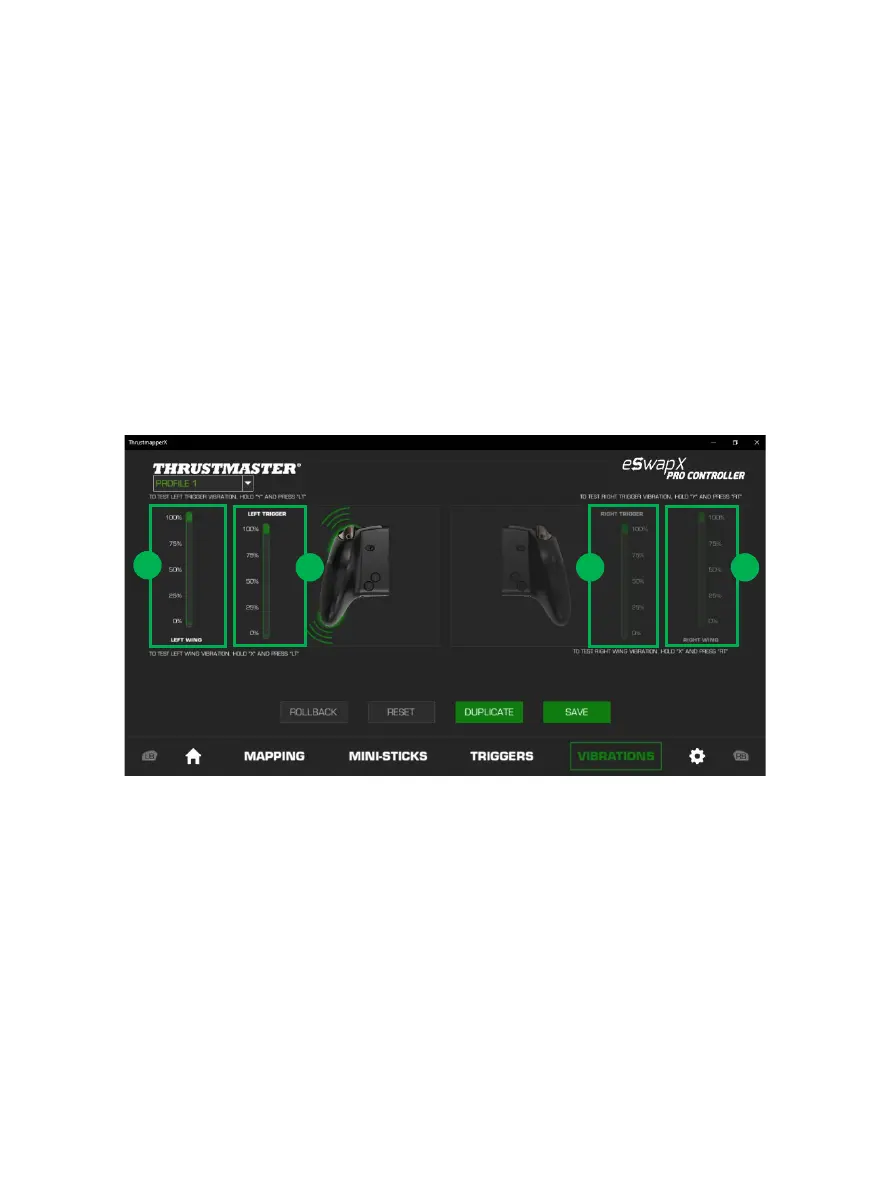
To set the maximum intensity of the vibrations for the handles:
- Move the sliders to set the maximum intensity of both the right and left handle vibrations (1).
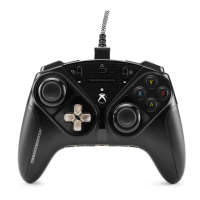
- Press and hold down the X button on your gamepad, and press the corresponding right or
left trigger to feel the selected vibration intensity on your gamepad.
To set the maximum intensity of the vibrations for the triggers:
- Move the sliders to set the maximum intensity of both the right and left trigger vibrations (2).
- Press and hold down the Y button on your gamepad, and press the corresponding right or
left trigger to feel the selected vibration intensity on your trigger.










 To Next Page