6/18 –ThrustmapperX user manual
3.2. Managing presets
Presets work the same way as profiles, but are stored in the ThrustmapperX software and not
directly in the gamepad.
In this way, you can create as many presets as you like, and save them in one of the gamepad’s
profiles (1 or 2) so that they can be used in games on Xbox Series X|S, Xbox One or PC
(Windows 10).
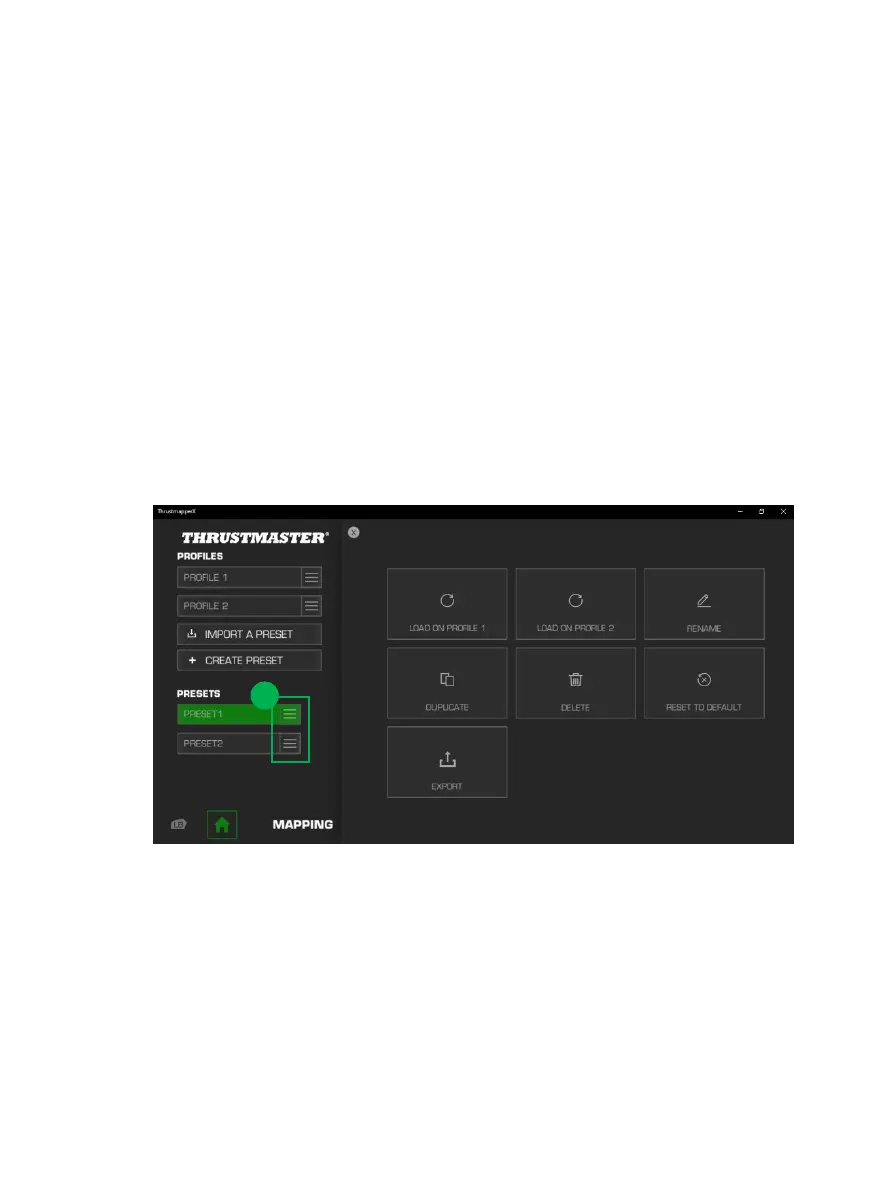
Click on the right-hand side of a preset (1) in order to:
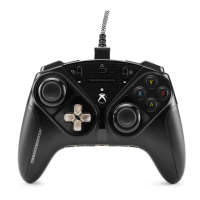
Load it into profile 1 or profile 2 for your ESWAP X PRO CONTROLLER.
Rename the preset.
Duplicate the preset: create a copy of the settings in a new preset.
Delete the preset.
Reset the default settings for the preset.
Export the preset: create a copy of the settings in a file, which can then either be shared or
reimported in the software.









 To Next Page