ThrustmapperX user manual – 17/18
8. Verifying and updating the different elements
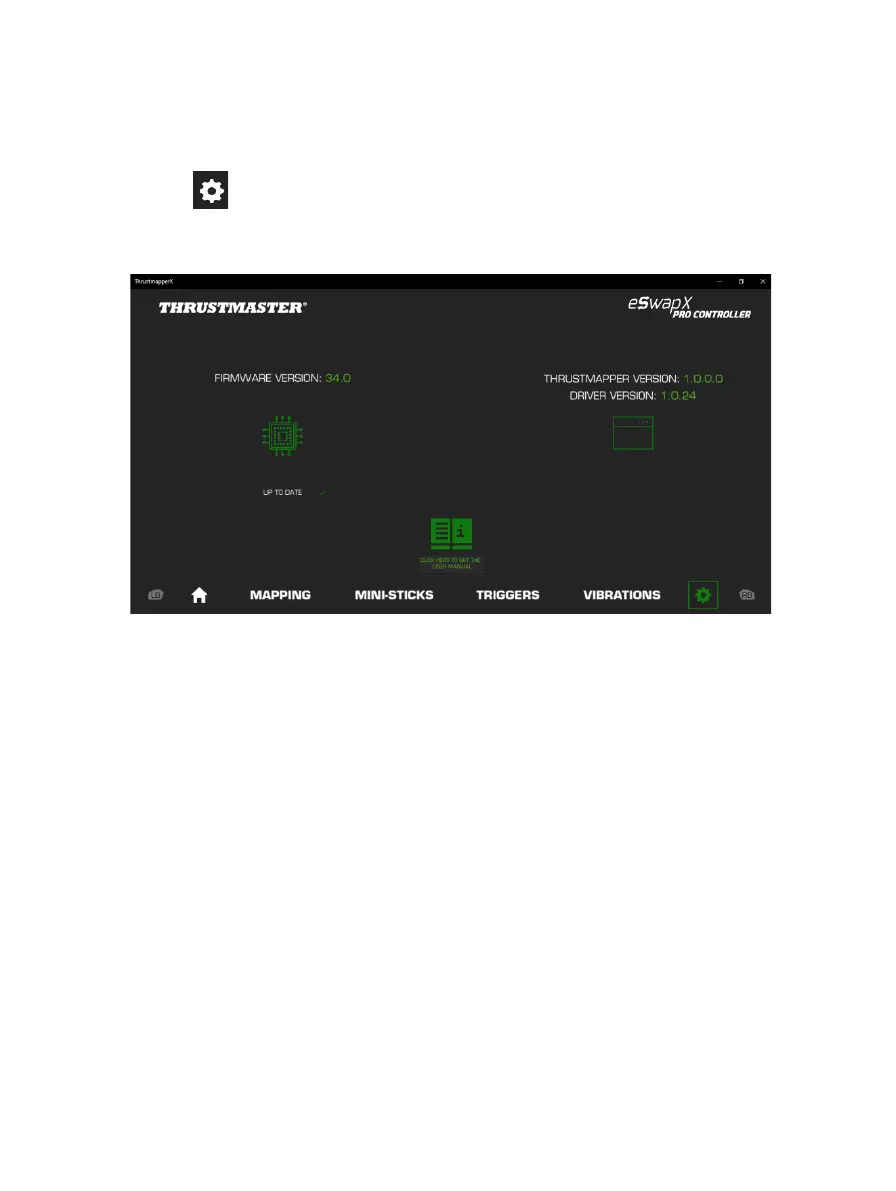
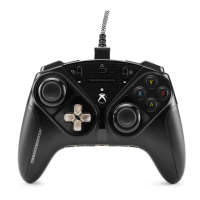
Click the icon for information regarding the current firmware version for your gamepad, the
current driver version for your gamepad, and the current version of the software, as well as to
access the online user manual.
Follow the instructions to proceed with updates, if necessary.
Please note: We strongly recommend that you update your gamepad with the latest firmware
version, in order to get the most out of the ThrustmapperX software experience.










 To Next Page