14
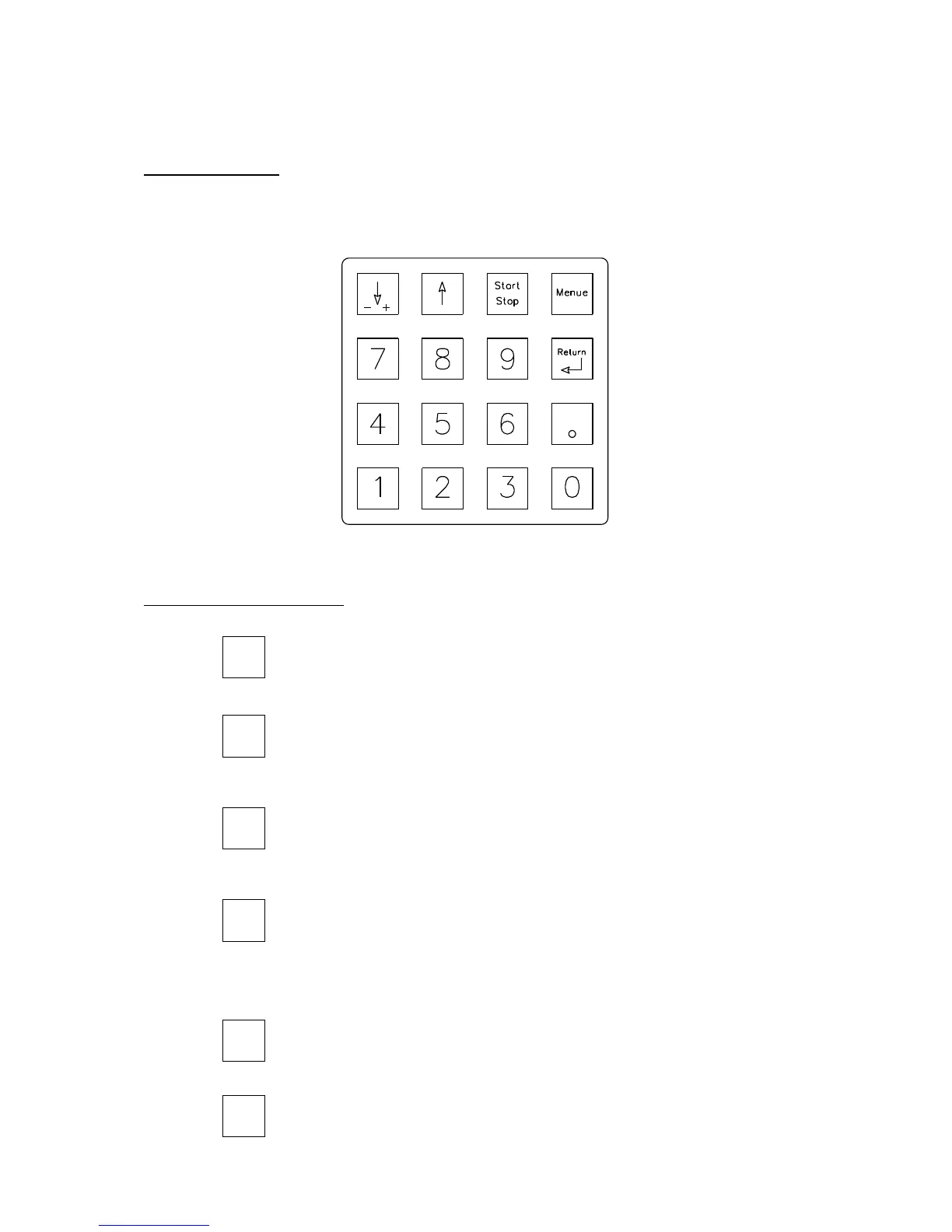
5) Menu Keypad
Numeric Keypad: These keys are used for entering numeric values on the LCD-
Display (Speeds, Extension, etc.).
Crosshead Control Keys: There are two crosshead directional arrows:
The down arrow is used for lowering the crosshead
and for inputting negative values.
The Up arrow is used for raising the crosshead.
This key starts and stops a running test. If the [Start – Stop] key
is pressed during a test, the procedure is interrupted. The same
happens if you press any other key.
With the menu key, the operator can make settings for the next
test. The adjusted settings should be confirmed with the Return
key.
By pressing the [Return] key, the operator stops or returns the
crosshead to zero extension after the test.
This key will zero the Force and Extension display.


 To Next Page